Dig Odyssey: Cosmic Miner is a Casual game developed by Double Reality. LDPlayer is the best platform for playing Dig Odyssey: Cosmic Miner on Windows PC, offering powerful features to enhance your immersive experience in Dig Odyssey: Cosmic Miner.
When playing Dig Odyssey: Cosmic Miner on your computer, if you find repetitive actions or tasks tedious and time-consuming, fret not! Macro can alleviate your concerns. Simply record your actions with a click of the screen recording feature and let macros take care of the rest. Macros automate your operations, allowing you to effortlessly conquer the game with minimal effort! Start downloading and playing Dig Odyssey: Cosmic Miner on your computer now!
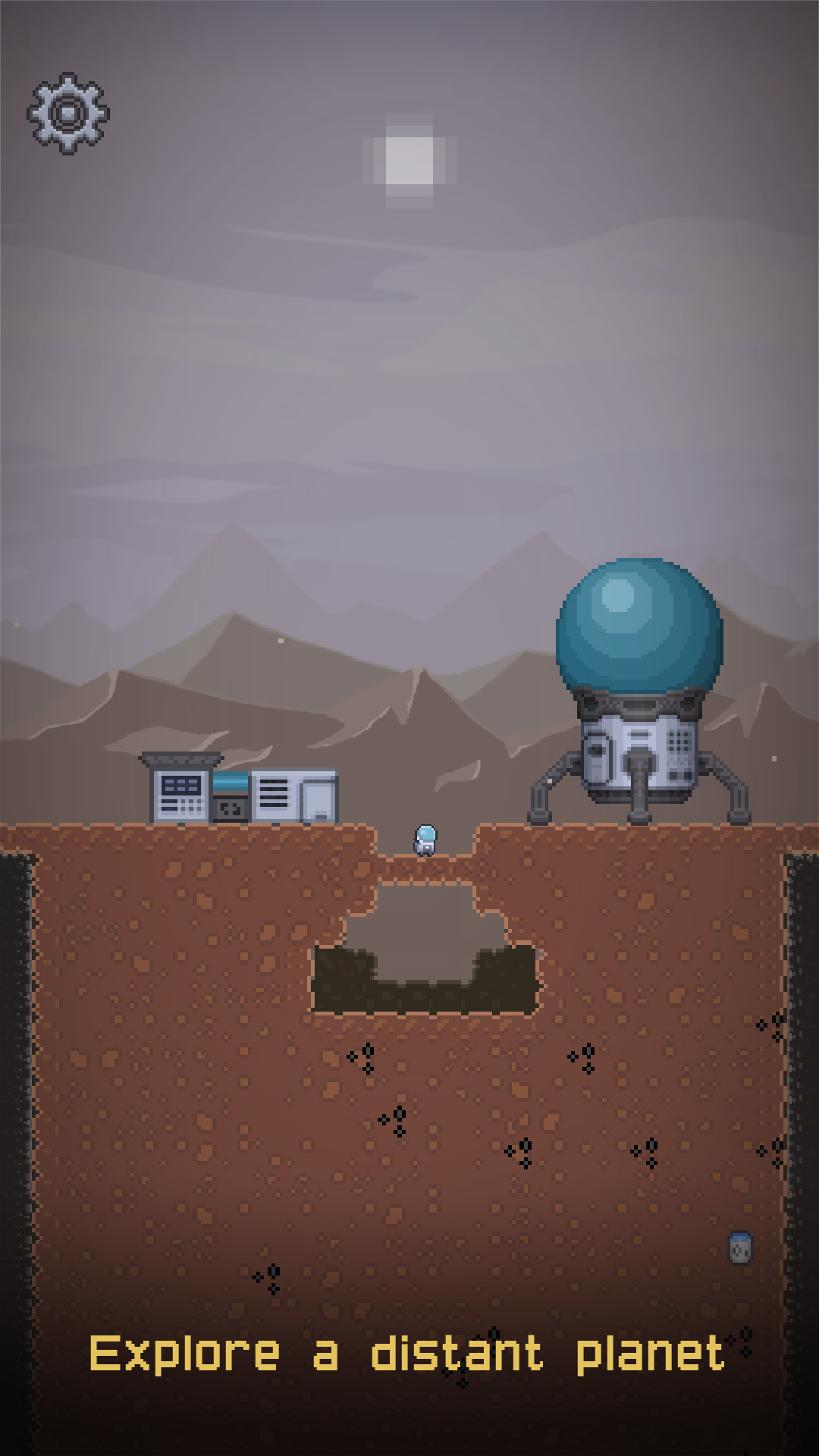
Embark on an intergalactic adventure in Dig Odyssey: Cosmic Miner Dig, the ultimate mining game that blends exploration, strategy, and survival. Take control of a daring miner as you delve into the mysteries of an uncharted planet where an enigmatic signal beckons from the depths.🪐 Unexplored Planetary Depths - Land on a new world with unique terrains, unseen minerals, and hidden secrets. Are you ready to uncover what lies beneath?
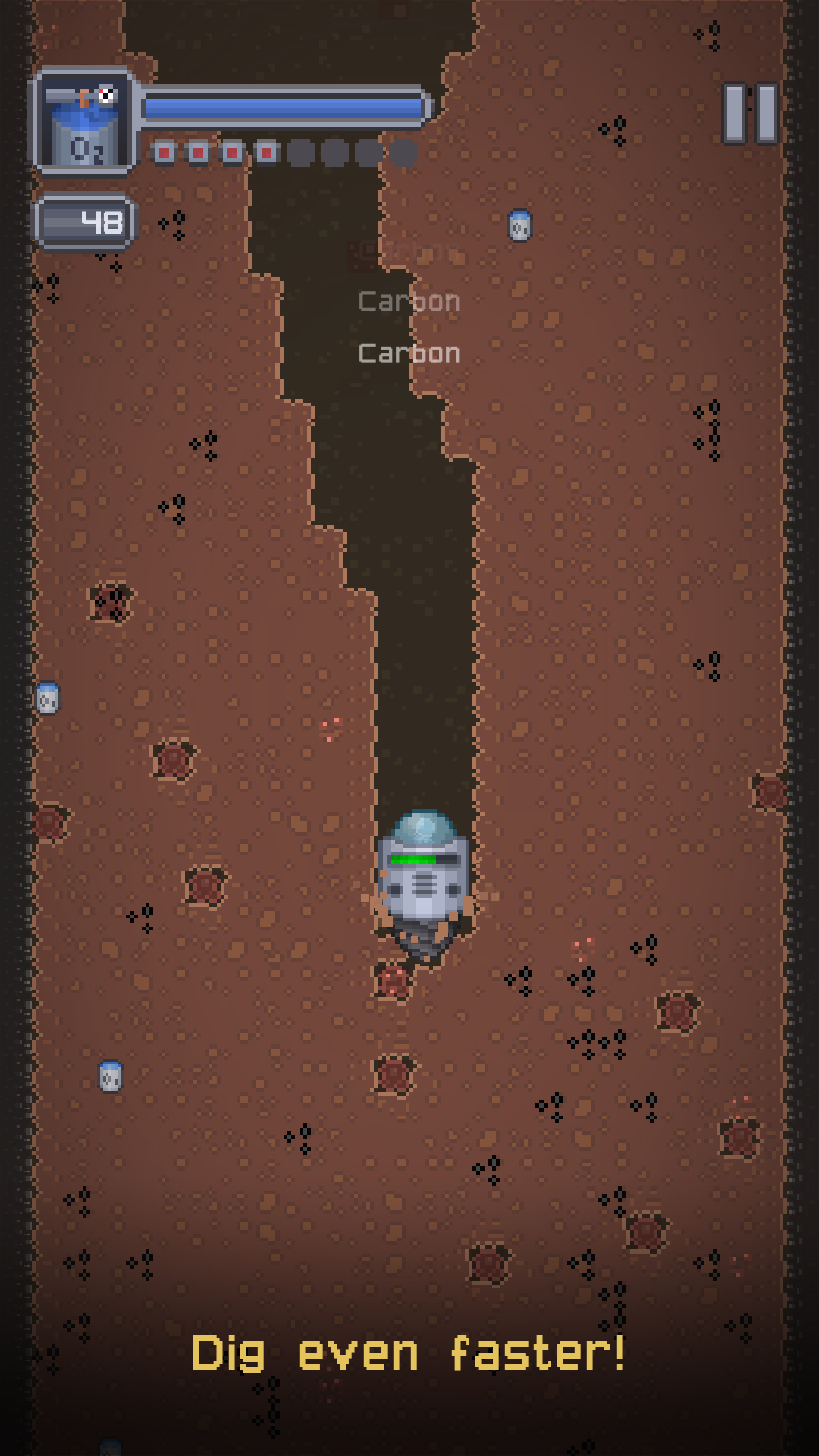
⛏️ Action-Packed Mining - Maneuver your way through the subsurface with intuitive controls, digging for rare ores, precious gems, and answers to the planet's ancient riddles.
⏳ Race Against Time - Oxygen is scarce. Cut through the rock, gather resources, upgrade your equipment, and carve a path to survival before your life support runs out.
🌟 Upgrade and Evolve - Sell your unearthed treasures to buy better gear, enhance your miner's capabilities, and dive deeper into the forbidden caves.
🚀 Epic Expedition - With beautiful graphics and immersive sound effects, feel the thrill of a lonely but thrilling journey to the core of an alien world.
👽 Share & Compete - Connect with friends and compare your excavation feats! Can you become the legendary miner the cosmos has never seen before?
[How to Play]
- Drag to control your miner and navigate through the underground
- Tap to swing your pickaxe and break through rocks
- Keep an eye on your oxygen meter - manage it wisely!
- Collect ores and treasures to improve your gear and capabilities
Get ready to put your space helmet on, grab your pick, and join the ranks of the galaxy's most intrepid miners.
Download Dig Odyssey: Cosmic Miner now and start your subterranean quest for the unknown!
If you love space adventures, mystery, and a thrilling challenge, Dig Odyssey: Cosmic Miner is the perfect game for you! Dig deep, explore the unexplored, and uncover the secrets of the alien planet. Time is ticking—will you emerge victorious or succumb to the planet's depths?