Disney Iwájú: Rising Chef is a Simulation application developed by Disney, but with the best Android emulator-LDPlayer, you can download and play Disney Iwájú: Rising Chef on your computer.
Running Disney Iwájú: Rising Chef on your computer allows you to browse clearly on a large screen, and controlling the application with a mouse and keyboard is much faster than using touchscreen, all while never having to worry about device battery issues.
With multi-instance and synchronization features, you can even run multiple applications and accounts on your PC.
And file sharing makes sharing images, videos, and files incredibly easy.
Download Disney Iwájú: Rising Chef and run it on your PC. Enjoy the large screen and high-definition quality on your PC!
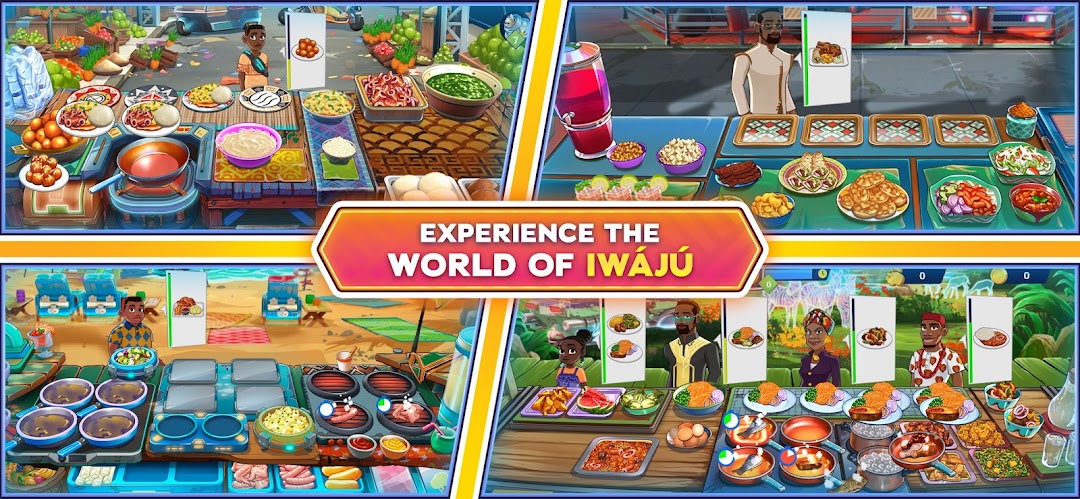
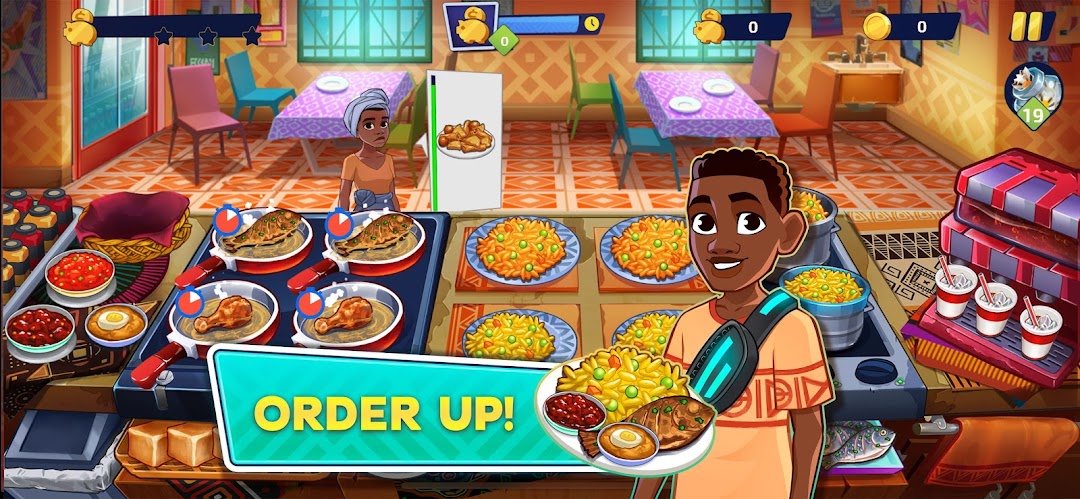
Inspired by the Disney+ original animated series, Iwájú, from Walt Disney Animation Studios and Pan-African entertainment company, Kugali, Disney Iwájú: Rising Chef takes you into the fast paced world of Nigerian cuisine. As a new chef in Lagos, enter into the fun but frenzied world of restaurant cooking to serve hungry customers. Keep your restaurant going by taking orders, cooking a variety of classic Nigerian dishes and serving a host of characters from the series in order to rise in the ranks and become the ultimate chef!• Start your restaurant journey from humble beginnings and cook delectable classic Nigerian food like jollof rice and puff puff.
• Hone your skills as a chef, unlock new recipes for delicious dishes and even upgrade your restaurant.
• Manage a host of fun challenges like ensuring food isn't overcooked, dealing with complex orders and winning over particular customers.
• Use all of your skills for tough "boss" customers who have endless appetites. Do you have what it takes?
Set in the same universe as the Disney+ series, Disney Iwájú: Rising Chef will let you meet key characters like Tola and Kole and satisfy hungry customers like Godspower, Mrs. Usman, and Tunde.
Disney Games, in partnership with Maliyo Games, brings you Disney Iwájú: Rising Chef, a fast-paced cooking simulation game that brings the Disney+ series, Iwájú, to aspiring chefs everywhere!
Your US State Privacy Rights - https://privacy.twdc.com/state
Do Not Sell or Share My Personal Information - https://privacy.twdc.com/dnssmpi
Privacy Policy - https://privacy.twdc.com
Children’s Online Privacy Policy - https://privacy.twdc.com/kids
Disney Terms of Use - https://disneytermsofuse.com/