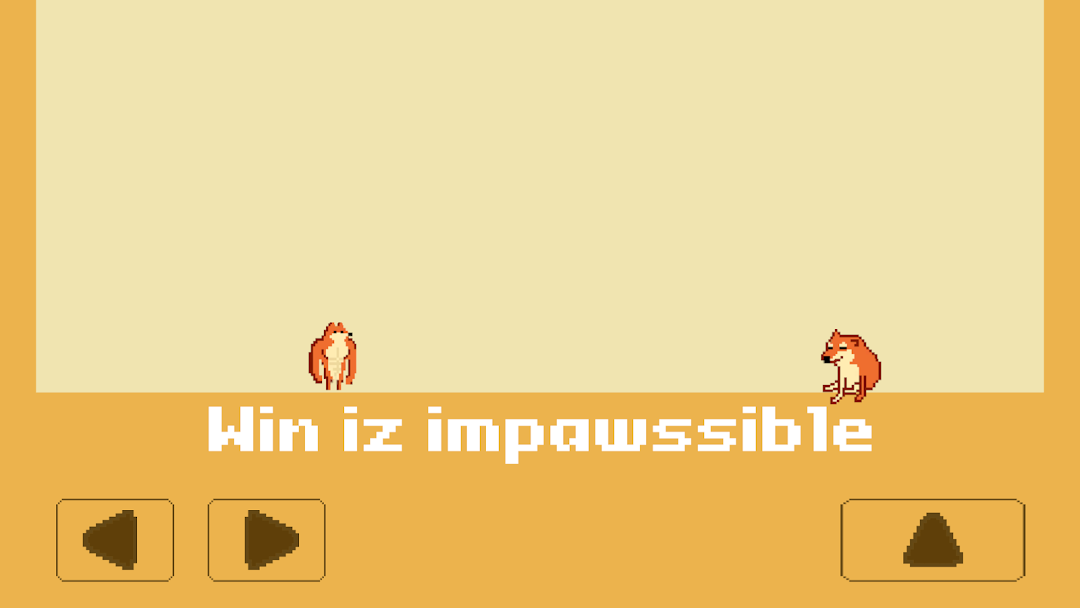
Doge Die Again: Troll Game is a Casual game developed by UniPuzz Games. LDPlayer is the best platform for playing Doge Die Again: Troll Game on Windows PC, offering powerful features to enhance your immersive experience in Doge Die Again: Troll Game.
When playing Doge Die Again: Troll Game on your computer, if you find repetitive actions or tasks tedious and time-consuming, fret not! Macro can alleviate your concerns. Simply record your actions with a click of the screen recording feature and let macros take care of the rest. Macros automate your operations, allowing you to effortlessly conquer the game with minimal effort! Start downloading and playing Doge Die Again: Troll Game on your computer now!
Ready to join Doge in his quirkiest adventure yet in Doge Die Again: Troll Game?🚫 Conquer all levels? Legend says it's impossible.
🎮 A seemingly simple 2D platform (but is it really that easy?)
🌀 No traps here, just random buzzsaws popping up when you least expect them!
✈️ Better grip that phone tight - it might just take flight from sheer frustration.
⚰️ Good luck helping Doge reach his fellow in peace!
How to play ""Doge Die Again: Troll Game"":
🗺️ Navigate Each Level: Use the arrow keys to guide Doge through each treacherous stage.
🏃♂️ Dodge the Hazards: Jump over gaping pitfalls, skirt around spikes, and avoid a barrage of obstacles.
🎯 Reach his Fellow Doge: Making it to Doge’s friend at the end of each level sounds simple, but each one is filled with cunning tricks guarding the end.
Are you ready to face these doggedly daunting levels? Jump in and see if you can outwit the traps and help Doge find his peace! 🐕
Why dive into Doge Die Again: Troll Game?
🌪️ Countless Levels of Mayhem: Embark on a wild ride through levels filled with surprises that not even Doge could predict.
🏁 Simple to Start, Almost Impossible to Finish: Jumping in is as easy as Doge chasing a ball, but getting through these twisted levels? That's the real test.
🎨 Whimsically Simple Graphics: Each level is a chaotic playground, crafted with a zany sense of humor and a sprinkle of madness, perfect for the serene gamer.
🧨 Traps, Traps, and More Traps: Stay sharp for unexpected dangers that appear out of nowhere and platforms that vanish quicker than a Doge meme fades.