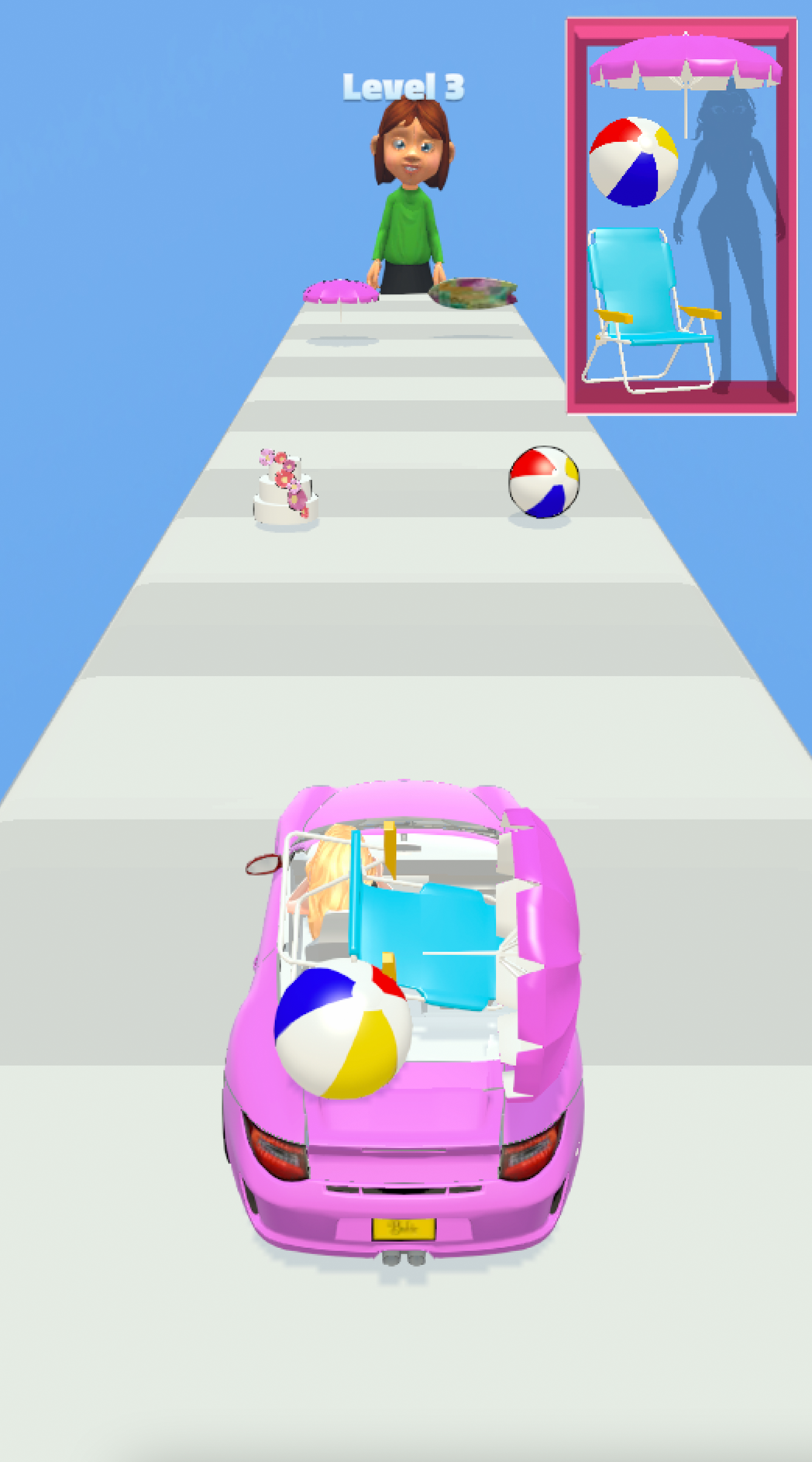
Doll Designer is a Arcade application developed by Lion Studios, but with the best Android emulator-LDPlayer, you can download and play Doll Designer on your computer.
Running Doll Designer on your computer allows you to browse clearly on a large screen, and controlling the application with a mouse and keyboard is much faster than using touchscreen, all while never having to worry about device battery issues.
With multi-instance and synchronization features, you can even run multiple applications and accounts on your PC.
And file sharing makes sharing images, videos, and files incredibly easy.
Download Doll Designer and run it on your PC. Enjoy the large screen and high-definition quality on your PC!
Today you’re the ultimate doll designer and you need to design a doll that steals the show! There are so many artistic decisions to make, you have no time to lose!Let’s go shopping and choose her style! It must be classic and chic all at the same time. Work your sense of style and the best of your fashion skills to put together a killer outfit! Match the colors and create an artistic combination of OOTDs for your picture-perfect doll!
This is a fun and creative game, that will test your skills of fashion, sense of style and attention to detail. Create a full makeover for the doll and impress everyone around!
The main features of the game include:
Design the Doll
You’re the sole designer of the doll, do your best.
Go for Shopping and Create a Killer OOTD:
Work the best of your fashion skills and create outfits, that turn heads!
Color the Outfits
Work your sense of style and use color combinations that steal the spotlight.
Design your dream doll now!
Visit https://lionstudios.cc/contact-us/ if have any feedback, need help on beating a level or have any awesome ideas you would like to see in the game!
From the Studio that brought you Mr. Bullet, Happy Glass, Ink Inc and Love Balls!
Follow us to get news and updates on our other Award Winning titles;
https://lionstudios.cc/
Facebook.com/LionStudios.cc
Instagram.com/LionStudioscc
Twitter.com/LionStudiosCC
Youtube.com/c/LionStudiosCC