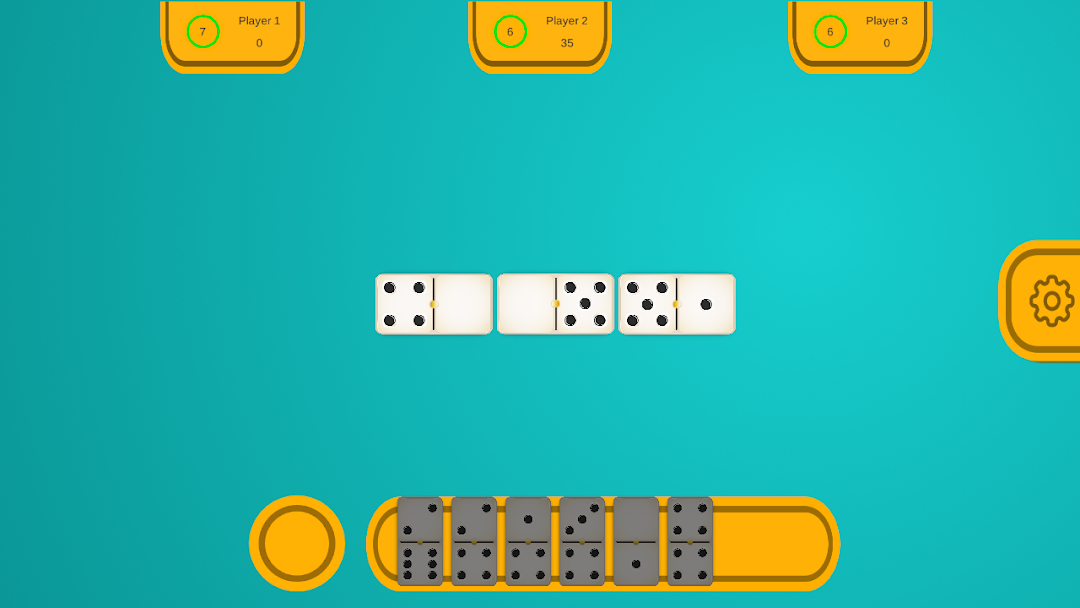
Dominoes Classic Game Offline is a Board application developed by CLASSIC OFFLINE GAMES, but with the best Android emulator-LDPlayer, you can download and play Dominoes Classic Game Offline on your computer.
Running Dominoes Classic Game Offline on your computer allows you to browse clearly on a large screen, and controlling the application with a mouse and keyboard is much faster than using touchscreen, all while never having to worry about device battery issues.
With multi-instance and synchronization features, you can even run multiple applications and accounts on your PC.
And file sharing makes sharing images, videos, and files incredibly easy.
Download Dominoes Classic Game Offline and run it on your PC. Enjoy the large screen and high-definition quality on your PC!
Dominoes is a classic tabletop game played with rectangular tiles.Play Dominoes Fun Tiles Classic Board Game Offline Challenge no Wifi Needed 2024The goalof Dominoes is to be the first player to play all of your tiles or to have the lowest number of points remaining in your hand when no more plays are possible.
Dominoes is typically played with a set of 28 tiles. Each tile has two square ends, each containing a number of spots ranging from 0 to 6. To start the game, the tiles are shuffled face-down on the playing surface and each player draws a hand of tiles. The number of tiles drawn depends on the number of players.
**Gameplay:**
1. **Starting the Game:** The player with the highest double tile (e.g., double-six) starts the game by placing that tile face-up on the playing surface. If no player has a double, tiles are drawn until one is found.
2. **Playing Tiles:** Players take turns adding tiles to the layout, matching the number of spots on one end of their tile to the open end of a tile already on the layout. For example, a tile with a 3 on one end can be placed next to a tile with a 3 on its open end. Doubles are placed perpendicular to the line of play.
3. **Drawing Tiles:** If a player cannot make a play, they must draw tiles from the boneyard (remaining tiles) until they can make a move. If the boneyard is empty and a player still cannot play, they must pass their turn.
4. **End of the Game:** The game ends when one player plays all their tiles, or when no more plays are possible (a player cannot draw any more tiles, and no player can play a tile). In either case, the player with the fewest points remaining in their hand wins the game. Points are calculated by summing the spots on the tiles in the losing players' hands.
Dominoes is a versatile game that can be played in various ways, with different rules and variations depending on regional traditions and personal preferences. Whether played casually among friends or in more competitive settings, Dominoes offers hours of entertainment and strategic gameplay offline.