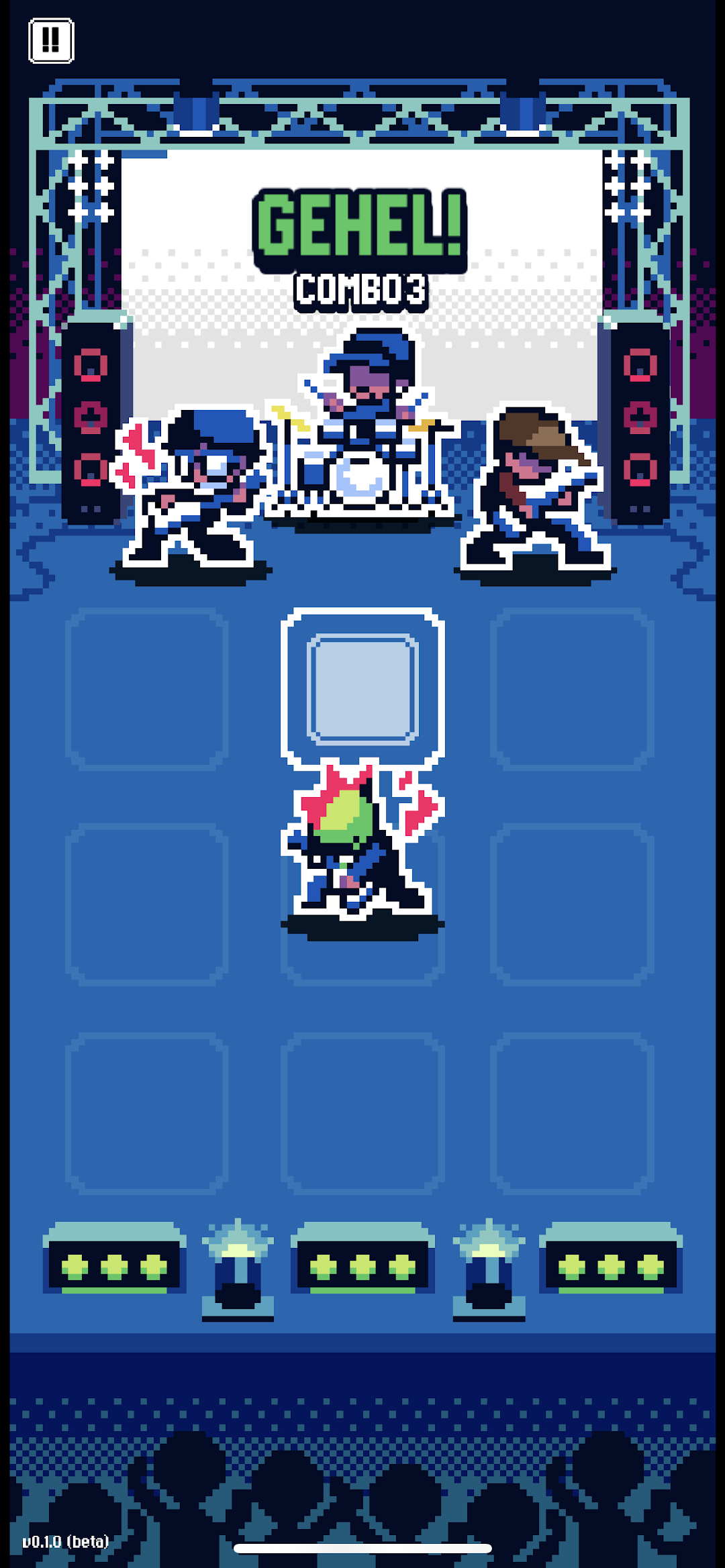


Dongker Beats is a Music application developed by Kemen Games, but with the best Android emulator-LDPlayer, you can download and play Dongker Beats on your computer.
Running Dongker Beats on your computer allows you to browse clearly on a large screen, and controlling the application with a mouse and keyboard is much faster than using touchscreen, all while never having to worry about device battery issues.
With multi-instance and synchronization features, you can even run multiple applications and accounts on your PC.
And file sharing makes sharing images, videos, and files incredibly easy.
Download Dongker Beats and run it on your PC. Enjoy the large screen and high-definition quality on your PC!
Welcome to Dongker Beats, where punk resonates in the 8-bit rhythm that rocks your soul! Experience the unique and invigorating vibe of Dongker's music in an 8-bit style that's sure to captivate you.🎶 Groove to Dongker's Music: Feel the power of Dongker's signature melodies, packed into catchy and pulsating 8-bit tunes. 🎵 Te ne net, tew tew!
🕹️ Casual Rhythm Game: Challenge yourself in a casual gameplay experience where you must synchronize your moves with Dongker's music rhythm. Tick tock, tick tock, tick tock!
🎨 Cool Pixel Art Design: Explore the Dongker world with cool and mesmerizing pixel art graphics, enhancing the iconic retro vibe. 🎨 Bing bong, ding ding, bing bong!
💸 Buy Concert Tickets: Get the exclusive opportunity to purchase Dongker concert tickets at special prices within the game! Cha-ching!
🎉 Exciting Surprises: Prepare yourself for various exciting surprises from Dongker that are unexpected and adrenaline-pumping! Boom, pow, zap!
👨🎤 Cool Characters: Discover the cool characters from Dongker band members, from Arno, Delpi, Bilal, Dzikrie, to the Woolly Wolf! Meow, woof, meow!
So, are you ready to experience the thrill of playing and listening to music in a whole new way? Play with Dongker Beats now and enjoy an energetic musical gaming experience! 🎸🤘