

Runner : Don't Touch My Coins is a Arcade application developed by RedTeapotGames, but with the best Android emulator-LDPlayer, you can download and play Runner : Don't Touch My Coins on your computer.
Running Runner : Don't Touch My Coins on your computer allows you to browse clearly on a large screen, and controlling the application with a mouse and keyboard is much faster than using touchscreen, all while never having to worry about device battery issues.
With multi-instance and synchronization features, you can even run multiple applications and accounts on your PC.
And file sharing makes sharing images, videos, and files incredibly easy.
Download Runner : Don't Touch My Coins and run it on your PC. Enjoy the large screen and high-definition quality on your PC!
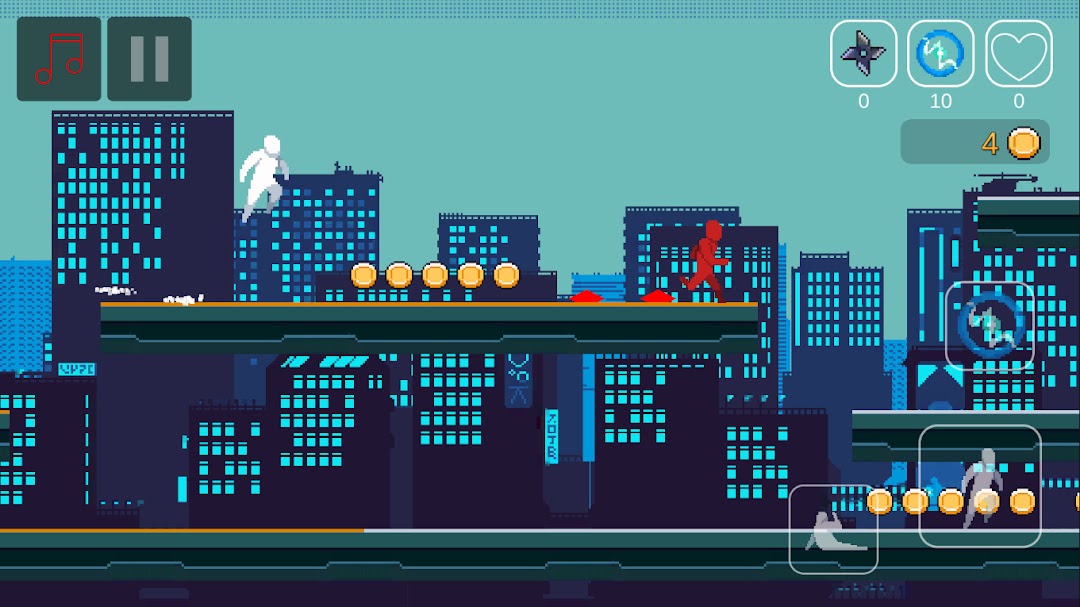
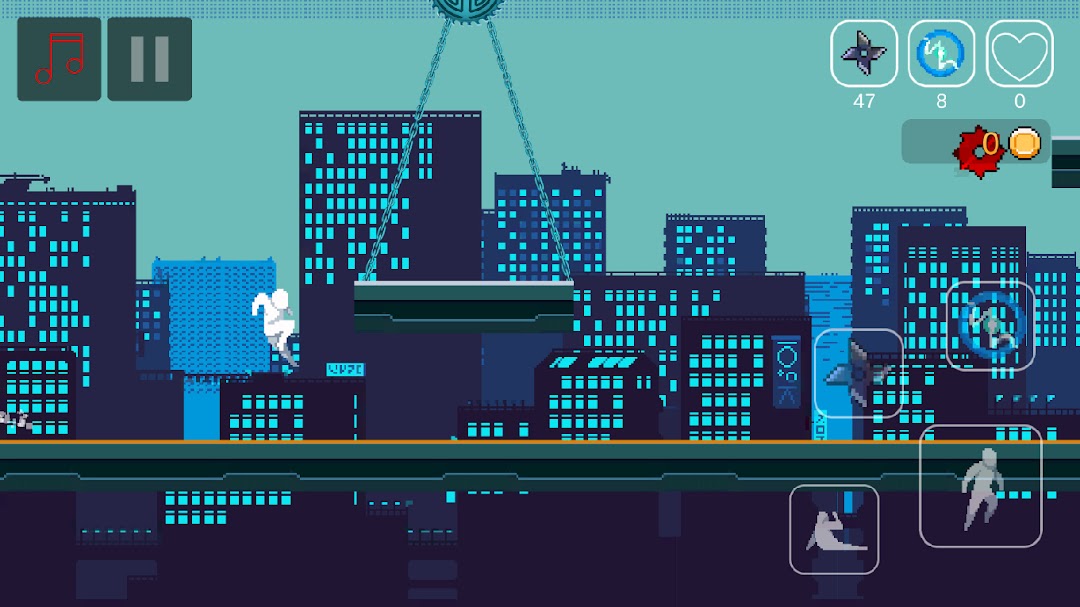
Embark on an exhilarating pixel art runner adventure! Leap and dash your way through a maze of randomly generated platforms, where each step could be a trap or a treasure. In this captivating pixel art runner game, you control a sprightly character sprinting across a treacherous landscape brimming with traps.As a masterful pixel runner, you'll need to harness your agility and reflexes to dodge spikes, pits, and an array of dangers. Collect gleaming coins in this pixelated world to unlock potent power-ups, enhancing your runner's abilities and giving you the edge over the cunning enemies that lurk on every platform.
Don't Touch My Coins offers a unique blend of classic runner dynamics with a fresh pixel art twist, featuring:
• A vibrant retro pixel art aesthetic for an immersive, nostalgic runner experience
• Endlessly randomly generated runner levels ensuring no two runs are ever the same
• A plethora of traps and obstacles that challenge even the most skilled runners
• An array of runner-specific power-ups to discover and utilize
• Smooth and responsive controls designed to give you unforgettable experience
• A universally engaging gameplay experience, perfect for pixel art enthusiasts and runners of all skill levels
Prepare to sprint into a world where the essence of classic arcade runner games meets the timeless appeal of pixel art. Are you ready to rise to the runner's challenge and navigate through the gauntlet? Lace up your virtual sneakers, and let's see if you can become the ultimate runner champion!