

Dopamine Hit is a Role Playing game developed by MOBIGAMES INC., and LDPlayer is the best platform for playing Dopamine Hit on Windows PC, offering powerful features for an immersive experience.
When playing Dopamine Hit on PC, as a new player looking to start with a fresh account, the multi-instance and sync features are extremely useful for rerolls. You can use them to run multiple instances and begin the synchronization process. Bind your account until you draw the desired heroes.
In addition, operation recorder is great for games that require you to level up and complete tasks! Run the sync and record your actions, then repeat the main instance's actions in real-time. By doing so, you can run 2 or more accounts simultaneously. You can always get the heroes you want before others by faster rerolls and more efficient summoning! Start downloading and playing Dopamine Hit on your computer now!
▶ Retro vibes with charming, pixel-perfect nostalgia!Go on a journey with your adorable heroes!
No need for QWER—enjoy fully automated battles! Level up your heroes with collected rewards!
▶ Class changes and skill impact well beyond thought possible in an idle RPG!
Use your heroes' unique abilities to crush boss battles!
Enjoy each hero’s unique visuals and flashy skills!
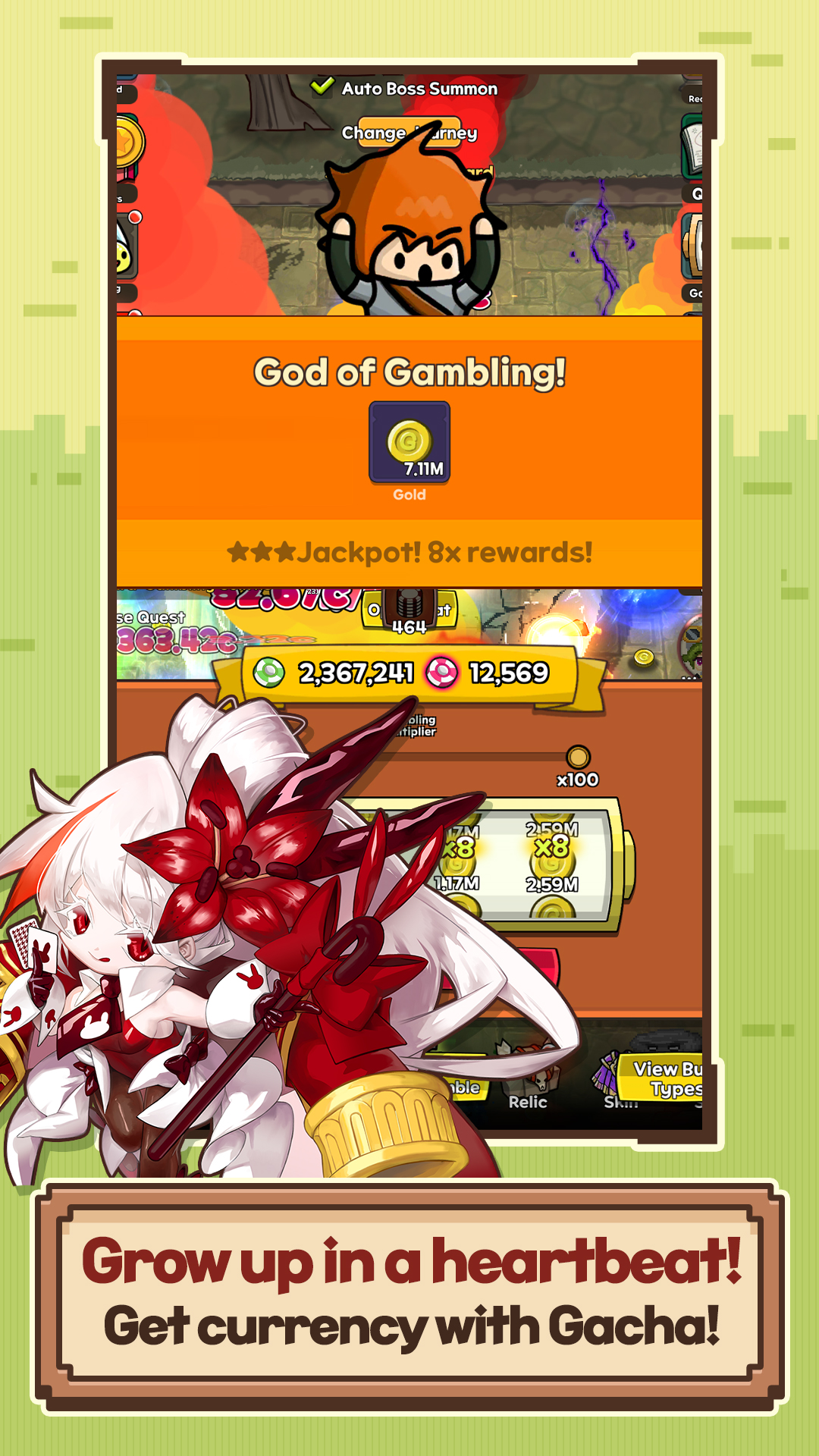
▶ Dopamine rush! Speed up your journey with gacha!
Earn relics and skins with gacha currency that automatically builds up!
Feeling lucky today? Go for a massive jackpot with 100x rewards!
▶ Experience unlimited growth with a diverse set of relics and skins!
Collect a wide array of relics and skins in Dopamine Hit!
Just stay AFK and collect items effortlessly!
▶ The power within awakens... Face the challenges!
Feel the power of your heroes on a thrill ride of challenges!
Get stronger with rewards – you're on a roll!
Official Community: https://discord.gg/aYtYnnBjqr
Customer Support Email: roemcs@mobigames.co.kr
Contact: (+82)70-4738-4124
-------
[Optional access permissions]
- Notification: Permission to receive information and promotional push notifications from the app
- Photos and Videos: Permission to post photos and videos in the community
* Selection of optional permissions are not required.
[How to revoke access permissions]
* Android 6.0 or higher:
- Revoke by permission: Settings > Apps > More (Settings and controls) > App settings > App permissions > Select permission > Grant or revoke permission
- Revoke by app: Settings > Apps > Select app > Permissions > Grant or revoke permissions
* Android below 6.0:
Due to OS limitations, individual permissions cannot be revoked. Permissions can only be revoked by uninstalling the app. We recommend upgrading to Android 6.0 or higher."