Double Dragon Trilogy is a Arcade application developed by Dotemu, but with the best Android emulator-LDPlayer, you can download and play Double Dragon Trilogy on your computer.
Running Double Dragon Trilogy on your computer allows you to browse clearly on a large screen, and controlling the application with a mouse and keyboard is much faster than using touchscreen, all while never having to worry about device battery issues.
With multi-instance and synchronization features, you can even run multiple applications and accounts on your PC.
And file sharing makes sharing images, videos, and files incredibly easy.
Download Double Dragon Trilogy and run it on your PC. Enjoy the large screen and high-definition quality on your PC!
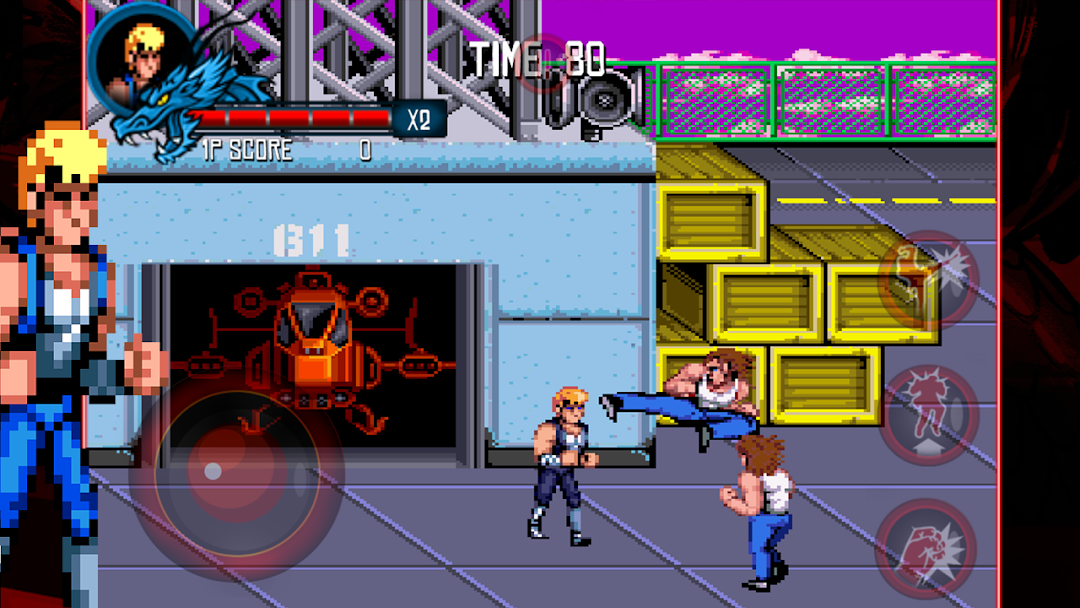
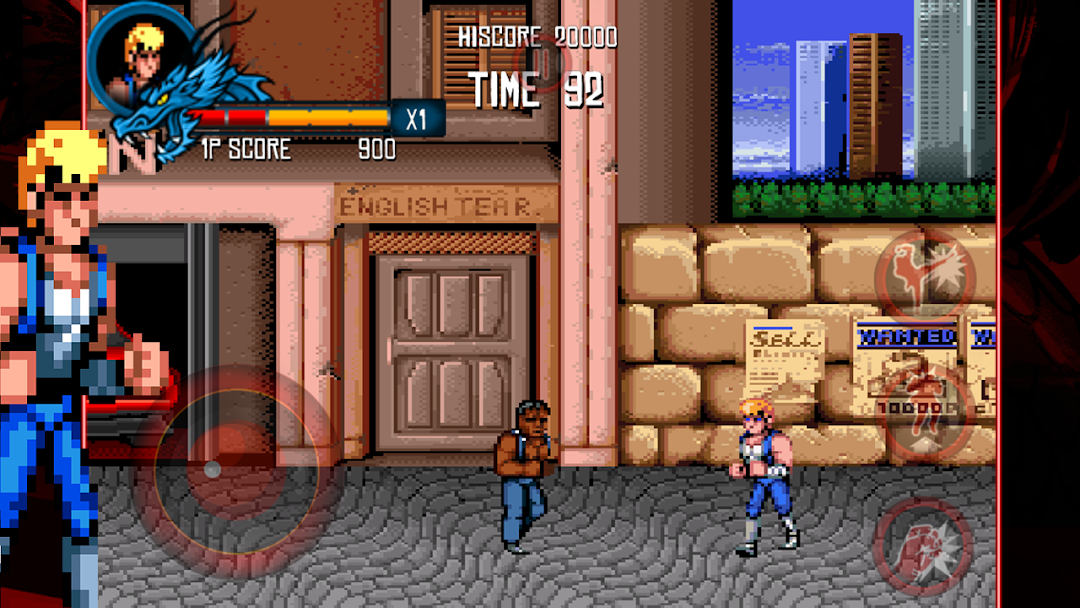
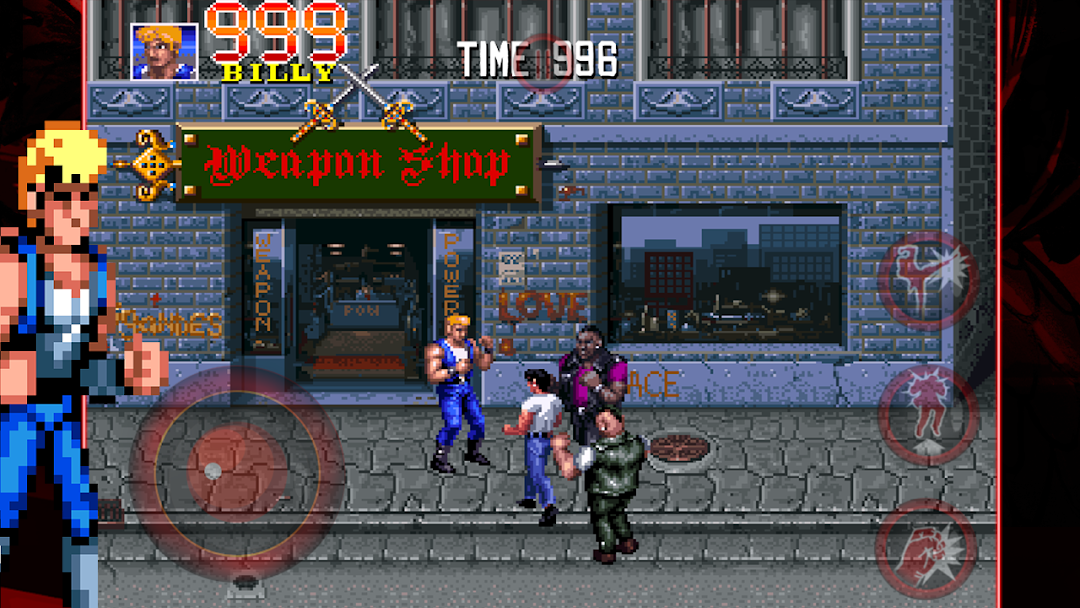
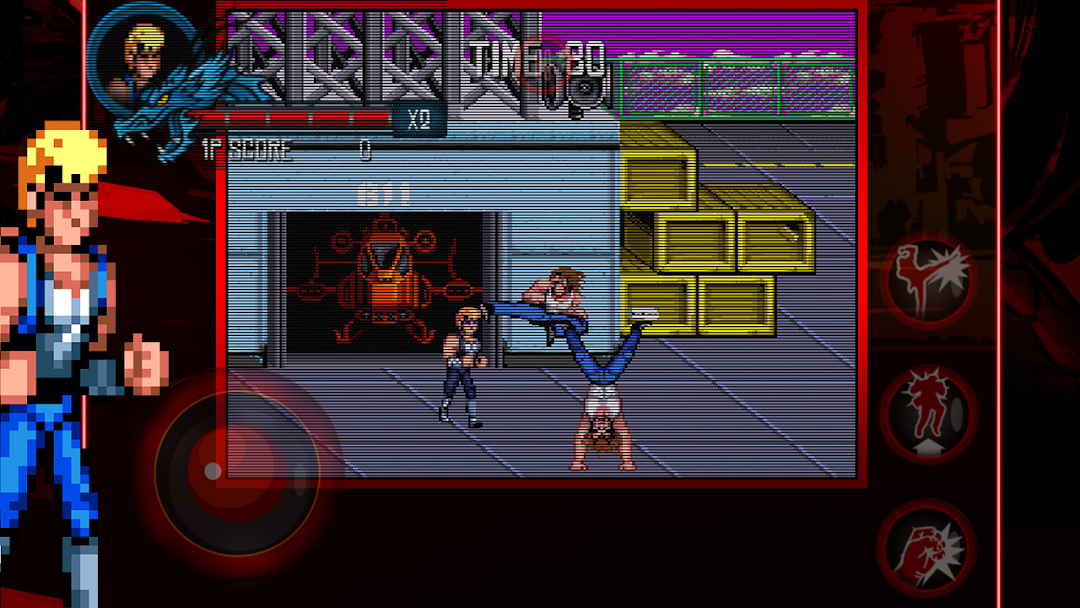
A groundbreaking, uber-popular game upon its arcade debut in 1987, Double Dragon is the undisputed godfather of co-op beat ‘em all!Enter Double Dragon Trilogy, a compilation specially optimized for mobiles and which includes all three installments of the beloved arcade series: Double Dragon 1, 2 (The Revenge) and 3 (The Rosetta Stone). The first one begins with Billy and his brother Jimmy, two martial arts experts, in a mission to rescue Billy's girlfriend, Marian, who’s been kidnapped by the Black Shadows Gang. All your favorite moves are here: punches, kicks, elbows, knees, head-butts and an assortment of not-exactly-street-legal weapons.
Battle your way through all 3 titles and bask in the greatness of one of the ‘80s most popular arcade games!
FEATURES:
• Two game modes: “Arcade” (play the game from beginning to end and go for the high score) and “Story” (unlock new stages and achievements while playing through the game)
• Customizable controls
• Three difficulty levels: “mobile” (specially balanced for mobile games), “original” (similar to the arcade version) and “expert” (a real challenge!)
• Achievements & leaderboards (Google Play Game Service)
• Choose between the original 8-bit soundtrack and a brand-new remastered one!
• Co-op mode (two players) via bluetooth
• Gamepad support - compatible with most Android controllers
Sony Xperia PLAY optimized.
NVIDIA Shield optimized.
M.O.J.O. optimized.
Support for custom controllers like MOGA Pocket, MOGA Pro etc.
As featured in SHIELD Hub. Play it on your TV or on NVIDIA SHIELD!
Double Dragon Trilogy © 2013 Million Co., Ltd. All rights reserved. Published and Developed by DotEmu.
MORE ABOUT DOTEMU
facebook.com/dotemu
twitter.com/dotemu
youtube.com/dotemu