Dr. Panda Restaurant is a Educational application developed by Dr. Panda, but with the best Android emulator-LDPlayer, you can download and play Dr. Panda Restaurant on your computer.
Running Dr. Panda Restaurant on your computer allows you to browse clearly on a large screen, and controlling the application with a mouse and keyboard is much faster than using touchscreen, all while never having to worry about device battery issues.
With multi-instance and synchronization features, you can even run multiple applications and accounts on your PC.
And file sharing makes sharing images, videos, and files incredibly easy.
Download Dr. Panda Restaurant and run it on your PC. Enjoy the large screen and high-definition quality on your PC!
In this app, kids will be introduced to cooking through fun and exciting mini-games. They will be exposed to a number of foods from different cultures, all from Dr. Panda’s cookbook which contains 10 different dishes and drinks; including pizza, apple pie, corn soup, Chinese stir-fry and fruit smoothies.For kids, this game combines meal time with fun time, without any mess!
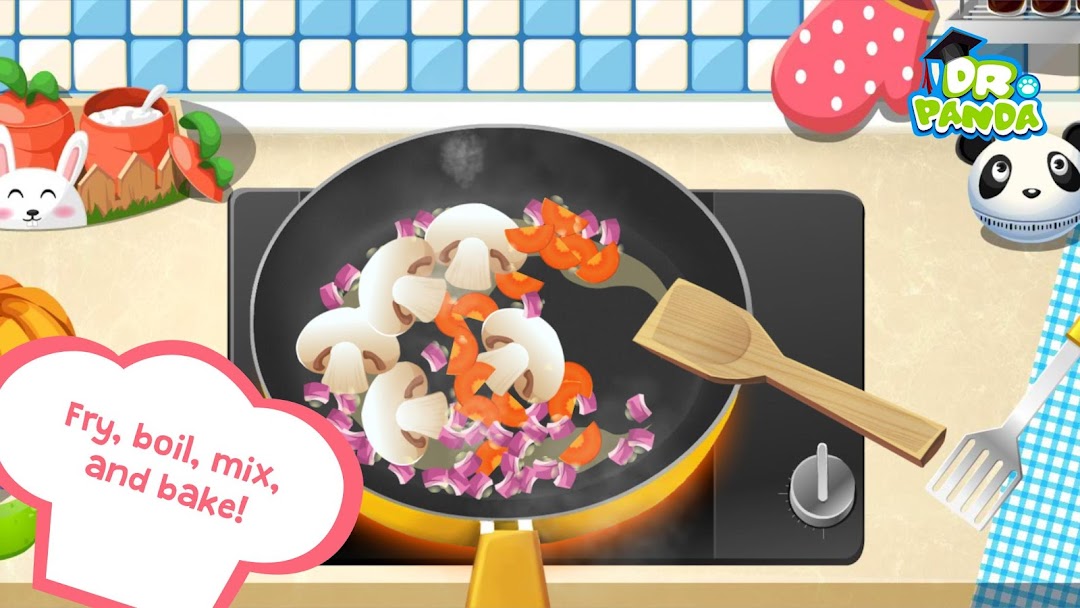
To prepare all of these delicious things, kids will complete varied activities such as slicing, frying, toasting, mixing and baking. Besides preparing and serving food, they will also have fun while feeding the animals, decorating the dining rooms, cleaning the tables, and recycling garbage.
KEY FEATURES
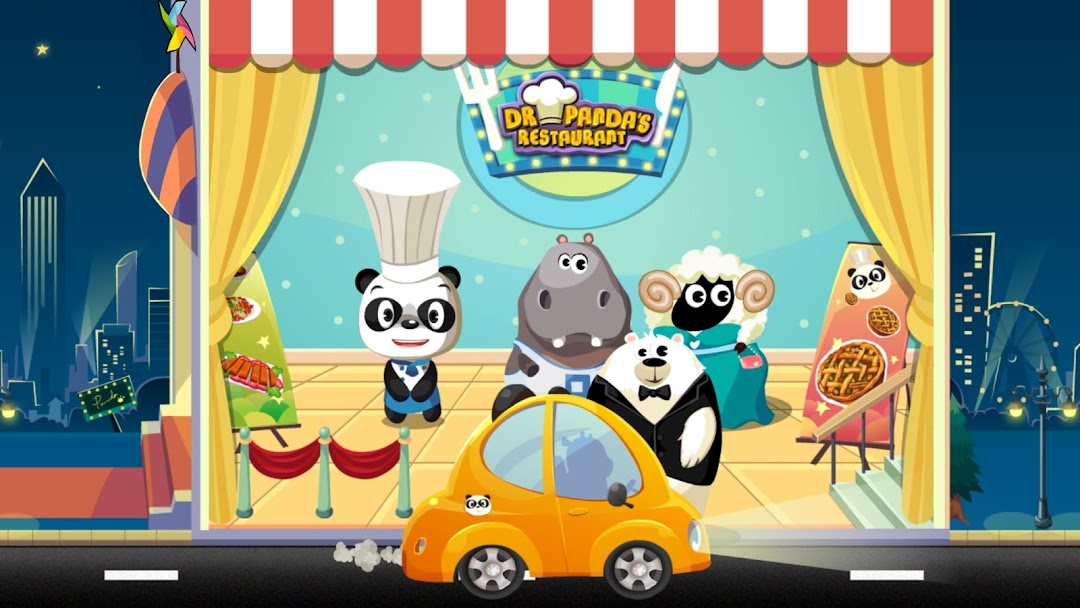
✓ 8 adorable animal guests to serve and feed
✓ Learn the basics of cooking with Dr. Panda’s 10 recipes
✓ Learn to help with the housework via 3 additional minigames
✓ Touch & Discover: Fantastic artwork, fun animations and sounds
✓ Kid-Friendly: Easy-to-use interface and no reading required
✓ Kids Safe: No third party advertisement or any in-app purchase
Privacy Policy
As a designer of kids’ games, we understand how important privacy is in this modern, digital world. You can read our privacy policy here: http://www.drpanda.com/privacy
About Dr. Panda
Dr. Panda is a developer of games for kids. We develop games with educational values that help kids learn about the world. This game is safe and does not contain inappropriate content, in-app purchases or any third-party advertising.
If you’d like to know more about us and how we design games for kids visit our website www.drpanda.com/about. If you have any questions feel free to send us an email at support@drpanda.com or contact us on Facebook (www.facebook.com/drpandagames) or Twitter (www.twitter.com/drpandagames) or Instagram www.instagram.com/drpandagames.