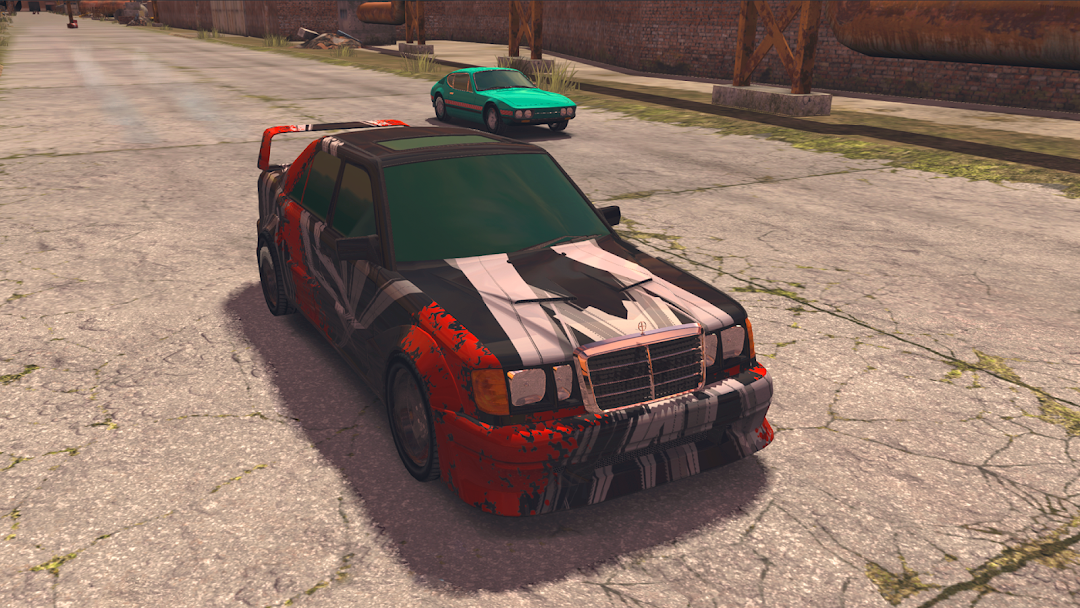
Drag Racing 3D: Streets 2 is a Racing game developed by Code Prime. LDPlayer is the best platform for playing Drag Racing 3D: Streets 2 on Windows PC, providing robust features to help you achieve an immersive experience in Drag Racing 3D: Streets 2.
When playing Drag Racing 3D: Streets 2 on your computer, if you prefer using your own gamepad to control the game, LDPlayer's automatic gamepad detection can assist you in customizing controls with just a few simple clicks, allowing you to enjoy more realistic racing scenes and challenges.
With support for high frame rates, the game's diverse track designs and rich terrain and environmental changes become even more lifelike and detailed.
Additionally, the video recording feature makes it easy for you to capture all the exciting and amusing races and game content, making it convenient to share with friends or create videos. Start downloading and playing Drag Racing 3D: Streets 2 on your computer now!
Drag Racing 3D: Streets 2 – an exciting drag racing game and driving simulator with realistic graphics and car tuning options. Master this street racing world. Find your drag race style. Build your dream car and unique garage. Compete in multiplayer races and get top in street racing tournaments.MULTIPLAYER SHOWDOWN
This driving simulator is more than just a solo car racing game. Stop racing against bot-players! Jump into real-time multiplayer races! Team up with players for online drag race tournaments or time racing challenges. Prove your skills in PvP races and climb leaderboards to become the drag master!
ULTIMATE CAR TUNING FOR YOUR BEST RACES
Unlock 50+ vehicles. In the last updates, we added new cars, including:
luxury cars
sports cars
and, of course, classic cars
Customize each car to accelerate it, make it fit your drag racing style or just stand out from the crowd on your next street racing tournament. Experience unparalleled car customization:
upgrade engines
apply custom liveries
adjust gear ratios
build your unique garage
REWARDS & WEALTH
Daily rewards and free in-game currency
Flea Market: Complete contracts for exclusive cars
Player-driven market: Buy/sell parts and vehicles
Sprint events: Earn cash and XP in limited-time races
UNIQUE FEATURES
Real-time 3D physics for authentic street racing
Car collection spanning tuners, muscle cars, and supercars
Team competitions for clan supremacy
Download Drag Racing 3D: Streets 2 right now and enjoy the most exciting street racing in this realistic driving simulator! Moreover, Drag Racing 3D is more than just a car racing game but offers a car tuning option as well! Here, you can customize any car with an awesome livery to make it unique and outstanding or upgrade its engine to accelerate your car and win your next drag race!