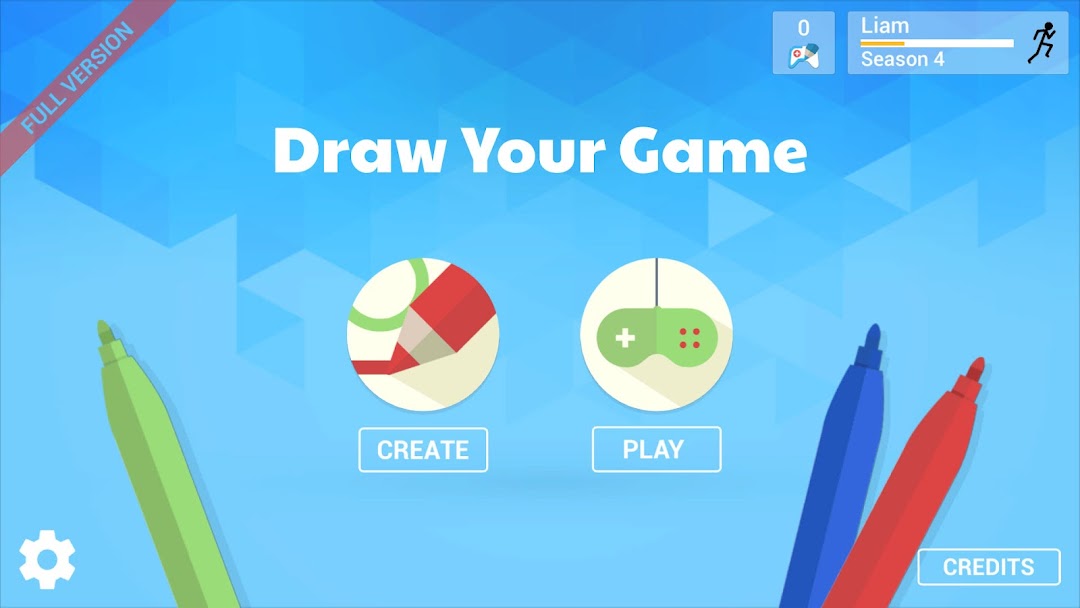
Draw Your Game Legacy is a Adventure application developed by Zero-One, but with the best Android emulator-LDPlayer, you can download and play Draw Your Game Legacy on your computer.
Running Draw Your Game Legacy on your computer allows you to browse clearly on a large screen, and controlling the application with a mouse and keyboard is much faster than using touchscreen, all while never having to worry about device battery issues.
With multi-instance and synchronization features, you can even run multiple applications and accounts on your PC.
And file sharing makes sharing images, videos, and files incredibly easy.
Download Draw Your Game Legacy and run it on your PC. Enjoy the large screen and high-definition quality on your PC!
"I wish I could make my own video game.” Who among us hasn't thought that at some point? Draw Your Game is a user-friendly application allowing anyone and everyone to create their own video game in a few quick steps:▶ Draw your game's world on a piece of paper, using four different colors (black, blue, green and red).
▶ Use the 'Draw Your Game' app to take a picture of your drawing.
▶ Wait 10 seconds, while Draw Your Game transforms the drawing into a game.
▶ Play your game, with a character that you can control.
Four different colors to create the world of your choosing:
▶ Black for stationary floors/ground;
▶ Blue for movable objects that the character can push around;
▶ Green for elements that the character will bounce off of;
▶ Red for objects that will destroy the character or the blue objects.
The Draw Your Game app allows you to create an infinite number of worlds, either on the same sheet of paper or by adding new sheets, one after the other, to create a real story line.
There are two available modes:
▶ “Create” mode, to create your own worlds;
▶ “Play” mode, to play in the worlds created by the community, either in “campaign” mode (worlds selected by our team), or in “catalogue” mode, where you can use search criteria to choose a world yourself.
There are several ways to play the different worlds, at the creator's choice:
▶ “Escape”: the character must find a way off the paper to escape and win the game;
▶ “Destruction”: the character must push blue objects into red ones to destroy them.
[Authorizations]
Draw Your Game requires an Internet connection in order to:
▶ Access games created by other players;
▶ Share your creations.
[Limitations]
▶ Draw Your Game only runs on smartphones and tablets with a camera that can be used to scan your drawings.
[ Drawing recommendations ]
▶ Use fairly wide felt-tip pens.
▶ Choose vivid colors.
▶ Take pictures under good lighting.