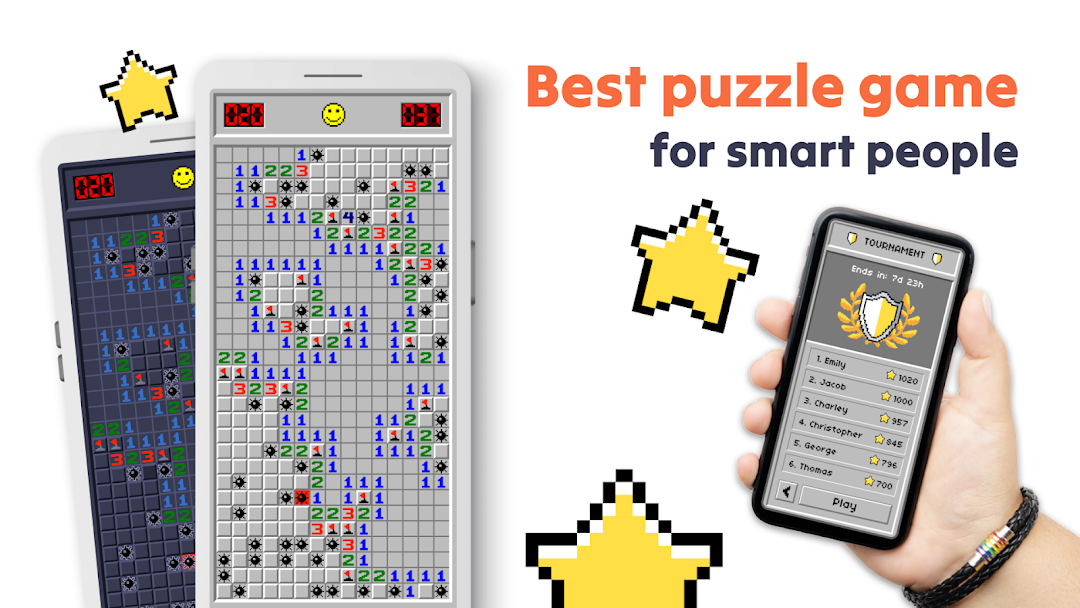
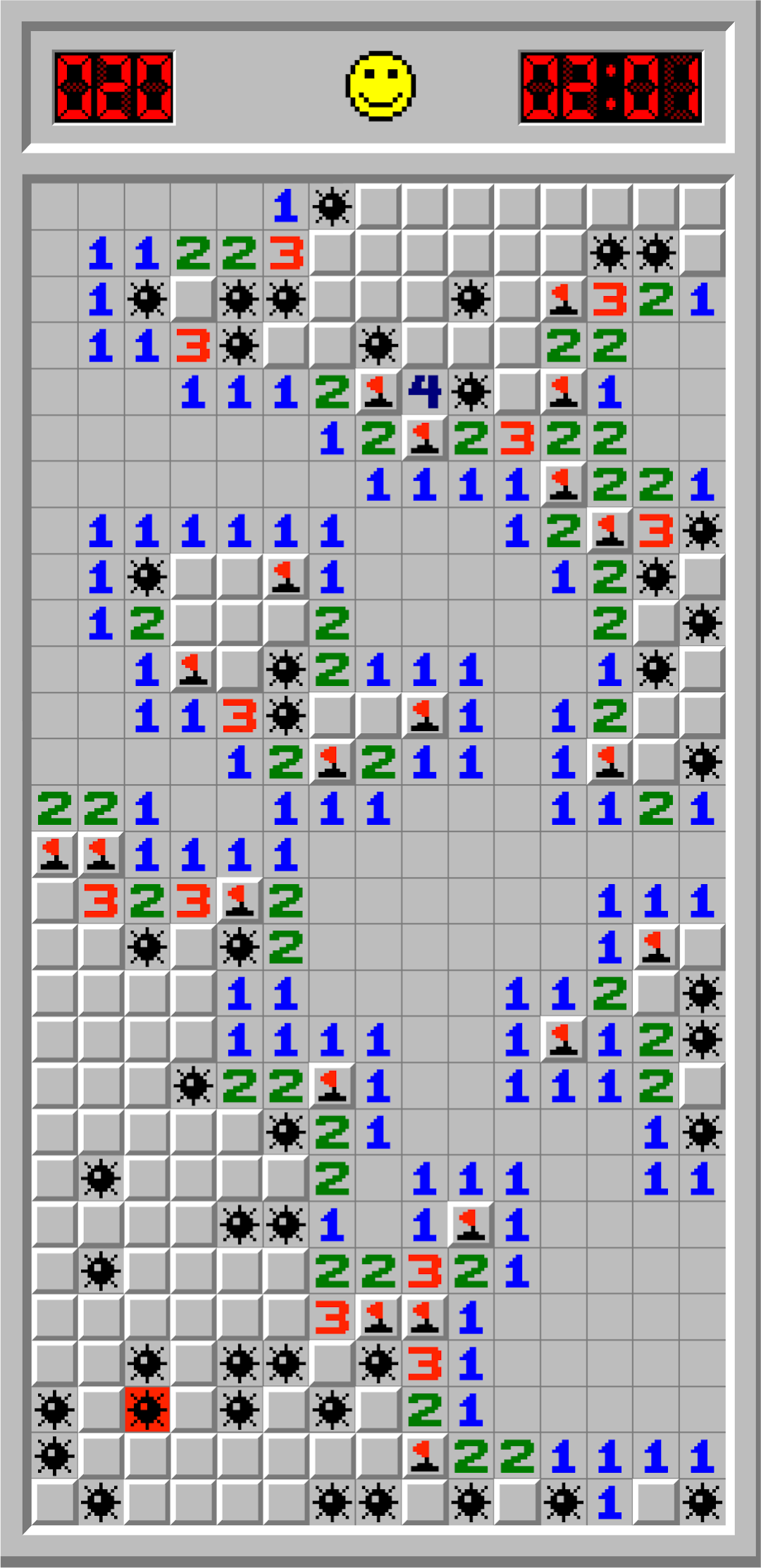
Minesweeper is a Puzzle application developed by Evkar games, but with the best Android emulator-LDPlayer, you can download and play Minesweeper on your computer.
Running Minesweeper on your computer allows you to browse clearly on a large screen, and controlling the application with a mouse and keyboard is much faster than using touchscreen, all while never having to worry about device battery issues.
With multi-instance and synchronization features, you can even run multiple applications and accounts on your PC.
And file sharing makes sharing images, videos, and files incredibly easy.
Download Minesweeper and run it on your PC. Enjoy the large screen and high-definition quality on your PC!
The minesweeper classic for android has been tagged as the best version of the classic mines game, and it gets even better!Minesweeper free puzzle trains your brain and increases your mind power. At the same time, it is a fun and challenging logic puzzle
Minesweeper for beginners and advanced players. Whether you want to relax or keep your mind active – pass the time in a pleasant way with our free app!
Take a short stimulating break or clear your head with offline minesweeper puzzle.
What’s better than a game that gets your heart racing, your mind sharp and you on the edge of your seat?
A game like the one highlighted above, but it’s completely free!
Minesweeper classic free features:
● Classic minesweeper gameplay
● Comes with a set number of landmines; get that big brain of yours in play, and use the clues that lay in this set number of line mines, to figure out how to smash every level in the fastest times!
● Comes with 3 difficulty levels: beginner, intermediate, expert and custom games for more mines.
● Slowly but surely work your way up to the highest level, and don’t forget to pick up tricks and moves on each level, which you can turn to when you get to the really tough stuff at the highest levels.
● The more you play Minesweeper, the more achievements you will unlock! The possibilities are endless, as you progress up the global leader board! it is not for the faint-hearted my friend!
● Tablet support for larger screen games; to help up your gaming experience and convenience, the new version of the minesweeper game offers support for your tablets and for larger screens.
● Avoid the mines and join the leaderboard; sharpen your mine avoidance strategies with every play session, and join the ranks of the global leaders in no time. The more you play, the better you will get at it!
● Challenge your friends to see if they can beat your score; sharing is caring, and beating your friends and family at your favorite game? Well, we all have to make good memories somehow! Get your friends and gaming family in the loop, and snag all the bragging rights today!
● Find out who will become the minesweeper king! it could be you, it could be that virtual stranger thousands of miles away - you can only find out if you play!
● Made a mistake? Don't worry. Just put it back quickly!
● Auto save. If you leave the minesweeper game unfinished, it will save. You can continue at any time.
● Learn How to Play; New to the game? Check out the Help menu to learn how to play Minesweeper free!
Enjoy Minesweeper game and avoid the mines! See you on the leaderboard, we can’t wait for you to meet everyone!