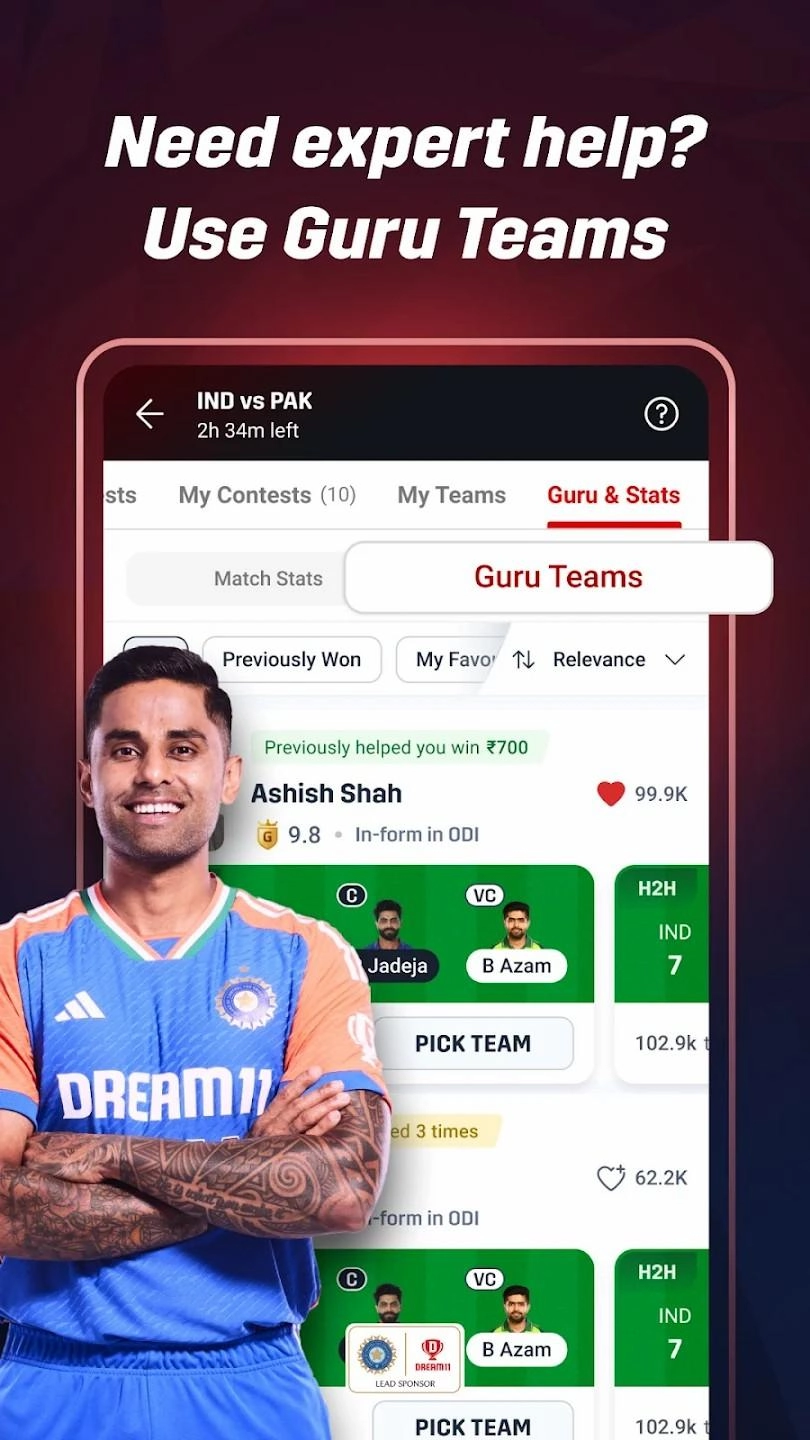
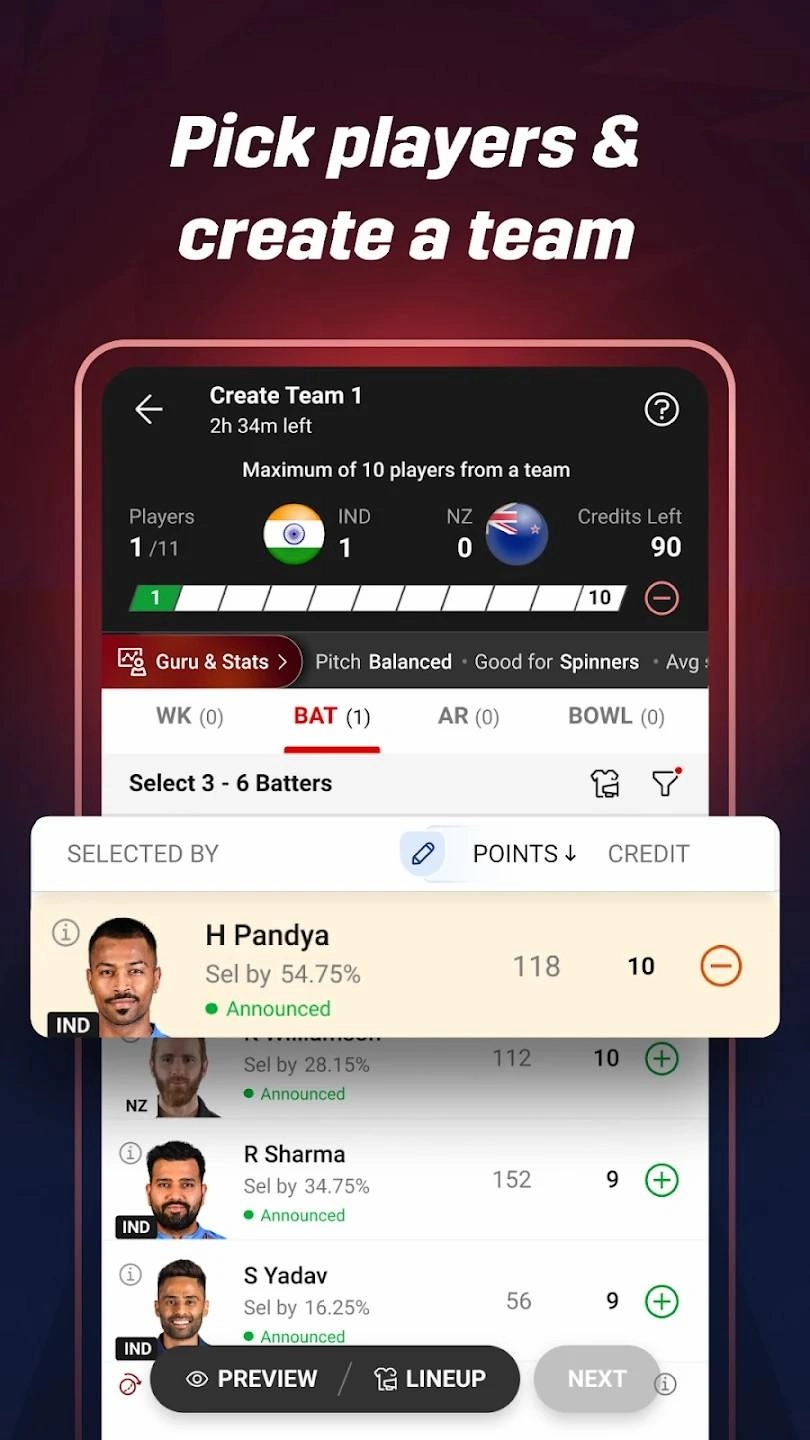
Dream11 is the ultimate fantasy sports platform for cricket fans, where picking the right players and making smart decisions can make all the difference. Whether you’re tracking live scores, analyzing player stats, or making last-minute changes to your team, playing Dream11 Fantasy Cricket App on PC with LDPlayer provides powerful features that help you stay ahead in every contest.
Smoother Live Score Tracking and Quick Lineup Adjustments
Timing is everything in Dream11. As real-life cricket matches unfold, player performances can change in an instant, and you need to react fast. LDPlayer’s High FPS Mode ensures that live score updates, player statistics, and in-app animations run smoothly without lag. There is no moment to waste here because all you have to do is catch up with the instant records, so if mobiles are bothering you, it is LDPlayer that you want. Whether you’re making last-minute substitutions or monitoring player form during a match, the improved frame rate helps you process information faster and make better decisions without delays.
Faster Team Management with Keyboard Shortcuts
Selecting players, making transfers, and entering contests require quick navigation, especially when you’re managing multiple teams. What about handling these all at once? It is what LDPlayer does because you can use its Keyboard Mapping feature, which lets you assign keyboard shortcuts for essential functions like switching between contests, sorting player stats, and confirming team selections. Instead of relying on touch controls, you can efficiently manage everything with a keyboard and mouse, making the process quicker and more precise, especially useful during tight deadlines before a match starts.
Quick Data Access for Better Research
Successful Dream11 players rely on deep research, comparing past performances, pitch conditions, and expert predictions. Suppose you want to do these all easily rather than with those limitations from a mobile. Try LDPlayer. With LDPlayer’s File Sharing Between PC and Emulator, you can easily transfer spreadsheets, screenshots, or analysis reports between your computer and the emulator. This means you can quickly access crucial data, cross-check statistics, and refine your team selection without constantly switching between devices.
By using LDPlayer, you can experience smoother gameplay, manage your team with ease, and make faster, well-informed decisions in Dream11 contests, giving you the edge over the competition.