Dreamio GO! is a Role Playing game developed by SkyRise Digital Pte. Ltd., and LDPlayer is the best platform for playing Dreamio GO! on Windows PC, offering powerful features for an immersive experience.
When playing Dreamio GO! on PC, as a new player looking to start with a fresh account, the multi-instance and sync features are extremely useful for rerolls. You can use them to run multiple instances and begin the synchronization process. Bind your account until you draw the desired heroes.
In addition, operation recorder is great for games that require you to level up and complete tasks! Run the sync and record your actions, then repeat the main instance's actions in real-time. By doing so, you can run 2 or more accounts simultaneously. You can always get the heroes you want before others by faster rerolls and more efficient summoning! Start downloading and playing Dreamio GO! on your computer now!
Welcome to Dreamio GO!Discord: https://discord.gg/ShgqyYYKFS
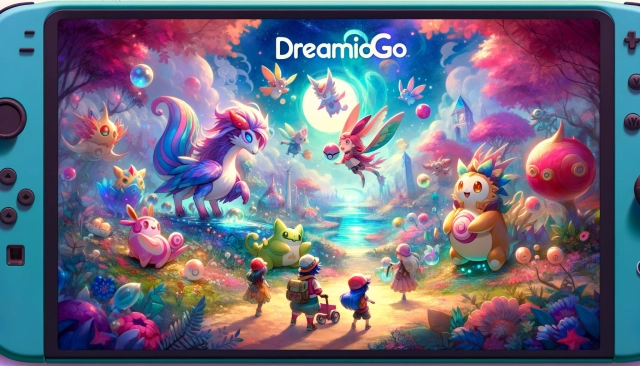
Dreamio GO is a game designed with the core concept of "living together with magical pets in a fantasy world". Players play as Dreamio Trainers, taming wild magical creatures, bringing them back to their homes to live and grow together, and ultimately winning competitions to become champions!
Game Features
☆ Cute Dreamio, Adventuring Together ☆
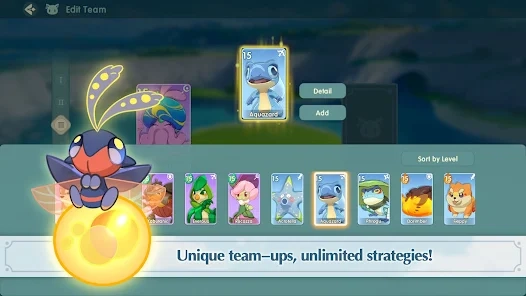
Dreamio are unique creatures in the dream world. They have diverse personalities, adorable appearances, and unique abilities. They will be your most reliable and trustworthy companions on your adventure. You can train Dreamio to make them stronger and strategically use the abilities of different Dreamio to form your own team and win competitions.
☆ Magical World, Free Exploration ☆
In addition to various Dreamio, the dream world also has powerful enemies and various challenges. Defeat them to obtain hidden treasures.
☆ Personalized Home, Co-creation ☆
In addition to your adventures, you will need to manage your farm together with your Dreamio partners. Arrange buildings freely, assign tasks to Dreamio, and fulfill their whimsical requests. Every day is a relaxing and fulfilling day!
☆ Exciting Events, Passionate Battles ☆
Join this lively and extraordinary event with 10 players from around the world~
The competition will take place on a separate island, where there are cute enemies, intriguing challenges, and hidden mystery treasure. Make yourself and your Dreamio partners stronger, defeat every opponent, and take away medals from them.
The player with the most medals will become the champion and enjoy the highest glory!
☆ Art Style, Cute and Fresh ☆
Dreamio GO has a cute and refreshing art style. We hope you can become friends with the various Dreamio in-game, each with their own unique personalities. Enjoy their cuteness and companionship~