DrillKing - New Frontier is a Simulation application developed by PREUS, but with the best Android emulator-LDPlayer, you can download and play DrillKing - New Frontier on your computer.
Running DrillKing - New Frontier on your computer allows you to browse clearly on a large screen, and controlling the application with a mouse and keyboard is much faster than using touchscreen, all while never having to worry about device battery issues.
With multi-instance and synchronization features, you can even run multiple applications and accounts on your PC.
And file sharing makes sharing images, videos, and files incredibly easy.
Download DrillKing - New Frontier and run it on your PC. Enjoy the large screen and high-definition quality on your PC!
Drill down planet surface, mine minerals, craft buildings and upgrade your drill to build your own colony!Simply shake your device to handle various events and make progress!
Features
Drillking is a game where you mine minerals and build colonies on extraterrestrial planets.
There are 5 distinctive planets to explore. Colonize each planet, dig up minerals, develop new technology, and help your home world Earth.
How to play
Drill down Planet surface to mine Minerals. Use them to build and upgrade infrastructures for your colony.
Each Planet has its unique set of Minerals. You must plan carefully where to drill and what to upgrade.
Some Planets are restricted, due to its strange gravity. To access these Planets, you must upgrade your Drill.
DRILL: The main mining device. The deeper you dig, the more Mineral types you'll find.
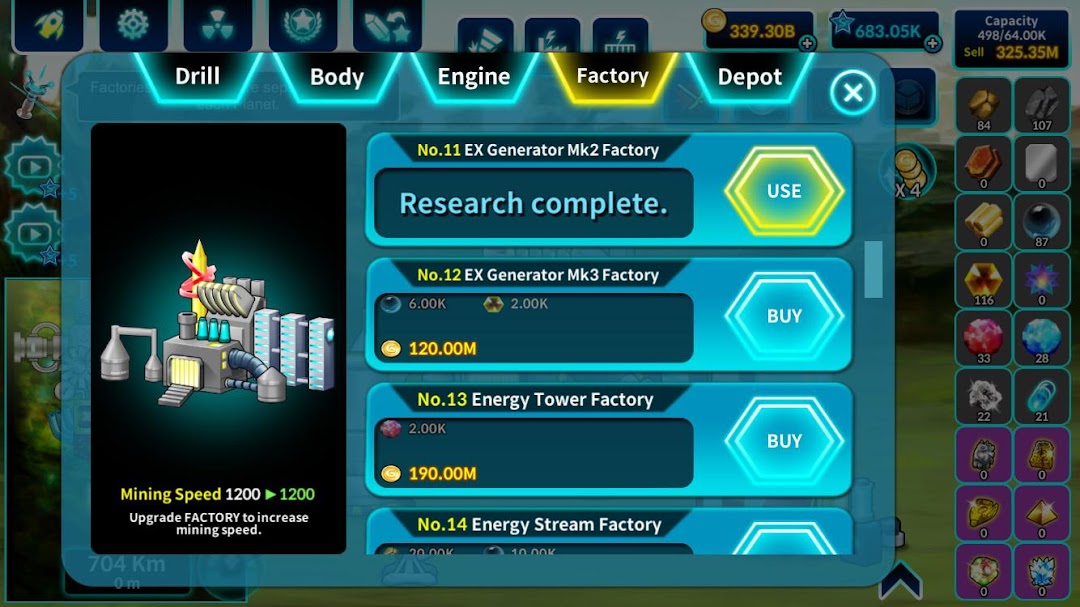
FACTORY: This is where you extract Minerals from ore. Upgrade Factory to increase mining speed.
DEPOT: This is where you keep your Minerals. Upgrade Depot to increase its max Mineral capacity.
You can trade Star for Minerals in Star Refinery, but you must unlock it first.
PRO TIP: Always check Quests! Quest rewards are very helpful for easier progress.
Some Quests will unlock super-effective Lab contents.
Tap Comm Sat on the left for helpful tips.
Synopsis
Planet Earth, 327 Space Year
The human race faces a new crisis, as increasing number of population consumed most of available resources.
Scientists began a project to craft an All-terrain mining vessel, capable of drilling any surfacr to mine minerals…
…and after 5 years,
The vessel is complete, and an inhabitable planet with rich amount of minerals is found. The New Frontier awaits you!
Notes
Your data is saved in the device. If you change device, or delete the app, all save files will be terminated.
Deleting the app will terminate all save files.