

Drum Set - Drumming App is a Music application developed by Beat Blend Labs, but with the best Android emulator-LDPlayer, you can download and play Drum Set - Drumming App on your computer.
Running Drum Set - Drumming App on your computer allows you to browse clearly on a large screen, and controlling the application with a mouse and keyboard is much faster than using touchscreen, all while never having to worry about device battery issues.
With multi-instance and synchronization features, you can even run multiple applications and accounts on your PC.
And file sharing makes sharing images, videos, and files incredibly easy.
Download Drum Set - Drumming App and run it on your PC. Enjoy the large screen and high-definition quality on your PC!
If you dream of being a Drummer, try our Real Drum App! 🥁
Be ready to start your drumming journey with our incredible drum app! If you're a beginner eager to learn drums or a seasoned pro looking to perfect your skills, this app has everything you need. Explore the world of drum music and experience the thrill of playing real drums right from your device.
🎶 Play Drums with Your Favorite Songs! 🎶
With our innovative "Song Player" feature, you can load your favorite tracks directly from the left corner of the drum screen. Now, you can play drums along with your favorite songs, making your practice sessions more fun and engaging. Feel the beat and let the music guide your Drumming!
🥁 Experience the Ultimate Drum Set! 🥁
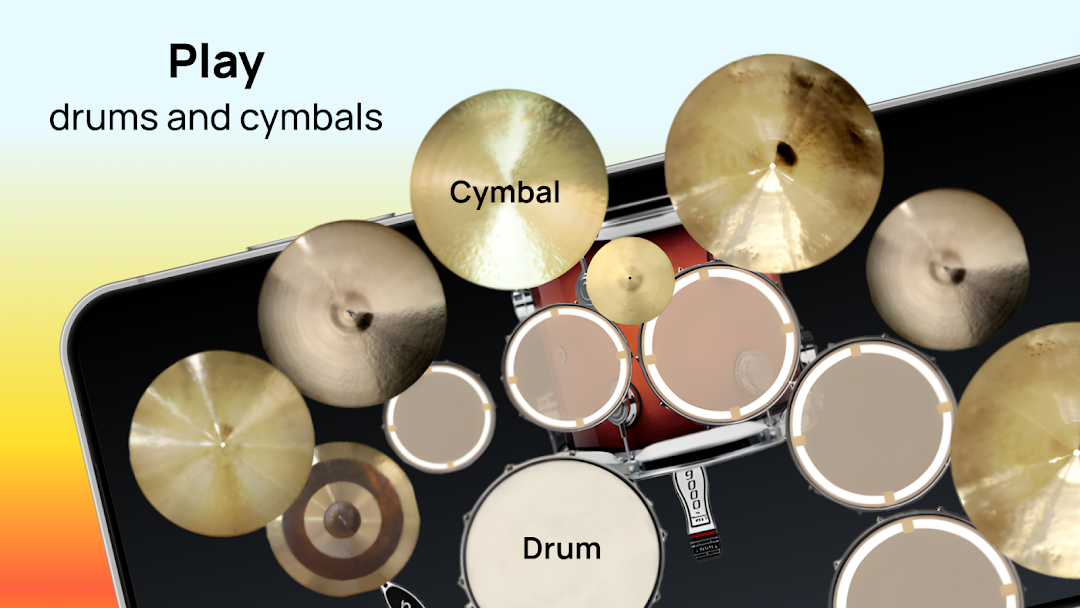
Our drum set offers various drum kit variations to suit every style. There's something for everyone, from the classic basic setup to the big concert, jazz, double bass, electric pad, and even the unique African drum set. Each drum kit is designed to give you the lowest latency on Android, ensuring a seamless drumming experience.
🎵 Studio-Quality Sounds! 🎵
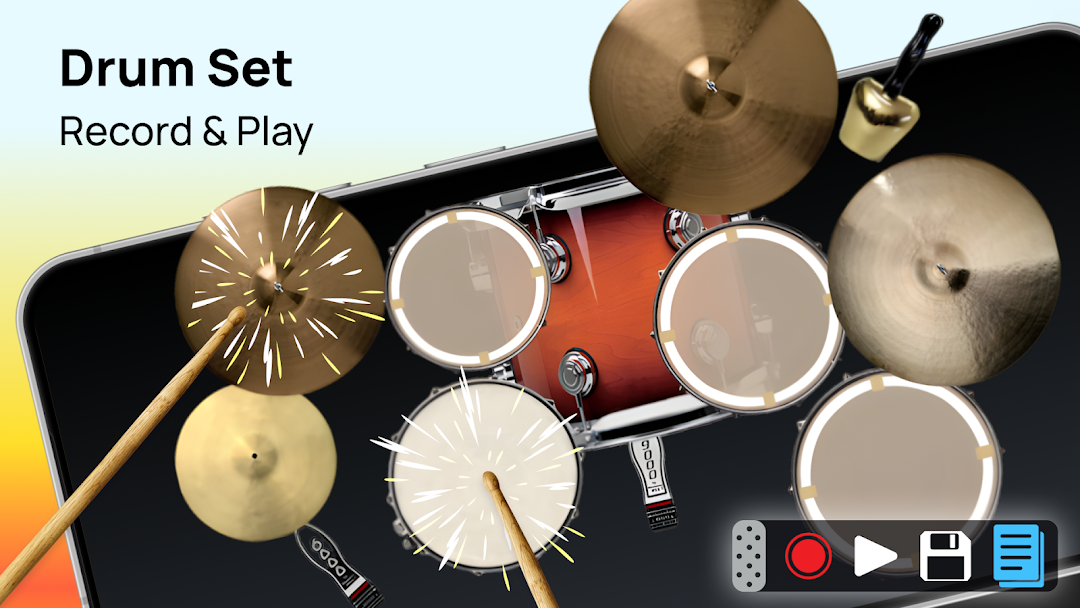
All sounds in our drum app are recorded from real drums, providing studio-quality audio. The low latency, multi-touch capabilities, and cool animations combine to create the ultimate drumming simulator. It's like having a real drum kit right at your fingertips!
📀 Record and Share Your Drum Beats! 📀
Create your drum beats and easily record them. Each setup lets you record separately to capture the perfect sound for every style. Share your drumming masterpieces with friends or across multiple devices. Show off your skills and inspire others with your Drumming!
🌟 Features That Make Us Stand Out! 🌟
Multiple Drum Kits: Choose from a variety of setups, including basic, big concert, jazz, double bass, electric pad, and African drum set. Low Latency: Enjoy the lowest latency on Android for a smooth drumming experience.
Studio-Quality Sounds: Play drums with sounds recorded from real drums for the best audio quality.
Multi-Touch Support: Experience real-time Drumming with multi-touch capabilities.
Recording Option: Record your drum beats and share them with friends.
Song Player Feature: Play drums and your favorite songs for an immersive experience.
🎸 Perfect for Learning and Mastering Drums! 🎸
Our drum app is perfect for those looking to learn drums or improve their drumming skills. With different drum kits and the ability to play along with your favorite songs, you'll find it easier and more enjoyable to practice. The realistic drumming simulator makes it feel like you're playing on a real drum set, helping you to hone your technique and rhythm.
🚀 Download Now and Start Drumming! 🚀
Don't wait any longer to start your drumming adventure. Download our drum app now and experience the thrill of playing real drums on your device. Whether you want to play drums for fun or practice seriously, this app is your perfect companion. Get ready to create amazing drum music and share it with the world. Happy Drumming!