Electric Man 2 is a Action game developed by Flash Game - Flash Game for Mobile, and LDPlayer is the best platform for playing Electric Man 2 on PC, offering powerful features to immerse you in the game.
When playing Electric Man 2 on computer, you can adjust frame rate settings for smooth gameplay and stunning visuals.
LDPlayer also provides pre-configured keyboard mapping for convenient control of the entire game. Continuous optimization of keyboard mapping enhances key sensitivity and skill accuracy. Additionally, LDPlayer offers special buttons like shoot, hide mouse, and continuous key press for an enhanced gaming experience.
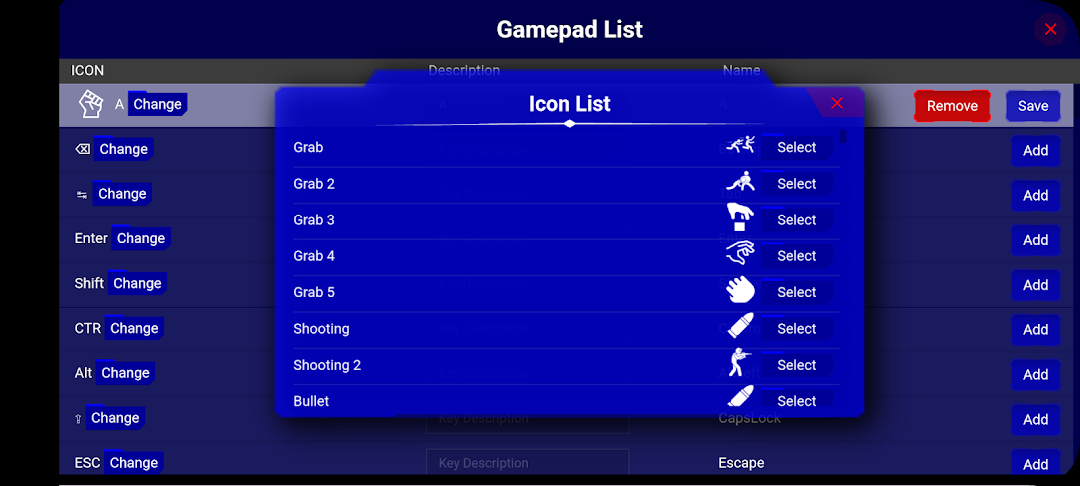
If you prefer using a gamepad, the automatic gamepad detection allows you to customize controls with just a few clicks, enabling you to freely maneuver your hero. Start downloading and playing Electric Man 2 on your computer now!
Electric Man 2 is an action-packed, browser-based fighting game that immerses players in the electrifying Tournament of Voltagen. You control a stickman character, Electric Man, surrounded by a customizable energy aura (available in colors like yellow, green, or blue), competing to become the most powerful being in the stickman universe. The game, developed by Damien Clarke in collaboration with Free World Group, features intense battles against various combat teams, blending martial arts, street fighting, and superhuman abilities.Players use keyboard controls to execute a range of moves, including punches, kicks, grabs, and dodges, with arrow keys for movement and A, S, D for standard attacks. Special slow-motion attacks (activated with Q, W, E) deliver powerful blows but consume battery points, which recharge over time. The "HS" (High Score) version includes a leaderboard, encouraging players to compete for top rankings. With smooth controls, vibrant visuals, and strategic combat, Electric Man 2 HS challenges players to master timing and reflexes across 19 rounds of increasing difficulty. Available on platforms like Newgrounds, CrazyGames, and Kizi, it remains a nostalgic favorite for fans of classic Flash games.