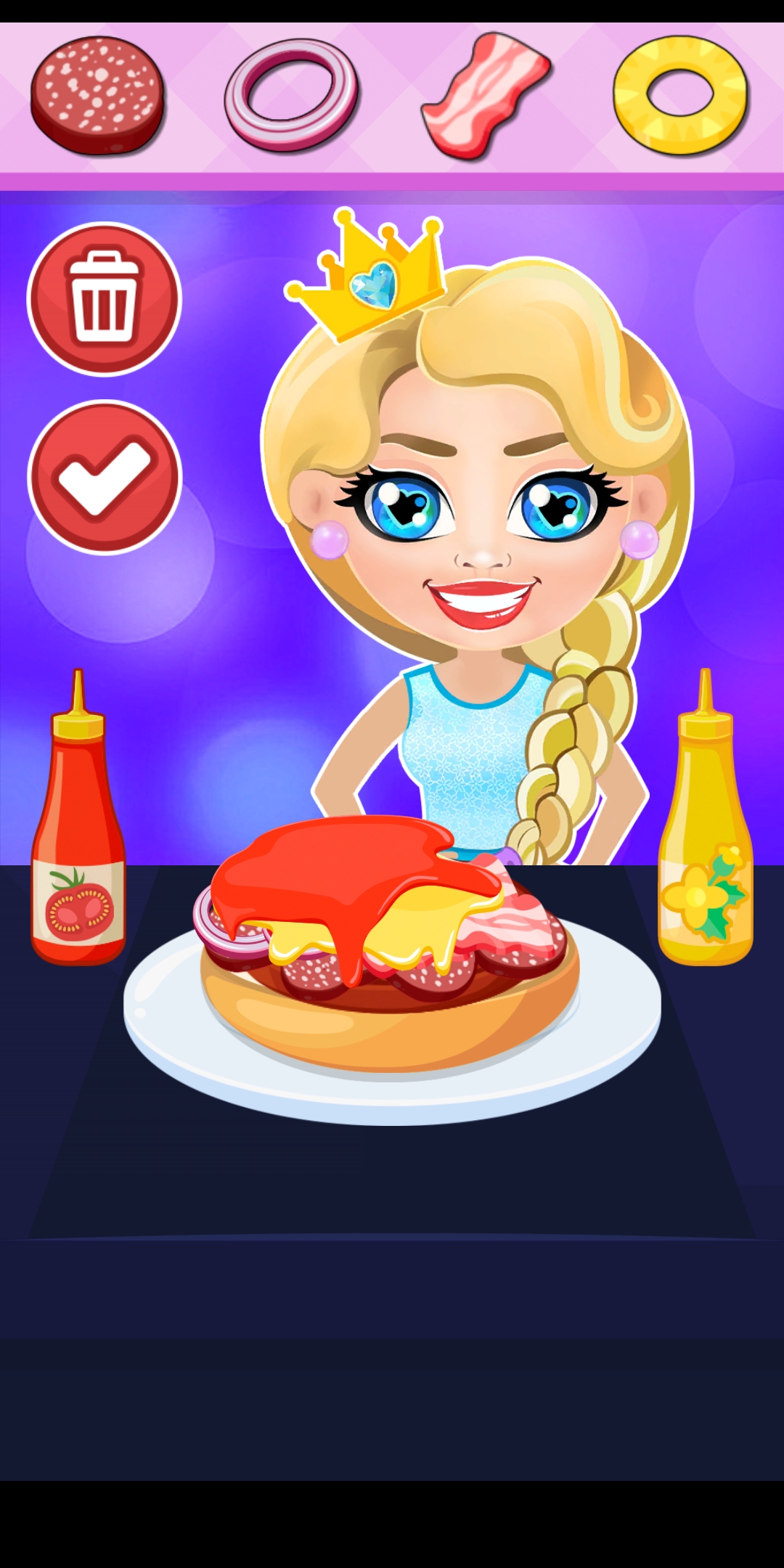
Elsa and Frozen Cheeseburger is a Casual game developed by Digitalmindsoft. LDPlayer is the best platform for playing Elsa and Frozen Cheeseburger on Windows PC, offering powerful features to enhance your immersive experience in Elsa and Frozen Cheeseburger.
When playing Elsa and Frozen Cheeseburger on your computer, if you find repetitive actions or tasks tedious and time-consuming, fret not! Macro can alleviate your concerns. Simply record your actions with a click of the screen recording feature and let macros take care of the rest. Macros automate your operations, allowing you to effortlessly conquer the game with minimal effort! Start downloading and playing Elsa and Frozen Cheeseburger on your computer now!
Welcome to Elsa and Frozen Cheeseburger icy game - frozen games and Elsa games for frozen games lovers.Enjoy the free game about icy didney frozen heroes Elsa and Frozen Cheeseburger and manage the kitchen as the best burger chef in Elsa and Anna frozen world. This game is one of the elsa games and frozen games that lets your children develop coordination, memory, observation, and basic motor skills! Your children will have fun and learn in our frozen games for kids Elsa and Anna. Elsa and Frozen Cheeseburger free fall mobile game made for little boys and girls to play on their own and discover dinsey frozen frozen Elsa and Anna world.
Children can play one of our great frozen games for kids elsa and anna games Elsa and Frozen Cheeseburger and help to make a delicious icy burger for Elsa and Anna to refill energy after adventures.
In our frozen games Elsa and Frozen Cheeseburger kids can have fun, become super cheeseburger makers, and feed Elsa and Anna frozen icy heroes. Children can train skills and compete with their icy friends.
The icy frozen princess from the frozen frozen team is very hungry. Don’t make icy cinderella wait for tasty burgers:
- choose the meat for icy Elsa that you prefer
- place it in a frying pan and fry it in well-done condition to make it super tasty for icy Elsa and Anna
- you can add different species and sauces
- show creativity and pick up the ingredients
- decorate your burger for dinsey heroes
When the icy burger is ready share it with icy frozen frozen heroes Elsa and Anna. Now Elsa and Anna are ready for adventures in didney frozen games for kids Elsa and Anna games!