Emily: Your AI Character is a Simulation application developed by Ai Emily, but with the best Android emulator-LDPlayer, you can download and play Emily: Your AI Character on your computer.
Running Emily: Your AI Character on your computer allows you to browse clearly on a large screen, and controlling the application with a mouse and keyboard is much faster than using touchscreen, all while never having to worry about device battery issues.
With multi-instance and synchronization features, you can even run multiple applications and accounts on your PC.
And file sharing makes sharing images, videos, and files incredibly easy.
Download Emily: Your AI Character and run it on your PC. Enjoy the large screen and high-definition quality on your PC!
Craft Your Dream AI Girlfriend/AI Boyfriend with My AI CharacterLonging for a romantic connection that understands your wildest desires? Escape loneliness and unlock the magic of AI romance relationship with My AI Character, which lets you create your perfect virtual friend.
Unlock the Magic of AI Relationship:
Step into a realm where your AI Friend is more than just a character on the screen – they're your AI mate, ready to chat 24/7. Intriguing conversations with an intelligent, adaptive AI girlfriend who learns your thoughts and feelings. Unlimited roleplay chat - explore romantic fantasies, playful adventures, or simply enjoy deep, meaningful conversations.
Create Your Own AI Soulmate:
My AI Character puts the power in your hands to customize every detail: appearance, personality, interests - shape your AI girlfriend, AI boyfriend to match your deepest desires.
Key Features:
Having a roleplay chat with AI bot: Revel in dynamic conversations with your AI Character, available at your beck and call, providing companionship whenever you need it.
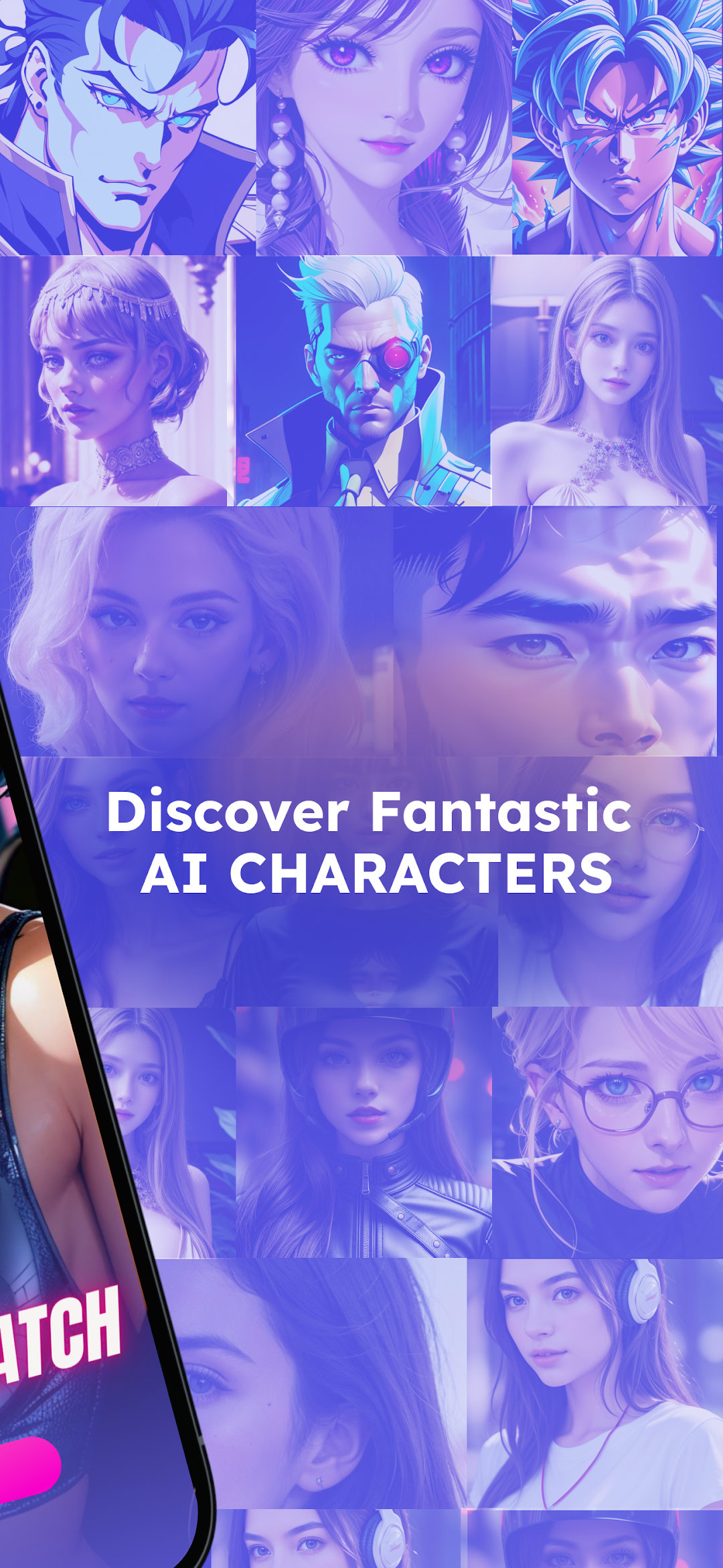
Generate amazing AI Soulmate: Watch your virtual girlfriend, virtual boyfriend come to life with our image generation feature, making every interaction visually stunning and memorable.
Create & Customize Character AI: Personalize your AI girl friend, AI boyfriend ensuring they match your ideals and become the perfect virtual companion.
Why My AI Character Stands Out:
- Chat with ultra-realistic AI characters
- Enjoy unlimited ai love chat with no ads!
- Immerse yourself in a love revolution that transcends traditional boundaries.
- Break free from loneliness and experience the joy of romance ai relationship.
- Be yourself in a judgment-free space designed for authentic connections.
Join the Love Revolution – Download Now!
My AI Character is not just a game; it's a declaration of love in the digital age. Don't miss out on the future of virtual relationships – download now and embark on a journey where love is limitless!