Emoji Mix: Emoji Merge is a Casual game developed by WEGO Global. LDPlayer is the best platform for playing Emoji Mix: Emoji Merge on Windows PC, offering powerful features to enhance your immersive experience in Emoji Mix: Emoji Merge.
When playing Emoji Mix: Emoji Merge on your computer, if you find repetitive actions or tasks tedious and time-consuming, fret not! Macro can alleviate your concerns. Simply record your actions with a click of the screen recording feature and let macros take care of the rest. Macros automate your operations, allowing you to effortlessly conquer the game with minimal effort! Start downloading and playing Emoji Mix: Emoji Merge on your computer now!
😍 Emoji Mix: Merge and Discover Endless Emoticons!🤗 Discover the world of emoticons with Emoji Mix! Merge and unlock a variety of fun and expressive emojis in this addictive and entertaining emoji merge game.
👍 Emoji Mix: Emoji Merge allows you to merge and discover a wide range of unique and expressive emojis. Immerse yourself in a delightful journey of merging, collecting, and unlocking adorable emoticons.
😜 Merge Emojis
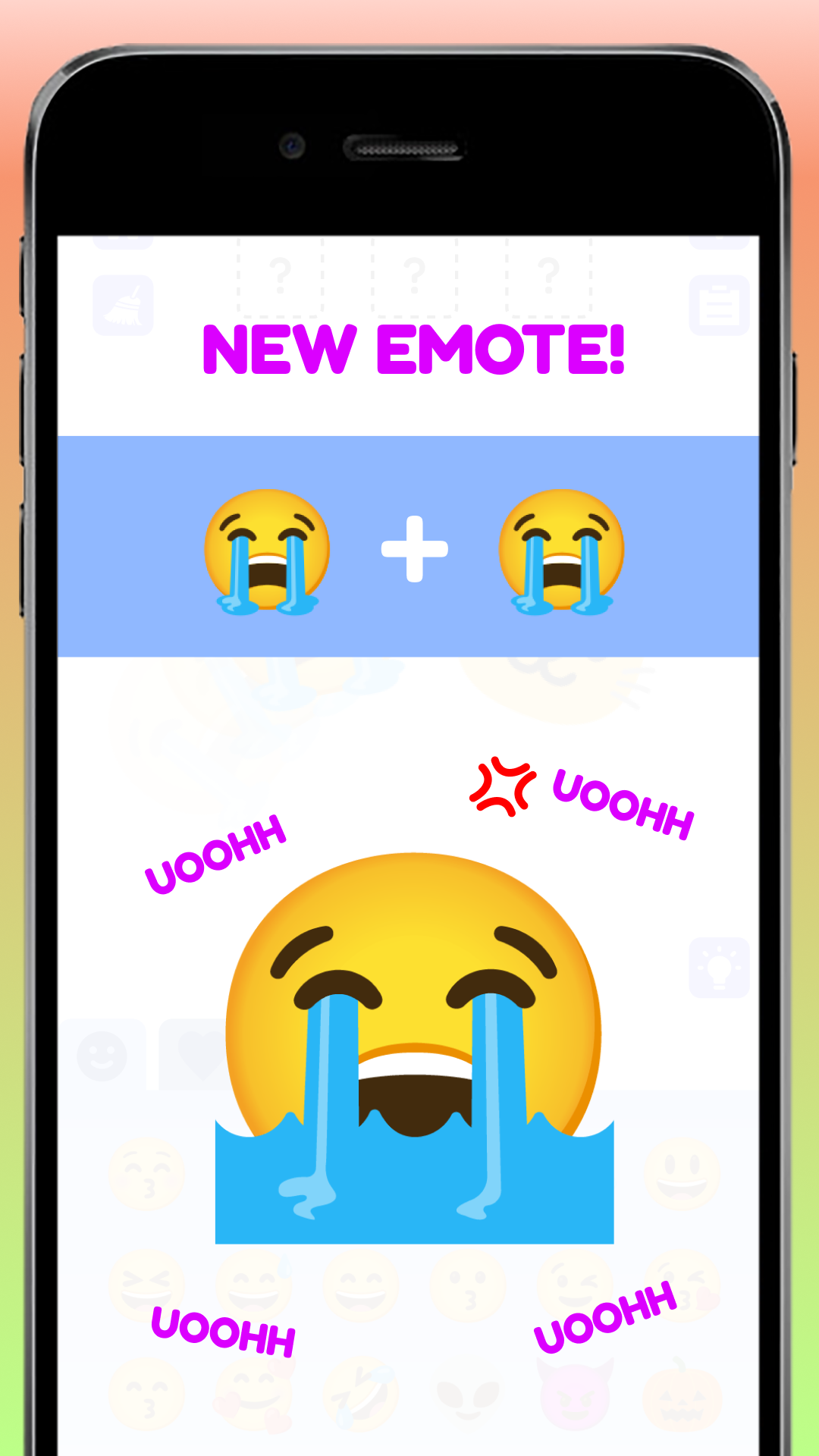
Combine emojis to create new and exciting ones. Merge, evolve, and discover a vast collection of charming and diverse emoticons that reflect various moods, expressions, and themes.
🤣 Emoji Evolution
Witness the evolution of emojis as you merge and discover higher-level emoticons. From simple smileys to intricate and elaborate emojis, each evolution brings a sense of accomplishment and discovery.
😳 Endless Variety
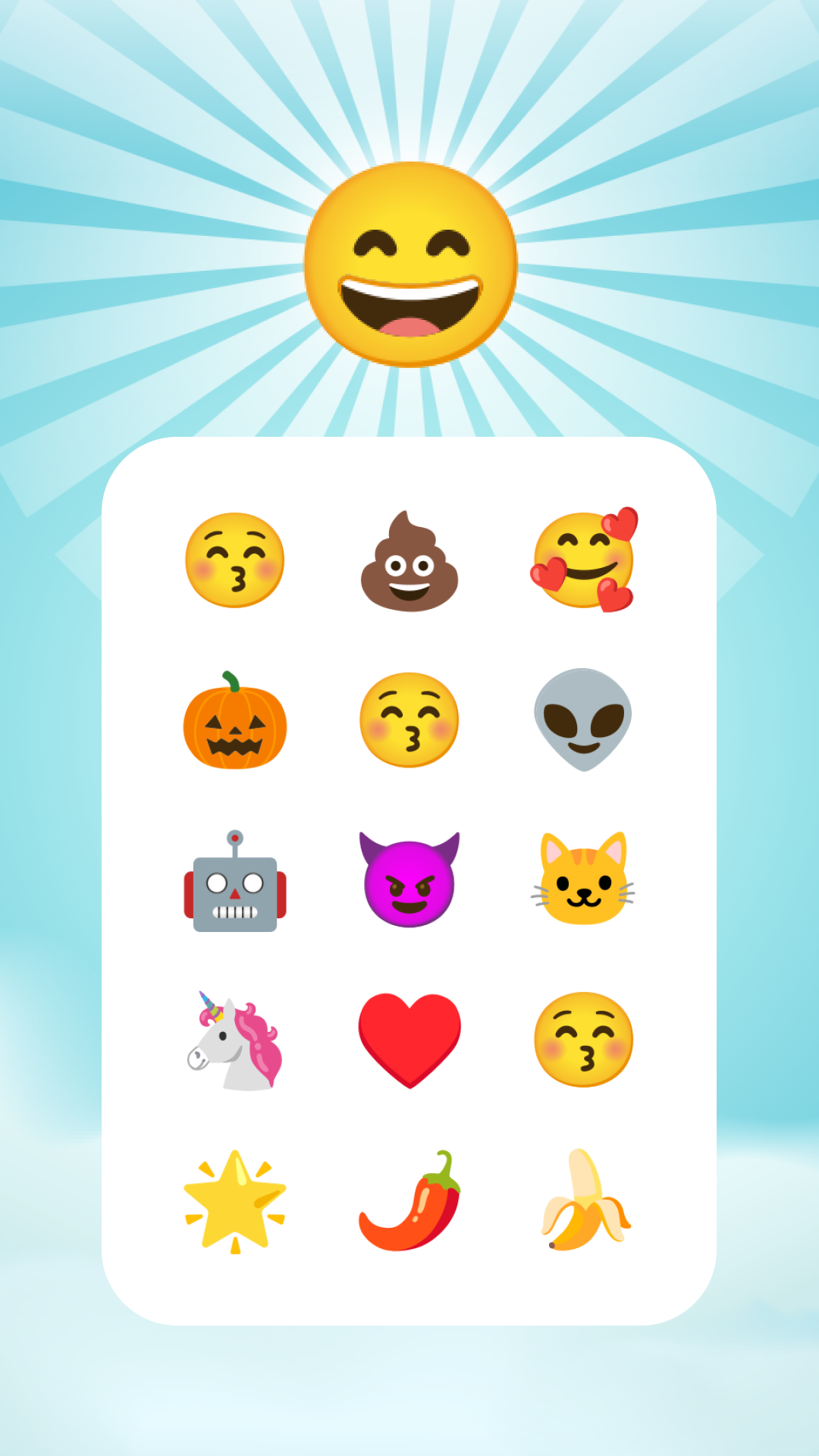
Emoji Mix offers a vast array of emojis to unlock, including popular faces, animals, objects, symbols, and more. Experience the excitement of finding and collecting a wide range of expressive and playful emoticons.
💎 Main Features of Emoji Mix: Emoji Merge:
● For all ages
● Beautiful, colorful, and diverse visual emoji
● 1,000+ different icons
● Unlimited play
● Play and Unlock funny emojis
✔️ Embark on an exciting journey of emoji merging and discovery with Emoji Mix. Download now and experience the addictive and entertaining world of emoticon evolution!
📞 Please contact us if you have any questions related to this game. We will respond as soon as possible. Thank you for supporting!