Epic Arena: Battle Game is a Role Playing game developed by Wombat Wrestling, and LDPlayer is the best platform for playing Epic Arena: Battle Game on Windows PC, offering powerful features for an immersive experience.
When playing Epic Arena: Battle Game on PC, as a new player looking to start with a fresh account, the multi-instance and sync features are extremely useful for rerolls. You can use them to run multiple instances and begin the synchronization process. Bind your account until you draw the desired heroes.
In addition, operation recorder is great for games that require you to level up and complete tasks! Run the sync and record your actions, then repeat the main instance's actions in real-time. By doing so, you can run 2 or more accounts simultaneously. You can always get the heroes you want before others by faster rerolls and more efficient summoning! Start downloading and playing Epic Arena: Battle Game on your computer now!
Engage in real-time PvP conflicts! Develop your tactical prowess and enlist an array of impressive Heroes to guide your way to triumph in epic battles. Enhance your warlord's appearance and abilities through evolution, rendering you invincible in online PvP duels and allowing you to dominate the battle arenas.Construct your personal party! Select from a vast array of over 80 potent battle heroes, each possessing unique and amazing abilities and equipment, to compose an enduring squad. Elevate legendary heroes through upgrades to secure victories in thrilling daily competitions, thus enhancing your formidable warriors. Alternatively, join your guild and embark on epic quests alongside your allies.
Amplify your strength by either overpowering adversaries or acquiring substantial upgrades. Notable features encompass:
- Real-time PvP clashes
- Collaboration with guilds and clans for player unity
- An eclectic roster of heroes with distinct abilities
- Careful formulation of battle strategies and tactics
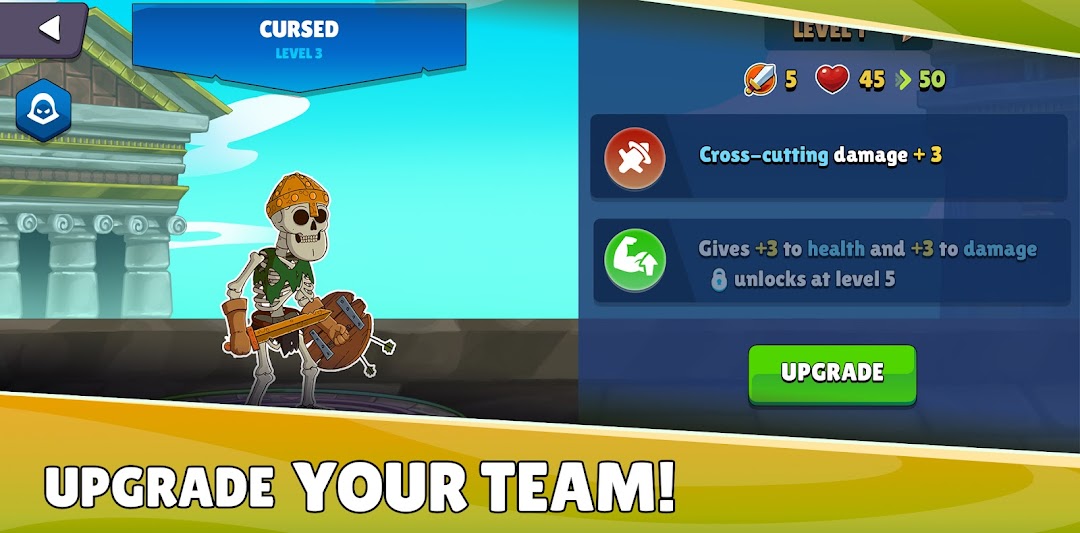
- Advancement of battle deck heroes and warlords
- Immersive visual experience
Craft both offensive and defensive combat strategies, collect and evolve new heroes, and engage in clashes with rivals through PvP battles. Extend invitations to fellow players, fostering camaraderie in your clan, and exchange heroes and items with your companions. Engage in chats, share the spoils of war, and confront other players within a single mobile game.