Epic Party Clicker: Idle Party is a Simulation application developed by Tapps Games, but with the best Android emulator-LDPlayer, you can download and play Epic Party Clicker: Idle Party on your computer.
Running Epic Party Clicker: Idle Party on your computer allows you to browse clearly on a large screen, and controlling the application with a mouse and keyboard is much faster than using touchscreen, all while never having to worry about device battery issues.
With multi-instance and synchronization features, you can even run multiple applications and accounts on your PC.
And file sharing makes sharing images, videos, and files incredibly easy.
Download Epic Party Clicker: Idle Party and run it on your PC. Enjoy the large screen and high-definition quality on your PC!
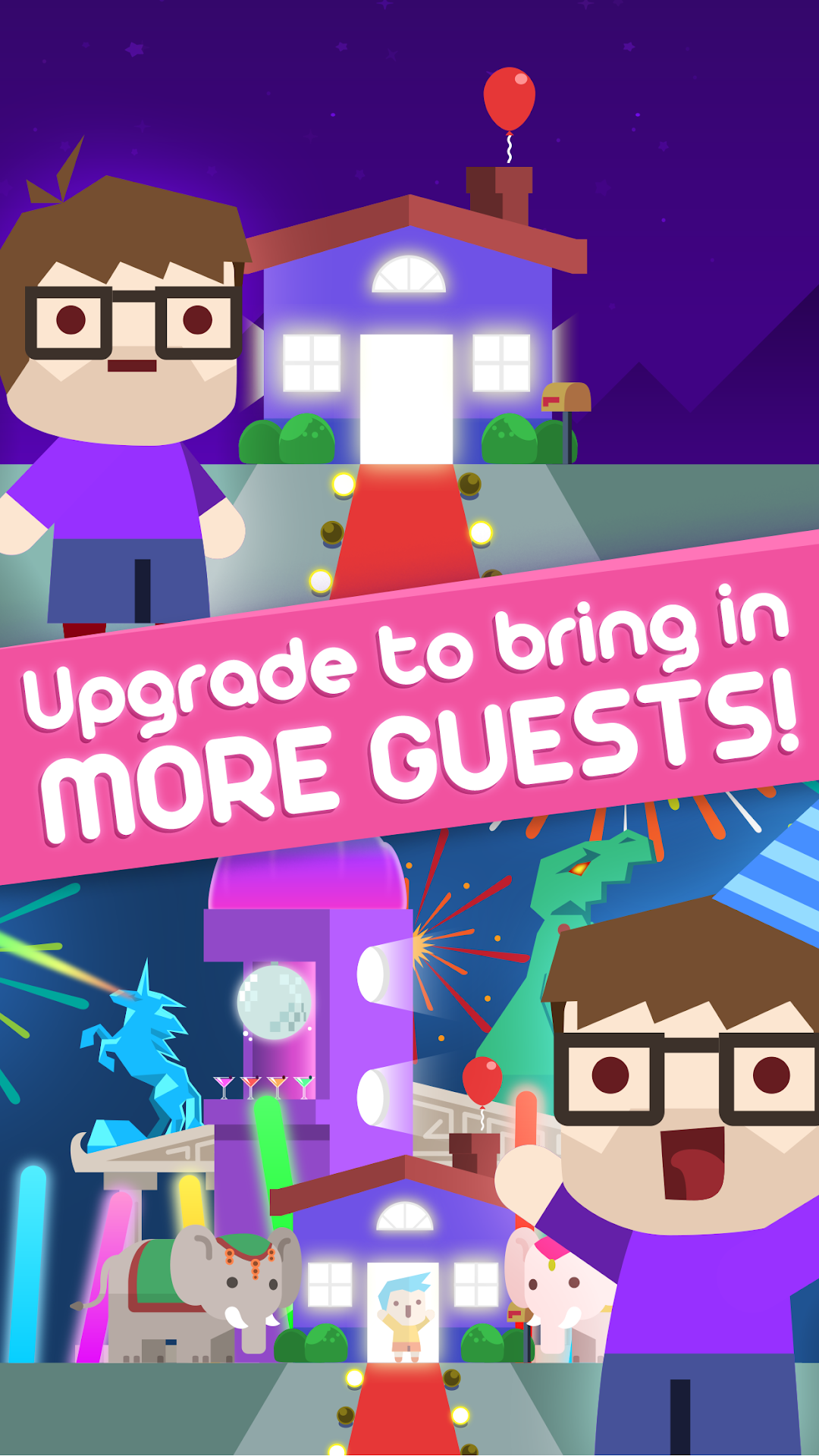
Your parents are out of town and you’re finally by yourself… So, what time is it? It’s EPIC PARTY TIME!!! Get ready, because you’re going to throw the sickest event of all times! In this clicker game, tap to get more guests while you upgrade your celebration!Don’t be a wallflower! You will start small... But, put on your dancing shoes, upgrade your space and sound equipment and become a real social butterfly! You can bring a jello bar, a zero-G dance floor, a viking metal band to rock out this party and even a time machine! How awesome is that?
To totally burn up on the dance floor, you have to pay attention to the rhythm: sync your taps with the sick beats of the songs playing and improve the number of guests. Your party will bring the house down!
HIGHLIGHTS
🎉 Follow your guests’ posts on social networks and see how your party goes!
🎉 Drum on the screen and raise the number of guests per tap!
🎉 Get over 20 party upgrades to drive your guests crazy, as arcades, laser ice sculptures, a moon lifter and even a time machine that can bring party relics of different eras to your celebration! Amazing!
🎉 Upgrade your sound equipment to outstanding and really powerful ones, like Illuminati Amplifier, Dubstep Wizard and Hyperspace Echo!
🎉 Get party vans to drive your guests to your party in style. You can even put them in a flying limo!
Seriously… Who wouldn’t go to a event like that? Let’s get this party started!!!
Please note! This game is free to play, but it contains items that can be purchased for real money. Some features and extras mentioned in the description may also have to be purchased for real money .