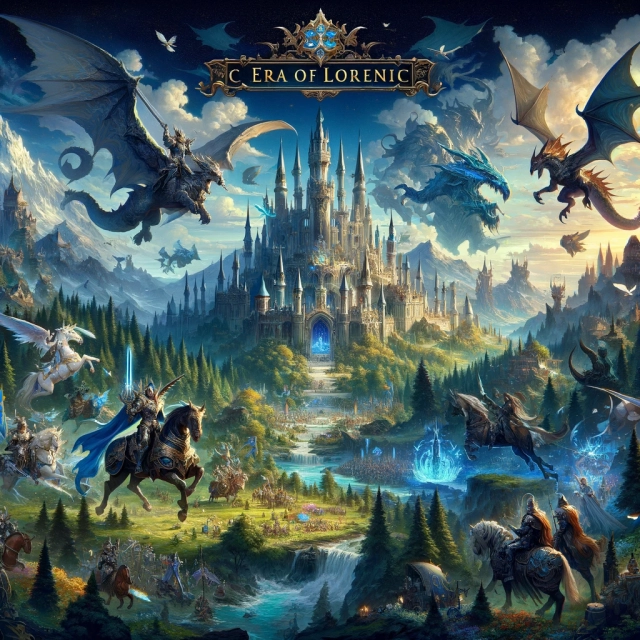
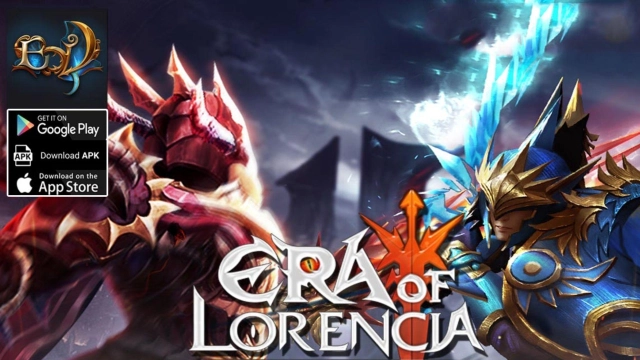
Era of Lorencia is a Role Playing game developed by EOL Dev, and LDPlayer is the best platform for playing Era of Lorencia on Windows PC, offering powerful features for an immersive experience.
When playing Era of Lorencia on PC, as a new player looking to start with a fresh account, the multi-instance and sync features are extremely useful for rerolls. You can use them to run multiple instances and begin the synchronization process. Bind your account until you draw the desired heroes.
In addition, operation recorder is great for games that require you to level up and complete tasks! Run the sync and record your actions, then repeat the main instance's actions in real-time. By doing so, you can run 2 or more accounts simultaneously. You can always get the heroes you want before others by faster rerolls and more efficient summoning! Start downloading and playing Era of Lorencia on your computer now!
Era Of Lorencia, a classic MMORPG mobile role-playing gameThe game is an authentic adaptation from the original PC version, with simultaneous upgrades in both experience and gameplay. It ensures MUTIZENs a fresh yet nostalgic feeling, full of new experiences and memories.
The game interface is optimized for mobile, providing MUTIZENs with peak experiences in classic activities such as hunting Golden Bosses, Blood Castle, Devil Square, Chaos Castle, and more.
★ SPECIAL FEATURES ★
GRAPHICS – UPGRADED INTERFACE
• 360-degree rotation - Supports various screen lock modes for a perfect player experience.
• Interface optimized for mobile devices.
• Expansive continent maps allow MUTIZENs to explore familiar landmarks like Lorencia, Noria, Davias, Atlans, Icarus, and more.
CLASSIC CLASSES - 2 DECADES OF MEMORIES
Legendary character classes:
• Dark Knight - A warrior with both powerful attack and defense at close range.
• Dark Wizard - A mage capable of effectively controlling enemies, agile in PK.
• Fairy Elf - A long-range archer with immense power, capable of dealing significant damage in a short time.
• Dark Lord - The Lord of Darkness, with immense damage and a leadership role in Castle Siege battles.