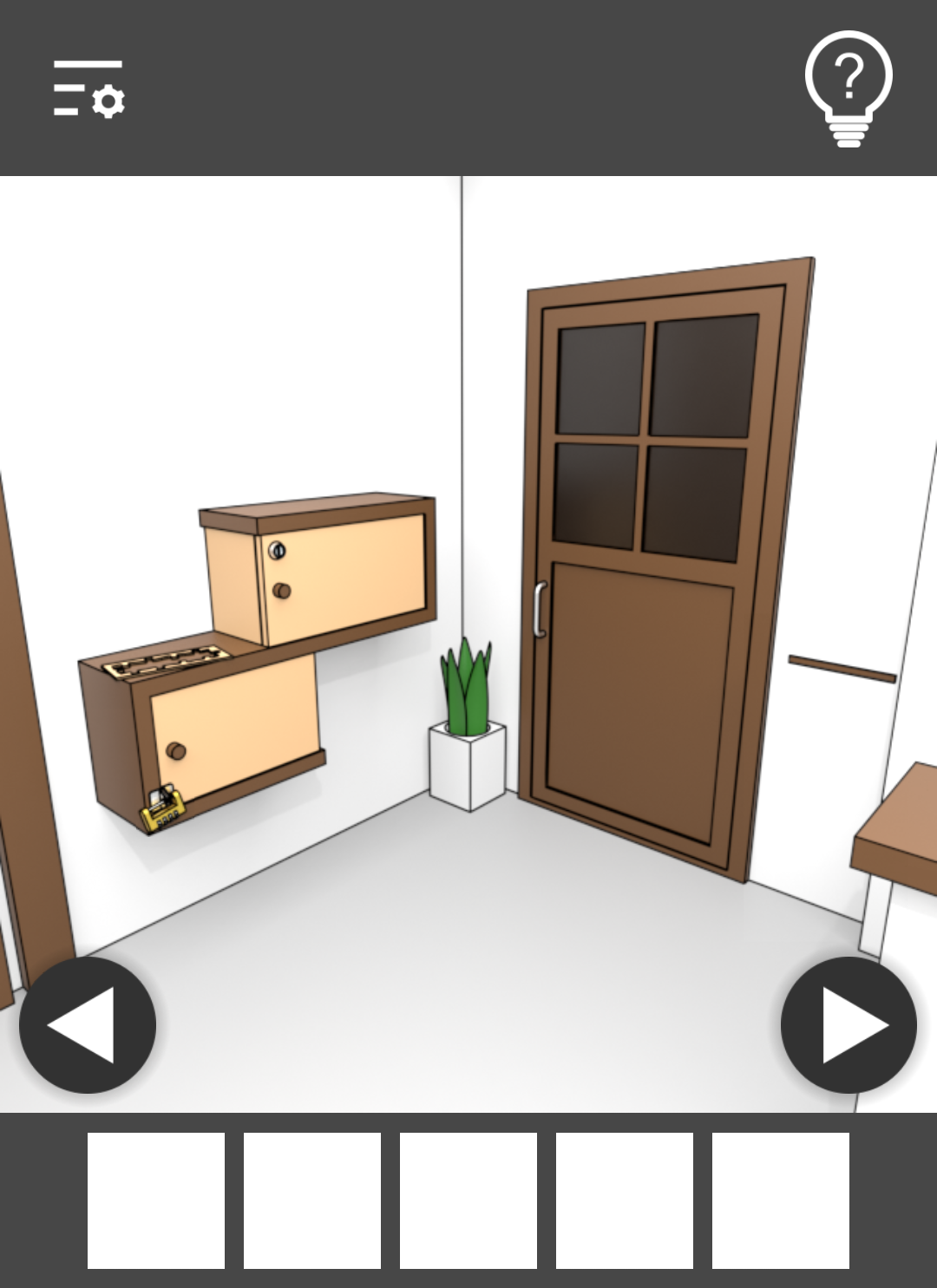
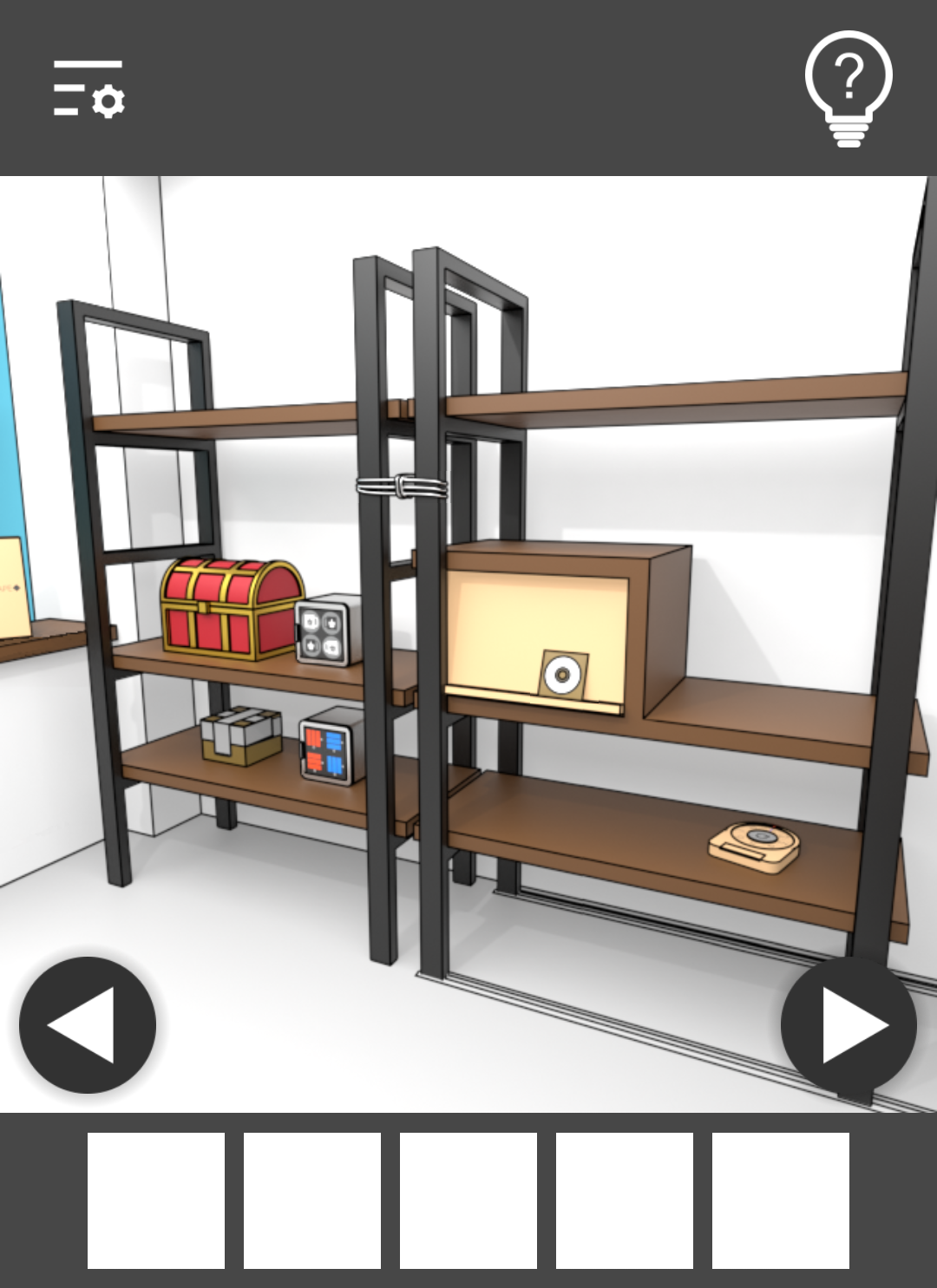
Escape Game - GameCafeEscape is a Adventure application developed by masasgames, but with the best Android emulator-LDPlayer, you can download and play Escape Game - GameCafeEscape on your computer.
Running Escape Game - GameCafeEscape on your computer allows you to browse clearly on a large screen, and controlling the application with a mouse and keyboard is much faster than using touchscreen, all while never having to worry about device battery issues.
With multi-instance and synchronization features, you can even run multiple applications and accounts on your PC.
And file sharing makes sharing images, videos, and files incredibly easy.
Download Escape Game - GameCafeEscape and run it on your PC. Enjoy the large screen and high-definition quality on your PC!
Escape from the room.There is one way to escape.
The game will be saved automatically.
You can see hints by watching ads.
You can play the full game for free.
How to play:
1. Escape from the room by tapping the room.
2. On the list of items, you can tap an item and select it. Then, you can use the item you selected by tapping the room.
3. After selecting an item, you can tap the item again and search it in detail. At this time, you can use the other item for it or combine the other item with it.
Credit
無料効果音で遊ぼう! - https://taira-komori.jpn.org/
効果音ラボ - https://soundeffect-lab.info/
ぴぽや倉庫 - https://pipoya.net/sozai/
尾羽の小屋 - http://obane.tuzikaze.com/