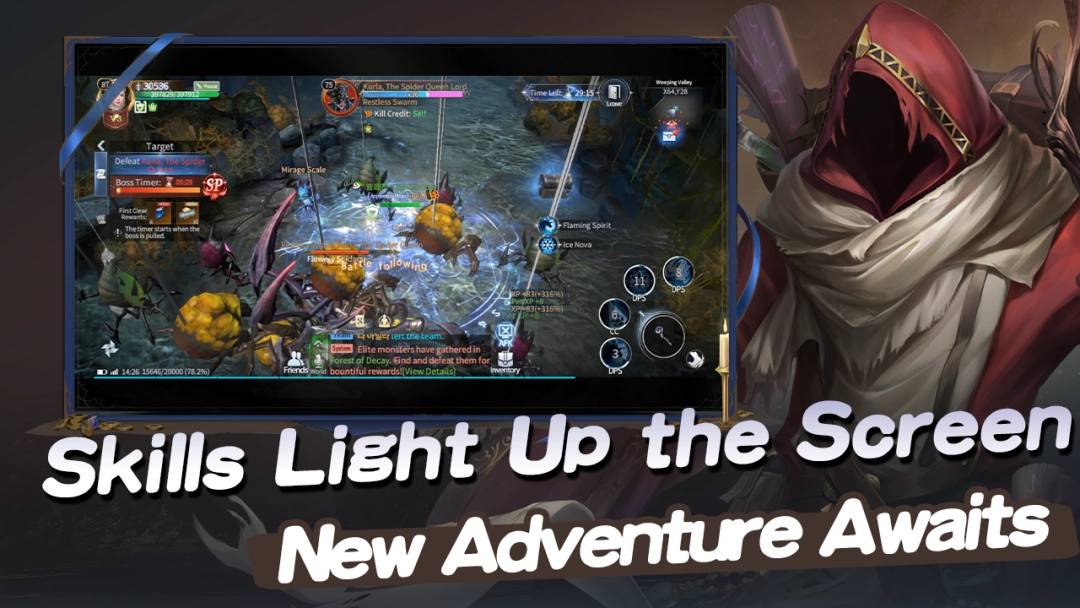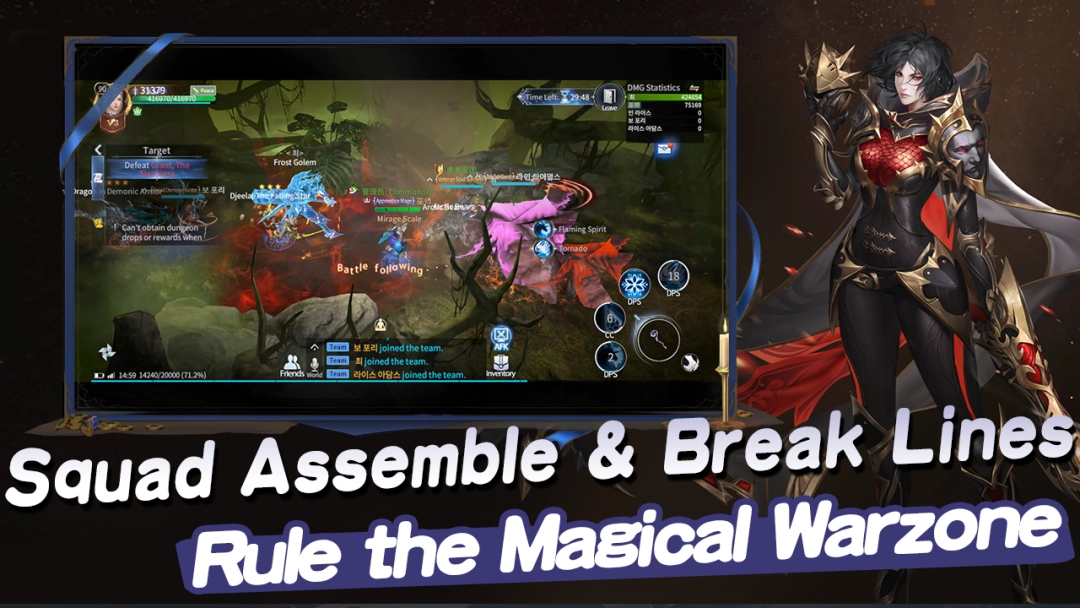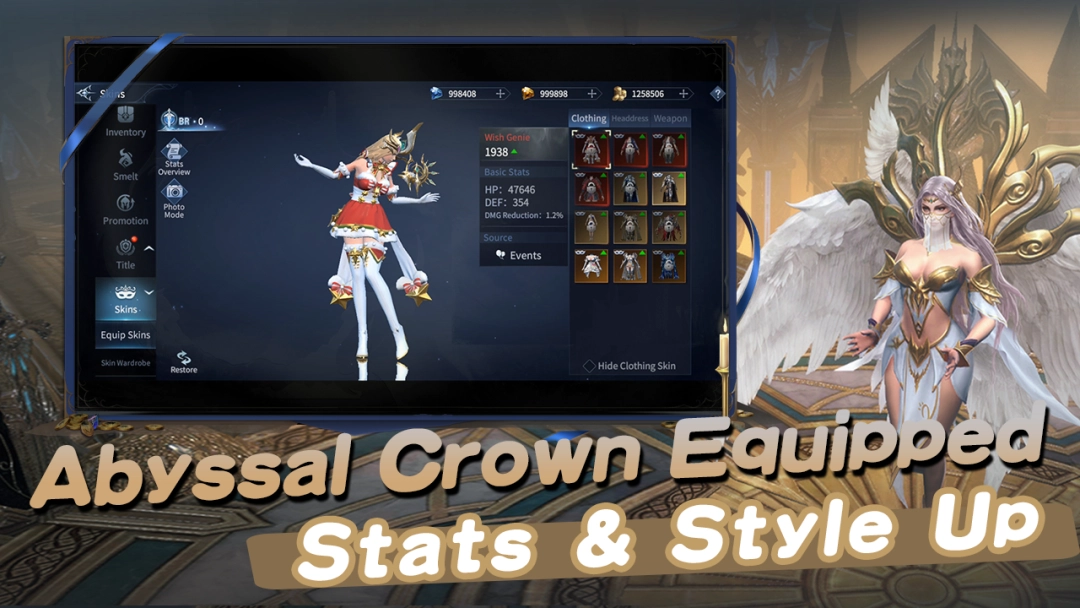


Eternal Guardian is a Role Playing game developed by , and LDPlayer is the best platform for playing Eternal Guardian on Windows PC, offering powerful features for an immersive experience.
When playing Eternal Guardian on PC, as a new player looking to start with a fresh account, the multi-instance and sync features are extremely useful for rerolls. You can use them to run multiple instances and begin the synchronization process. Bind your account until you draw the desired heroes.
In addition, operation recorder is great for games that require you to level up and complete tasks! Run the sync and record your actions, then repeat the main instance's actions in real-time. By doing so, you can run 2 or more accounts simultaneously. You can always get the heroes you want before others by faster rerolls and more efficient summoning! Start downloading and playing Eternal Guardian on your computer now!
A shadowy gloom sweeps across the entire continent, turning once peaceful lands into a monster-infested hell. In despair, the surviving people call out for a savior—and you, a hero favored by fate, will embark on an adventure to reverse destiny itself.
Do you want to protect your companions with steel and strength? Choose the Warrior, clad in heavy armor and charging into the front lines; prefer overwhelming enemies with elemental power? Become a Mage, mastering fire, ice, and lightning to control the battlefield; tempted by shadows and the undead? Embrace the Necromancer, summoning skeletons and casting terrifying curses; skilled in stealth and precision? Become a Hunter, striking from the shadows with deadly accuracy.
Journey through mist-covered forests, scorching volcanoes, ruined ancient cities, and shadow-filled abysses. Each region hides ancient treasures and unknown dangers. Team up with friends to challenge powerful bosses and conquer epic dungeons, compete in cross-server battles for glory and rare resources, and explore every corner of the continent to unlock hidden stories and uncover the truth behind the spreading darkness.
Will you walk the path of light, or harness the power of darkness? Will you travel alone, or fight side by side with allies? The fate of this continent will be rewritten by your choices and your adventure.