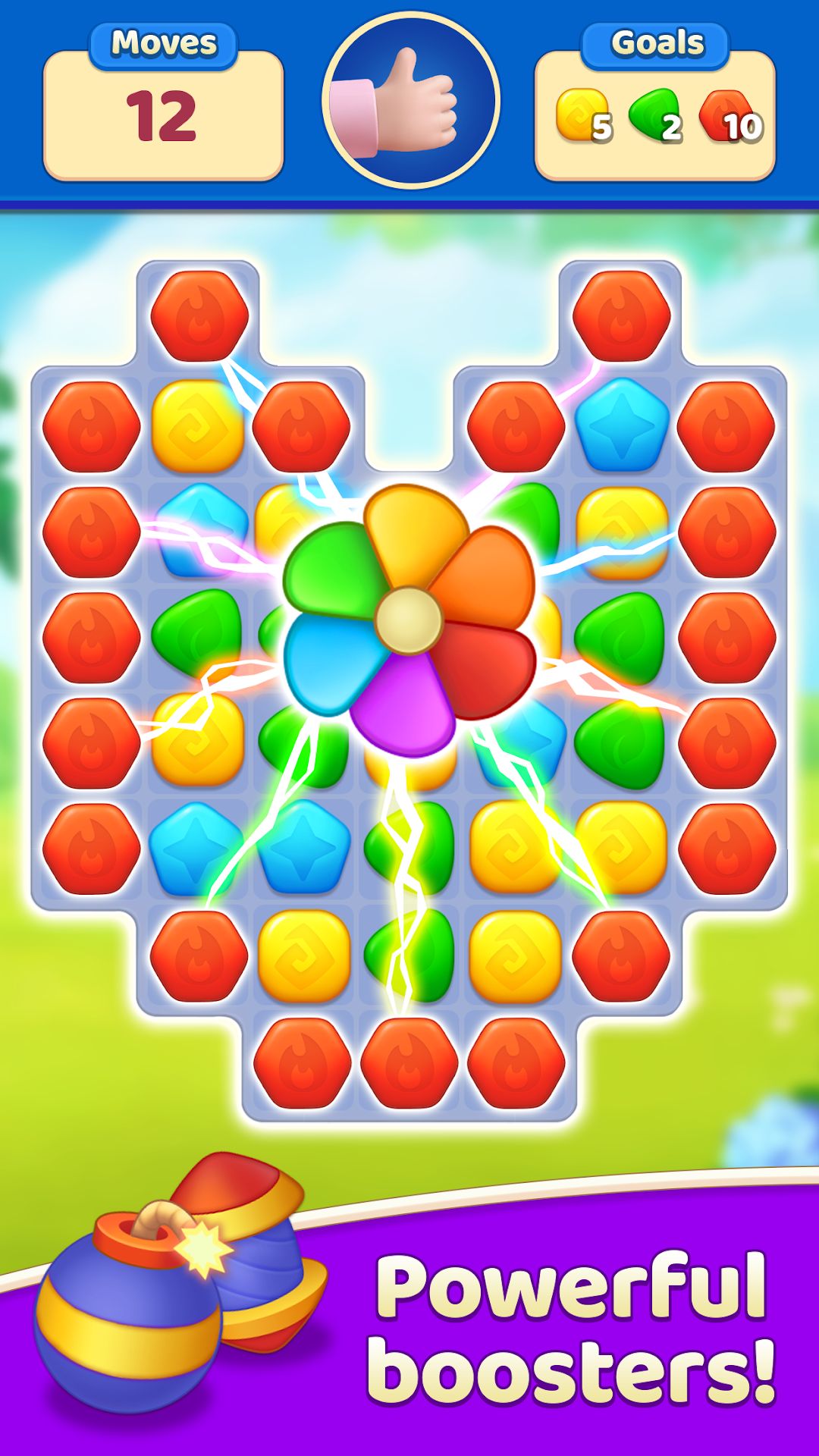
EverMatch 3 Game is a Puzzle application developed by FULIDI TATYANA VLADIMIROVNA, but with the best Android emulator-LDPlayer, you can download and play EverMatch 3 Game on your computer.
Running EverMatch 3 Game on your computer allows you to browse clearly on a large screen, and controlling the application with a mouse and keyboard is much faster than using touchscreen, all while never having to worry about device battery issues.
With multi-instance and synchronization features, you can even run multiple applications and accounts on your PC.
And file sharing makes sharing images, videos, and files incredibly easy.
Download EverMatch 3 Game and run it on your PC. Enjoy the large screen and high-definition quality on your PC!
Welcome to Evermatch puzzle game! Swipe colors, solve match-3 puzzles and play. An exciting adventure is calling you!Play level by level and enjoy the changes in the countries. Victories in three-in-a-row allow you to unlock new locations and landmarks. Collect and check out the most beautiful countries of the world in one game!
If you love match 3 games for adults and enjoy the spitir of adventure, welcome to the unexplored world! All fans of the match-3 genre will love the new adventure story in the EverMatch Game!
How to play:
Form lines of 3 or more gemstones to crush them.
Combine 4 gemstones to create special gem-lightnings. These valuable lightnings can cause explosions to destroy all gems in a row or a column.
Match 5 gemstones in the form of the letter T or L to create a special bomb of precious stones. A gem-bomb could destroy all the jewels around it.
Build lines of 5 gems to create jewels of a special color. Colored jewels can destroy all the gems of the same color as the jewel itself.
Match 6 gems to create a more powerful lightning gem. It can destroy all the jewels in the row and column.
Combine 2 special gems to get various fantastic effects that will help you pass the level.
Achieve level goals to make progress in your adventure.
Features of the free game:
Easy and fun to play, hard to master.
Lots of exciting levels to earn gems - new ones are added regularly.
Over a hundred exciting castle levels.
5 completely different types of «Best match 3» games.
Useful magical boosters to win precious stars.
Automatic tips when you’re looking for gems but can’t find a single match.
Easy and exciting game:
Easy controls, fun game, great graphics!
Just swap places and match with one finger!
No time limit. Play at your own pace!
No WiFi? No problem:
A free game where you can play without the internet!
This amazing new match 3 game is like a shining gem among magic puzzle quests! Prove that you can overcome all the troubles! The puzzle will make you feel like an adventurer in search of new territories. Use everything you have in your arsenal: logic, imagination, memory and reaction! Only true match-3 experts will be able to solve all the puzzles and mysteries of this adventure and unlock all the photo cards!
Any questions? Contact our Support: support.adventure@mintcandy.com