Home/

Games/

Action/

Evil Awakening II : Erebus

Evil Awakening II : Erebus
4.4100+

Evil Awakening II : Erebus

Experience idle action RPG in a dark fantasy world with legendary partners!

Play on PC with LDPlayer
recommend
Game Hollywood Hong Kong Limited
How to Download&Play Evil Awakening II : Erebus on PC?
Last Updated: 2025-01-11
com.gamehollywood.ea2
Share:
  • Overview

  • FAQ

  • Game Guides

Use LDPlayer to Play Evil Awakening II : Erebus on PC

Play Evil Awakening II: Erebus on PC

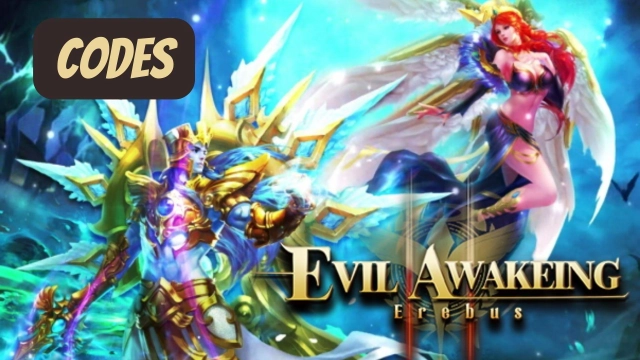
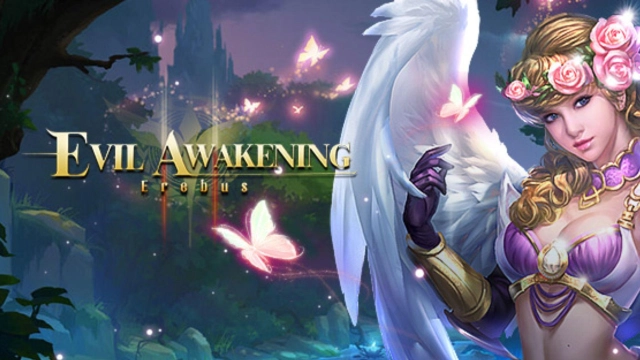
Evil Awakening II: Erebus is here as a sequel to the Evil Awakening, and this will be a classic MMO by Game Hollywood Hong Kong Limited. The game is currently under pre-registration, and the authentic style of the Evil Awakening can be enjoyed here to the best. This idle MMORPG game will bring more evil to beat, and it is about building a league, taking part in auto fights, and doing your best with several abilities to master in this world full of bosses and monsters. LDPlayer 9 is the best emulator to play Evil Awakening II: Erebus on PC.

Make Your Hero, Take in Fights, gather More Loots and Form Alliances.

To beat the bosses and monsters you meet through the game, you can summon so many partners and mounts, and they will provide you with great help in the battles. You have to create the most powerful team here with the best skills, and then the battles will be much easier to beat the numerous enemies you encounter.

There will be epic boss dungeon fights that you can take in this fantasy adventure, and your heroes are fighting automatically here. And at the end, they will be rewarded with more treasure, and you can also take part in a guild to defend the allies from battles.

Best Visuals for a Stunning Gameplay Achieved

Evil Awakening II: Erebus is such an amazing game that features many amazing and colorful elements, so the best comes when you are playing the game on a better screen. To this, you can play the game on a PC, and LDPlayer 9 is here to give you the best visuals with the best graphic optimizations there to enjoy every bit of this game to the fullest.

Open up

Screenshots and Videos of Evil Awakening II : Erebus PC

Experience a wider field of view, exquisite game graphics, and cooler combat skills and effects by downloading and playing Evil Awakening II : Erebus on PC with LDPlayer. Enjoy the ultimate gaming experience with LDPlayer.

Why Play Evil Awakening II : Erebus on PC with LDPlayer?

LDPlayer offers unique emulator features including multi-instance support, macros, operation recorder, and other functions not available on mobile devices.

Ultra-Wide Screen

Keyboard Mapping

One-Click Macro

Ultra-Wide ScreenKeyboard MappingOne-Click Macro

Utilizing the expansive screen, it offers a panoramic, all-encompassing view of the game in Evil Awakening II : Erebus, leaving no blind spots. Players can observe game details with crystal clarity and react instantaneously.

  • High FPS

    With support for high FPS, Evil Awakening II : Erebus's game graphics are smoother, and actions are more seamless, enhancing the visual experience and immersion of playing Evil Awakening II : Erebus.
  • Extended Battery Life

    When running Evil Awakening II : Erebus on your computer, you need not worry about low battery or device overheating issues. Enjoy playing for as long as you desire.

How to Download&Play Evil Awakening II : Erebus on PC?

  • 1

    Download and install LDPlayer on your computer

  • 2

    Locate the Play Store in LDPlayer's system apps, launch it, and sign in to your Google account

  • 3

    Enter "Evil Awakening II : Erebus" into the search bar and search for it

  • 4

    Choose and install Evil Awakening II : Erebus from the search results

  • 5

    Once the download and installation are complete, return to the LDPlayer home screen

  • 6

    Click on the game icon on the LDPlayer home screen to start enjoying the exciting game