

Expose Spy is a Board application developed by Samsara Lab, but with the best Android emulator-LDPlayer, you can download and play Expose Spy on your computer.
Running Expose Spy on your computer allows you to browse clearly on a large screen, and controlling the application with a mouse and keyboard is much faster than using touchscreen, all while never having to worry about device battery issues.
With multi-instance and synchronization features, you can even run multiple applications and accounts on your PC.
And file sharing makes sharing images, videos, and files incredibly easy.
Download Expose Spy and run it on your PC. Enjoy the large screen and high-definition quality on your PC!
Expose Spy is an engaging party app for groups of friends or family gatherings based on SpyFall verbal game.Looking for a fun way to spice up your get-together? Expose Spy is perfect for groups of 3 or more players. All you need is the app and a few participants to start an exciting game filled with suspense and strategy.
Gameplay
Setup: One player adds the names of all participants to the game list. The app provides you with pseudonyms of iconic spies from movies and history 🕵️♂️
Roles: Once the game begins, each player privately reveals their role by clicking on their card. You’ll either see a secret location or the word "Spy." After checking, pass the phone to the next person.
Game On: When all roles are assigned, the game starts with players taking turns asking each other questions. The questions can be about the secret location or anything to spark conversation and suspicions. No follow-up questions are allowed, and players can't ask the person who just questioned them.
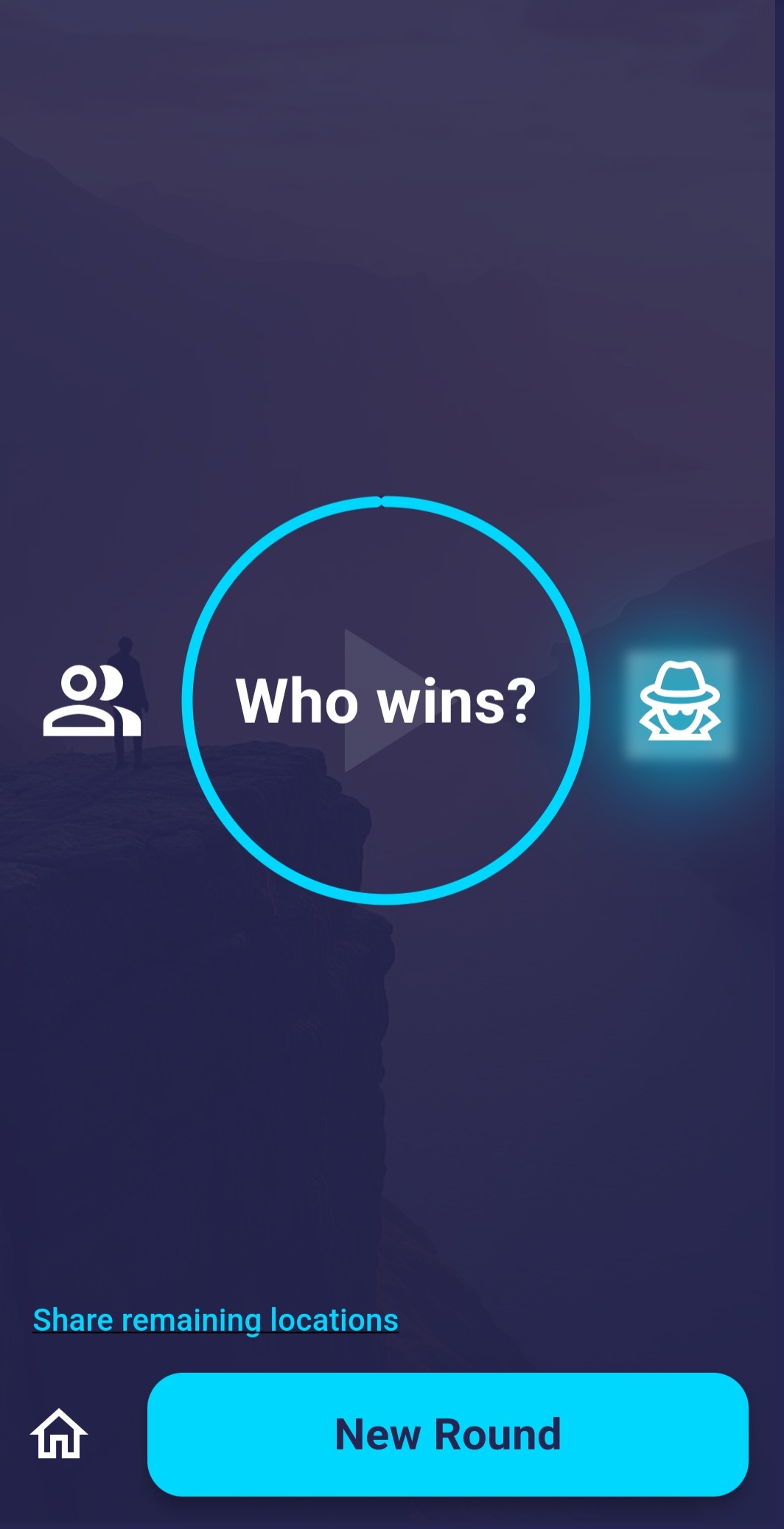
Ending a Round: the game ends in one of the following scenarios.
- The timer runs out, triggering a vote to determine the spy.
- Players call for an early vote.
- The spy reveals their identity and makes a guess about the secret location.
Key Features
Automatic Role Assignment: The app manages all roles and rules for a seamless experience.
Strategic Gameplay: Ask questions, interpret answers, and figure out who’s bluffing to uncover the spy!
Versatile Fun: Whether you're at home, at a barbecue, or anywhere else, Expose Spy is the ultimate verbal game.
Scoring and Results: After each round, the app updates the results, adding points earned by each player. Successfully exposing the spy — or outsmarting everyone as the spy — brings a satisfying end to the round!
Uncover secrets and test your wits anywhere with Expose Spy.