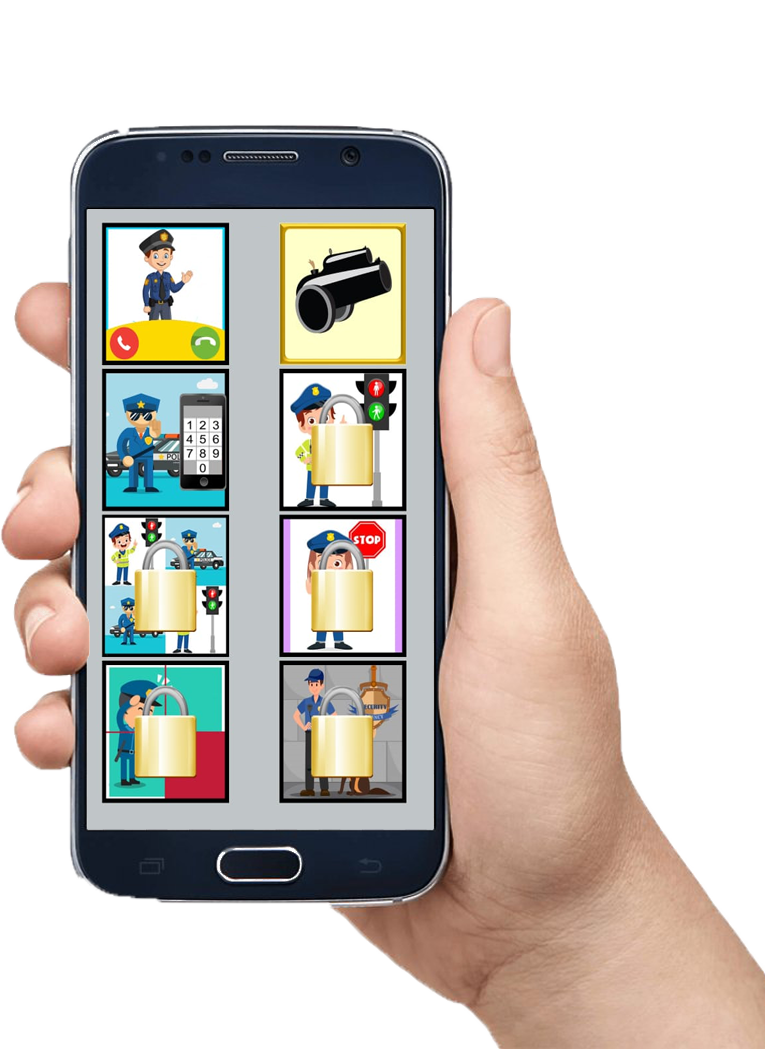
Fake Call Police Game - Prank is a Casual game developed by Celebrity Next Door. LDPlayer is the best platform for playing Fake Call Police Game - Prank on Windows PC, offering powerful features to enhance your immersive experience in Fake Call Police Game - Prank.
When playing Fake Call Police Game - Prank on your computer, if you find repetitive actions or tasks tedious and time-consuming, fret not! Macro can alleviate your concerns. Simply record your actions with a click of the screen recording feature and let macros take care of the rest. Macros automate your operations, allowing you to effortlessly conquer the game with minimal effort! Start downloading and playing Fake Call Police Game - Prank on your computer now!
Do you like playing fun casual games during your free time? Looking to play the object matching game or number tapping game? There’s no need to install different apps to play these games.You can play these multiple mini-games on a single app and also play prank calls with police on the same app. Are you excited to try it out?
“Fake Call Police Game” is one of the best casual apps in the entertainment category that allows you to play games and also lets you play a prank with your friends or family members? You can try getting them on a fake prank call with a policeman.
With this prank caller app, you can have a prank voice call or video call from the police and have your friends talk to the fake policeman. It will seem like a real policeman is calling, but it would actually be a fake call simulated from this prank caller app.
Why use Fake Call Police Game?
👮♂️ Collection of the best mini-games
👮♂️ Easy to play with simple game controls
👮♂️ Get a prank call from the police
👮♂️ Customize the time of the call and have fun
👮♂️ Super easy to initiate prank calls on this prank caller
Are you ready to play a fun prank on your friends and play some of the best mini games? Download the free “Fake Call Police Game” now to get started.
Support Us
If you like our app, please support us by rating us on the play store and sharing it among your friends who want to try prank calling. If you have any feedback or suggestions to improve our app, please send us an email.
Disclaimer
Fake Call Police Game is purely for entertainment purposes and does not provide any real calling functionality.