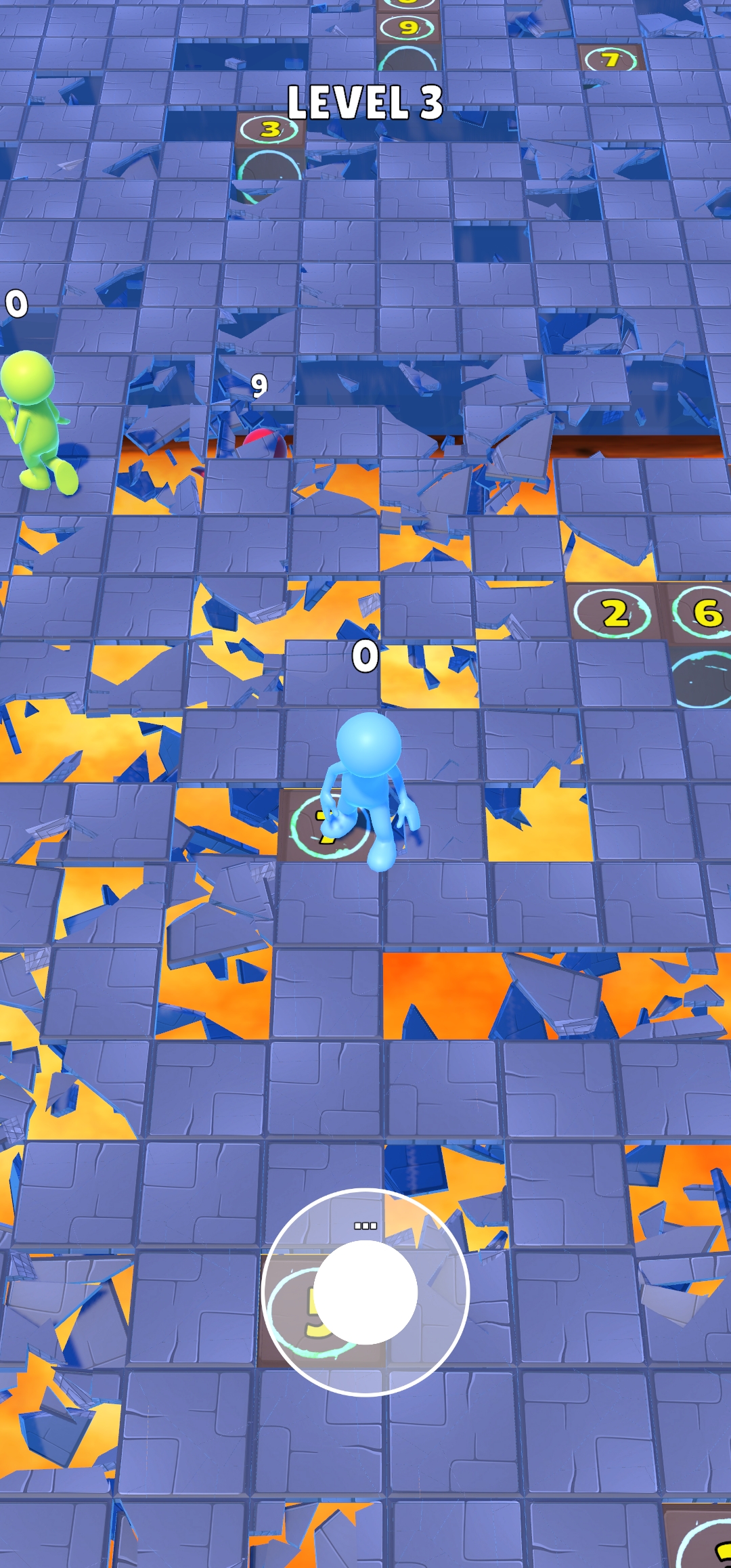
Falling Floor Lava Game is a Casual game developed by DELCASDA PRODUCTIONS. LDPlayer is the best platform for playing Falling Floor Lava Game on Windows PC, offering powerful features to enhance your immersive experience in Falling Floor Lava Game.
When playing Falling Floor Lava Game on your computer, if you find repetitive actions or tasks tedious and time-consuming, fret not! Macro can alleviate your concerns. Simply record your actions with a click of the screen recording feature and let macros take care of the rest. Macros automate your operations, allowing you to effortlessly conquer the game with minimal effort! Start downloading and playing Falling Floor Lava Game on your computer now!
Falling Floor is a thrilling hyper casual game that will test your reflexes and strategic thinking. The floor is made up of tiles that break away after a few seconds, revealing a pool of molten lava beneath. Your goal is simple: keep your character on solid ground for as long as possible.Key Features:
Intense Gameplay: Experience the rush as tiles break away beneath you. Can you stay on solid ground?
Dynamic Challenges: The game gets progressively harder, challenging your agility and quick thinking.
Vibrant Graphics: Enjoy colorful and engaging visuals that enhance the gaming experience.
Easy Controls: Simple touch controls make it easy to move your character to safe tiles.
High Score Competition: Compete against yourself and others to achieve the highest score. How long can you survive?
Quick Sessions: Perfect for a quick gaming session anytime, anywhere.
How to Play:
Move your character to a stable tile by tapping or swiping on the screen.
Avoid falling into the lava as the tiles break away.
Stay on solid ground as long as possible to increase your score.
Challenge your friends and see who can last the longest!
Why You'll Love Falling Floor:
It’s easy to pick up and play but challenging to master.
Each game session is unique, keeping you on your toes.
It’s the perfect game for a quick break or long gaming sessions.
Vibrant graphics and smooth animations make for an immersive experience.
Get ready to test your skills and survive the Falling Floor! Download now and face the heat. Can you conquer the floor and become the ultimate survivor?