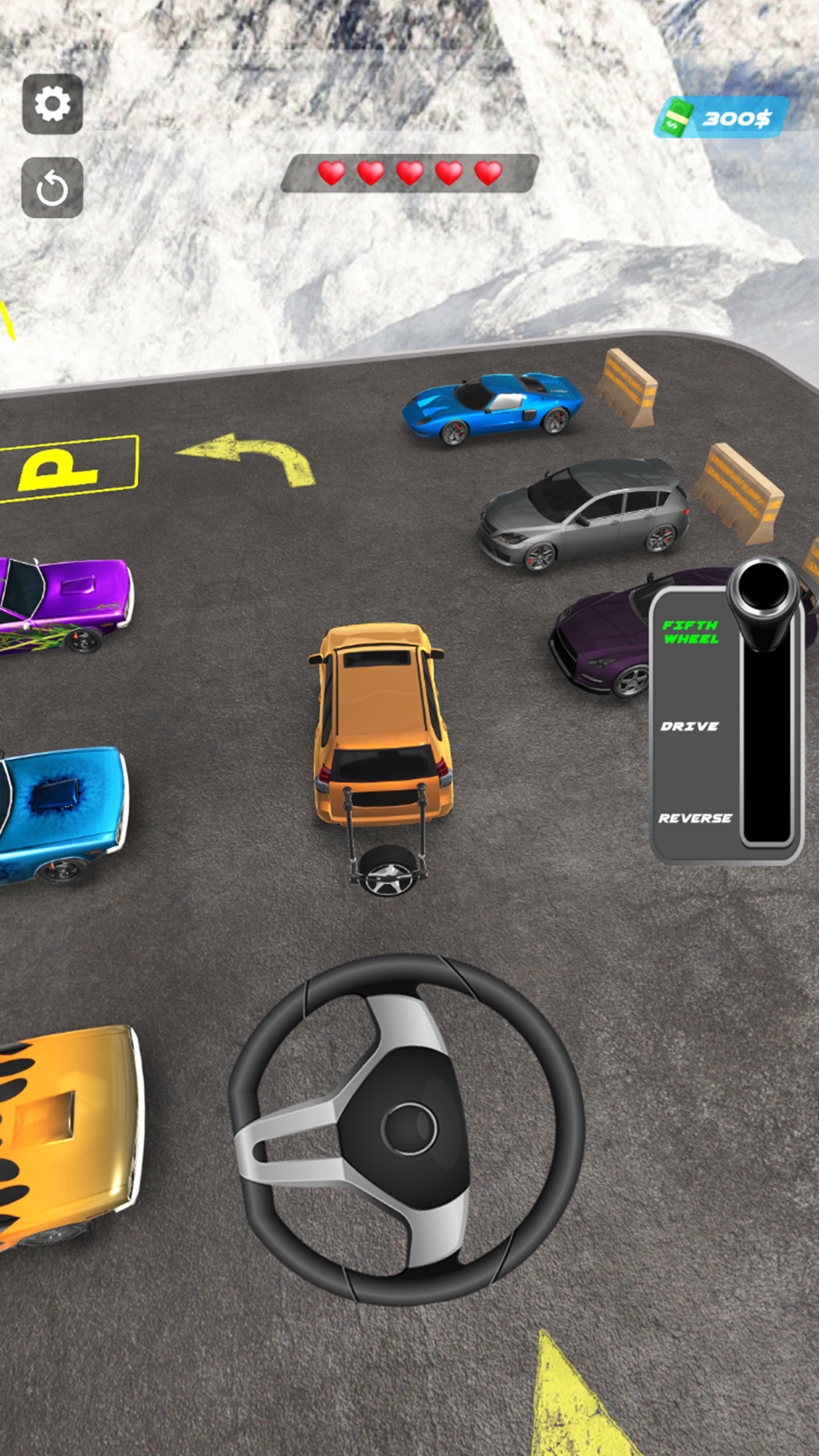
Fifth Wheel is a Simulation application developed by Arcadian Lab, but with the best Android emulator-LDPlayer, you can download and play Fifth Wheel on your computer.
Running Fifth Wheel on your computer allows you to browse clearly on a large screen, and controlling the application with a mouse and keyboard is much faster than using touchscreen, all while never having to worry about device battery issues.
With multi-instance and synchronization features, you can even run multiple applications and accounts on your PC.
And file sharing makes sharing images, videos, and files incredibly easy.
Download Fifth Wheel and run it on your PC. Enjoy the large screen and high-definition quality on your PC!
Fifth Wheel is an exciting car parking game that puts your skills to the test! In this game, you will be driving a car equipped with a fifth wheel hitch on the back. Your goal is to park the car in a variety of challenging locations, using the fifth wheel to navigate tight spaces and avoid obstacles. Get behind the wheel and test your driving skills in our challenging parking game! With realistic physics and controls, you'll feel the weight and momentum of your car as you navigate through a variety of levels and challenges. From tight city streets to sprawling parking lots, you'll need quick reflexes, precise timing, and strategic thinking to avoid obstacles and park your car with accuracy and precision.As you progress through the game, you'll encounter increasingly difficult parking situations that will require all of your skill and maneuverability. Whether you're driving a compact car, a massive RV, or a trailer equipped with a fifth wheel hitch, you'll need to stay calm under pressure and use your control and strategy to emerge victorious. Enjoy this new Prado car parking simulator game.
So put your pedal to the metal and see if you have what it takes to become a parking pro in our exciting driving game!
The game features realistic physics and controls, allowing you to feel the weight and momentum of the car as you drive. As you progress through the levels, you will encounter increasingly difficult parking challenges that will require quick reflexes and precise driving skills.
Whether you're a seasoned veteran or a beginner, Fifth Wheel Car Parking Game 3D is sure to provide hours of entertainment. So grab the wheel and see if you have what it takes to park like a pro driver!