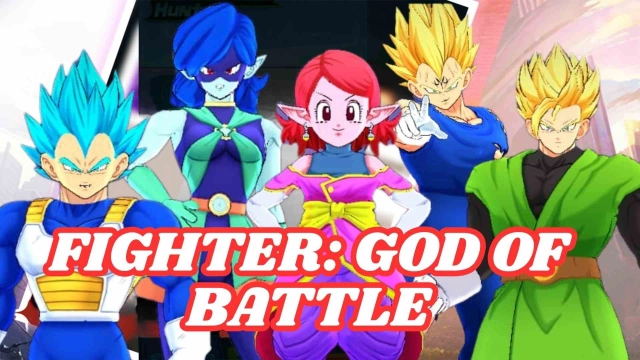


Fighter: God of Battle is a Card application developed by أيمن ونيس, but with the best Android emulator-LDPlayer, you can download and play Fighter: God of Battle on your computer.
Running Fighter: God of Battle on your computer allows you to browse clearly on a large screen, and controlling the application with a mouse and keyboard is much faster than using touchscreen, all while never having to worry about device battery issues.
With multi-instance and synchronization features, you can even run multiple applications and accounts on your PC.
And file sharing makes sharing images, videos, and files incredibly easy.
Download Fighter: God of Battle and run it on your PC. Enjoy the large screen and high-definition quality on your PC!
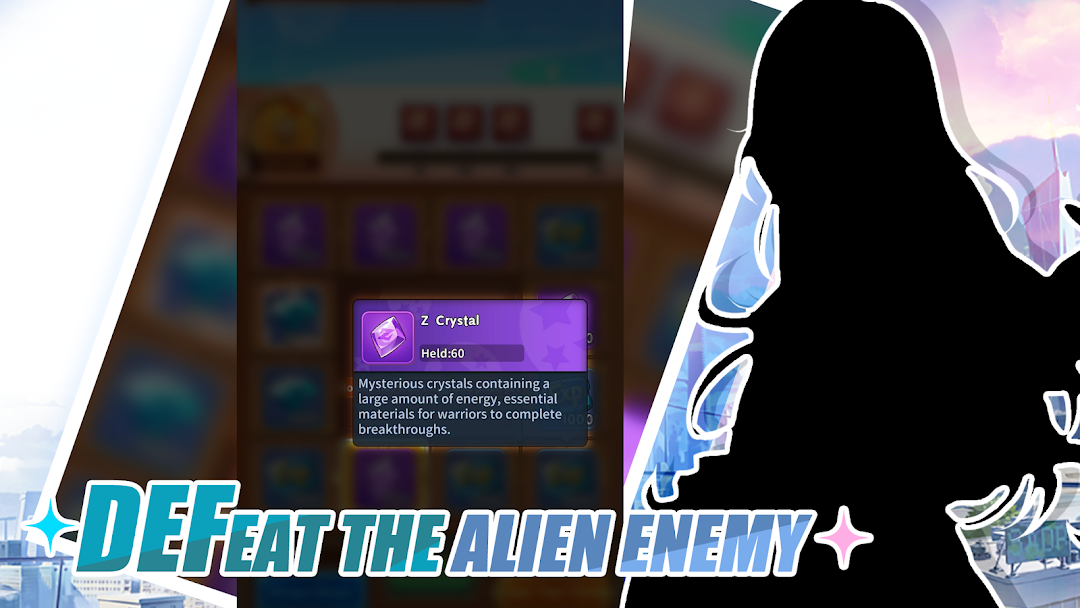
Gather strong men from all walks of life to challenge the strongest in the universe and find the legendary magical treasure that can grant any wish! In this battle for hegemony across time and space, only the truly strong can stand out and realize the ultimate desire in their hearts!***SSR Super Rare Warrior***
•Summon legendary warriors from different universes, each mastering unique combat techniques and superpowers!
• Equip your warriors with rare treasure-like equipment and powerful vehicles to create an invincible dream team!
***Quick Upgrade***
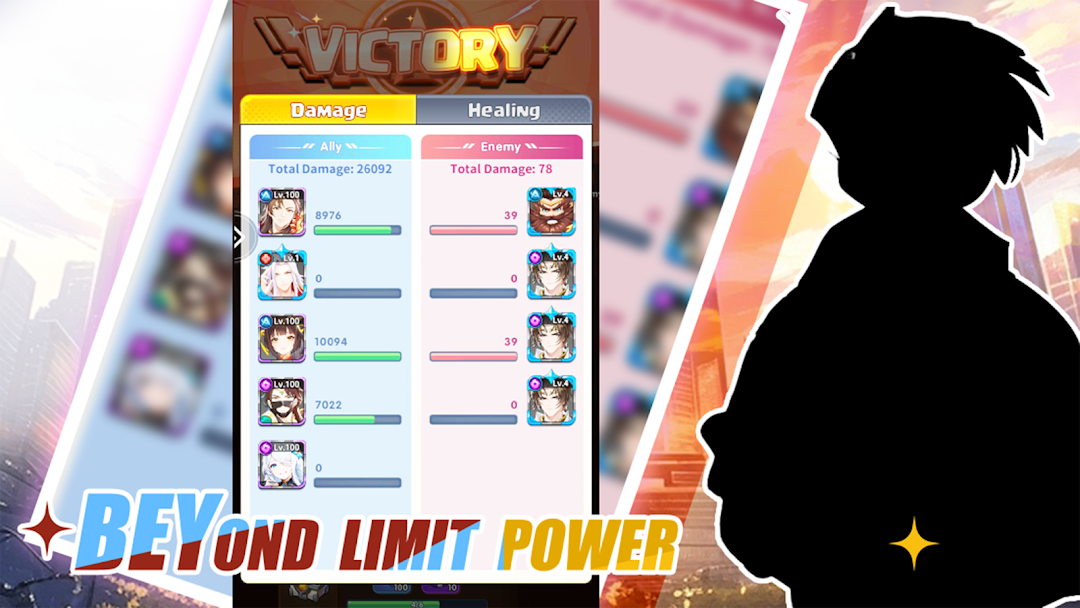
•Experience the relaxing idle battle mode. You can continue to obtain abundant resources even when offline, allowing your warriors to quickly upgrade and improve their strength by leaps and bounds!
• Actively participate in exciting activities such as fierce martial arts competitions, and you will have the chance to obtain powerful SSR ultra-rare warriors for free to expand your lineup!
***Strategic Teaming***
•Each warrior has unique skills and attributes, cleverly match the warrior lineup, formulate the best strategy, and win easily!
•Freely adjust the hero's position in the lineup to effectively protect the core of the team, maximize combat power, and ensure easy victory in the battle!
***Featured gameplay***
•When a warrior reaches the upper level limit, he can awaken, release his hidden power, and evolve into a new, more powerful posture!
•Collect special props to realize the ultimate wish your heart desires!