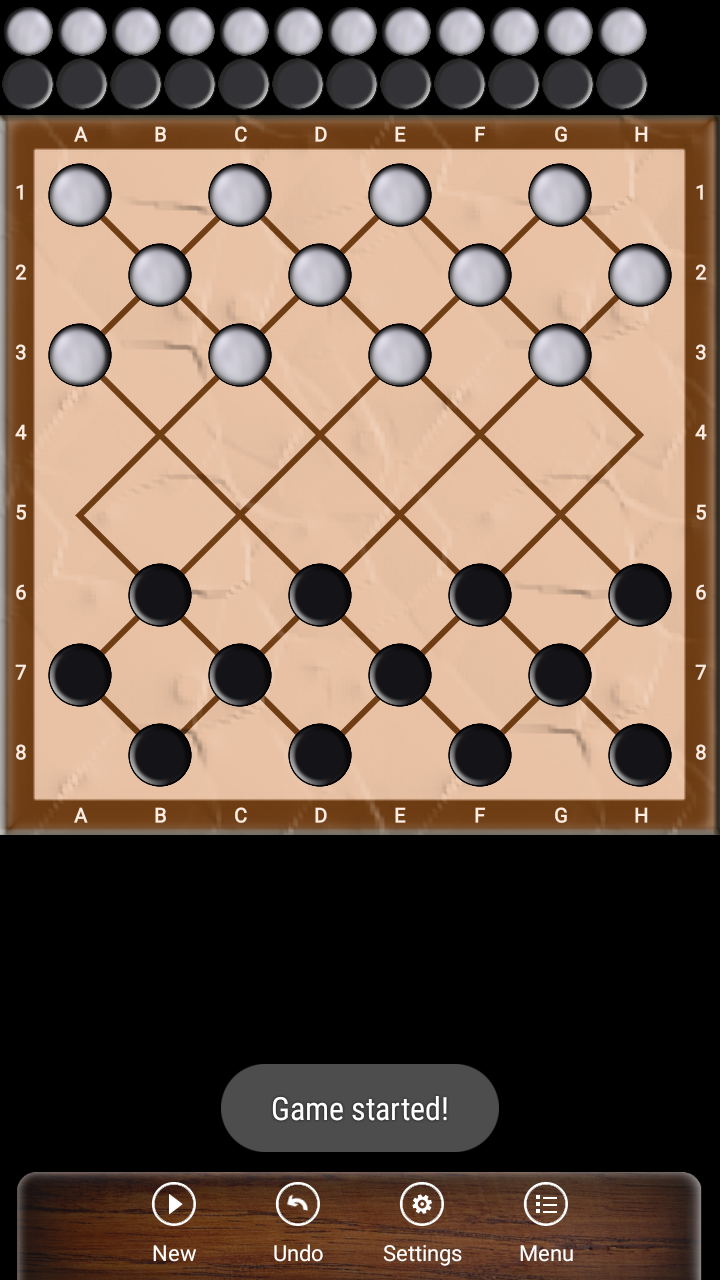
Filipino Dama is a Board application developed by Miroslav Kisly LT, but with the best Android emulator-LDPlayer, you can download and play Filipino Dama on your computer.
Running Filipino Dama on your computer allows you to browse clearly on a large screen, and controlling the application with a mouse and keyboard is much faster than using touchscreen, all while never having to worry about device battery issues.
With multi-instance and synchronization features, you can even run multiple applications and accounts on your PC.
And file sharing makes sharing images, videos, and files incredibly easy.
Download Filipino Dama and run it on your PC. Enjoy the large screen and high-definition quality on your PC!
Filipino checkers or just Dama - Draughts game played in the Philippines. Draughts rules are the same as in Brazilian checkers, there is only different chess board. The board game does not need special representation, as well as, for example chess game. Both games are especially popular in Philippines. Checkers is a challenging board game that can train your logic and strategic skills. Challenge your strategic skills with this relaxing game.Features
★ Online multiplayer with chat, ELO, invitations and many players
★ One or Two player mode
★ AI with 11 levels of difficulty
★ Undo move
★ Ability to compose own checkers position
★ Puzzles
★ Ability to save games and continue later
★ Ability to analyze saved games
★ Attractive classic wooden interface
★ Auto-save
★ Statistics
Short Filipino checkers game rules
* Checkers board is flipped horizontally
* The player with the light pieces makes the first move.
* Checkers can capture backward and forward.
* The long-range moving and capturing capability of kings, and the requirement that the maximum number of men be captured.
* Capturing is mandatory.
* A piece is crowned if it stops on the far edge of the board at the end of its turn.
* Crowned pieces can move freely multiple steps.
* A player with no valid move remaining loses.
* A game is a draw if neither opponent has the possibility to win the game.
* The game is considered a draw when the same position repeats itself for the third with the same player having the move each time.
Enjoy damath games offline!