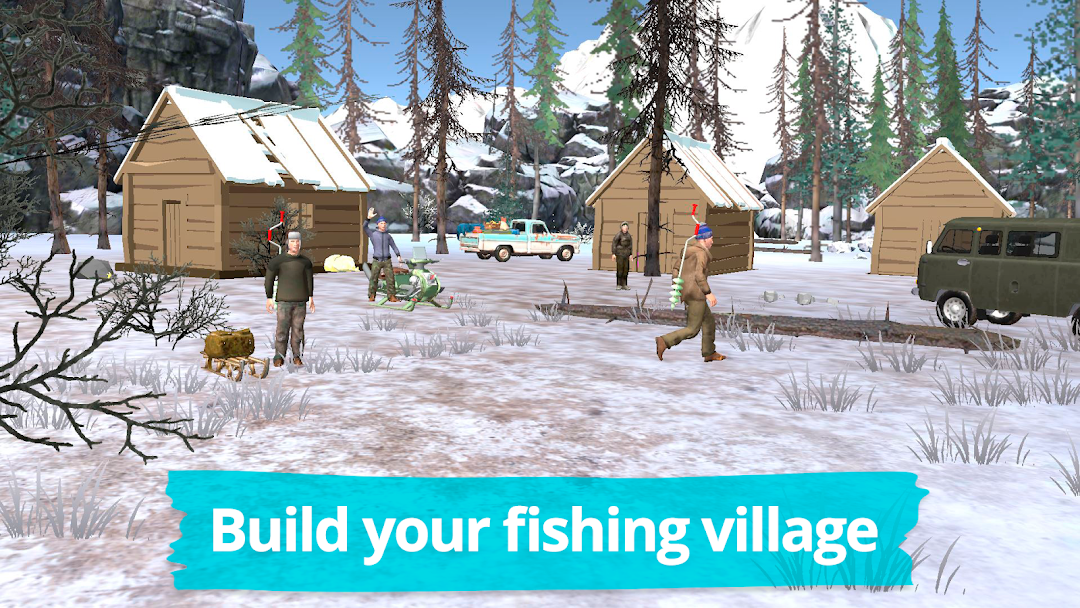
Fishing in the Winter. Lakes. is a Sports game developed by dreamapps.ru. LDPlayer is the best platform for playing Fishing in the Winter. Lakes. on Windows PC, offering powerful features to enhance your immersive experience in Fishing in the Winter. Lakes..
When playing Fishing in the Winter. Lakes. on your computer, the larger screen and more powerful graphics performance enable you to enjoy clearer and smoother game visuals, enhancing the visual experience of the game.
The operation of peripherals such as gamepads is emulated to better mimic the feel of real sports, providing more precise control and richer operation options.
Furthermore, if you wish to execute a series of continuous key combinations, the one-click macro feature will be the functionality you've been dreaming of, allowing you to effortlessly stay one step ahead with one-touch operation. Start downloading and playing Fishing in the Winter. Lakes. on your computer now!
Winter fishing in cold climates requires skill and training. You already have the rod, drill and transport. Now you need to buy the bait. To do this, go to the Shop and fill your containers with bloodworms, gammarus, whitebait and maggots.If you've already earned money by catching perch and ruffe at the city lake, you can go to another lake. You need to buy a license and prepare some money for the trip.
Upon arrival at the lake you need to choose a location. Slide your finger across the screen from left to right to rotate the view, click on the screen to go ahead.
Move carefully: Do not step on the holes, avoid thawed ice. Remember that if you fall through the ice, you may die.
Once you found the right place: drill a hole. Bait the hook and cast the gear into the water releasing the line. Remember that different species of fish live at different depths, so pick the depth individually. Also, select the bait appropriately: Ruffe like bloodworm and maggots; Rudd, Сrucian Carp like bloodworm; perch prefers gammarus while large perch, pike and walleye only hunt small fry.
The make fish bite, tease it moving the rod up and down by tilting and moving your phone as if it was a real rod, or by swiping your finger across the screen.
As soon as you see the bobber move – be sure to immediately set the hook by making a sharp upward snap. Depending on how quickly and swiftly you pull up the rod, you either catch the fish or miss it. Now you need to promptly get the fish out of the water before it lets go – spool the fishing reel fast!
If you do everything quickly and correctly, fish won’t have a chance to get away! Now put new bait and keep on fishing!
Bear in mind that each fish bites differently, some raise the spring bobber, some make it very softly and barely noticeable, some sank the gear sharply, just make sure you watch the bobber closely - who knows what fish came up this time? Once you feel confident enough you can disable tooltips in the "Options" menu.