Flashlight: Color Light Screen is a Simulation application developed by Daily App pro, but with the best Android emulator-LDPlayer, you can download and play Flashlight: Color Light Screen on your computer.
Running Flashlight: Color Light Screen on your computer allows you to browse clearly on a large screen, and controlling the application with a mouse and keyboard is much faster than using touchscreen, all while never having to worry about device battery issues.
With multi-instance and synchronization features, you can even run multiple applications and accounts on your PC.
And file sharing makes sharing images, videos, and files incredibly easy.
Download Flashlight: Color Light Screen and run it on your PC. Enjoy the large screen and high-definition quality on your PC!
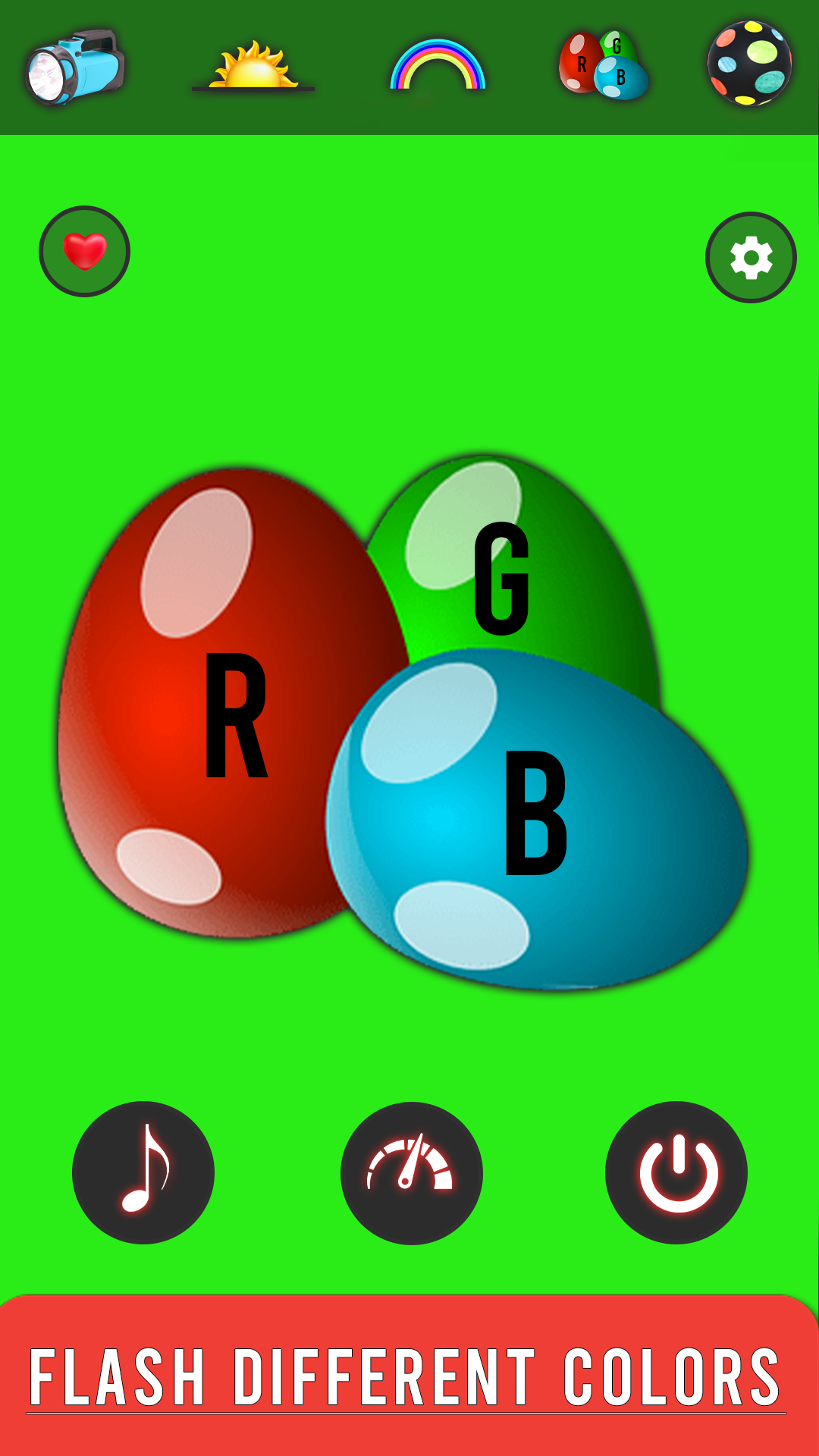
It is a complete disco entertainment flashlight tool. A simple dj light but highly entertaining dancing colorful flashlight tool with cool and colorful animations and music disco ball 🎶 . FlashLight: Color Light Screen gives you the extra feature like flashlight is synchronized with the music and animationColor light:
Flashlight app syncs your camera's LED flashlight with your on-screen flashlight dj light, turns your phone into a color flashlight, and offers many features that let you enjoy the light, dance, and listen to music discoball dj light.
A simple and comprehensive dancing tool for your phone that quickly and easily turns on the flashlight next to the rear camera and offers many useful features with color and flash discoball lightshow.
Color screen and flashlight and strobe light app will help you in the dark. Find the perfect seat in a dark theater or find your keys in the dark with this color screen, flashlight, flashlight. flashlight color changer:
A simple flashlight app that changes the color and brightness of your mobile screen. This color light can be used as disco light or SOS light. Best emergency light and flashlight with fun flashlight effects by tapping the menu button. This color flash light can be used as music light or disco light. Turn your phone into a great lightshow discotheque and colored lights for music parties.
Feature:
Flashlight: Color Light Screen:
🎉 Ultimate flashlight technology with a super bright LED flashlight turns your device into the best Android flashlight with powerful light.
🎉One tap on, one tap off lightshow:
🎉You can turn the flashlight and backlight on/off from the lock screen notification bar (flash notifications) when your device is unlocked. To do this, just tap. Simple, fast and perfect!
cool interface:
🎉Stunning graphics with beautiful interface and clear layout make it easy, smooth and fast to operate.
Colorful environment:
👍Create your own atmosphere by simulating mirror balls and other lighting effects, choosing styles and changing color modes.
optimization:
👏Battery friendly, super bright flashlight and music integration.
👏No Permissions Required, No Data Collection:
🎉Just a camera to control the flashlight and a mic to play music. We respect your privacy.
enjoy!
* Disclaimer:
Strobe lights can cause seizures in some people with a history of epilepsy. Do not point it at your face for a long time.