Flood Fill - Color Puzzles is a Puzzle application developed by Nexscape, but with the best Android emulator-LDPlayer, you can download and play Flood Fill - Color Puzzles on your computer.
Running Flood Fill - Color Puzzles on your computer allows you to browse clearly on a large screen, and controlling the application with a mouse and keyboard is much faster than using touchscreen, all while never having to worry about device battery issues.
With multi-instance and synchronization features, you can even run multiple applications and accounts on your PC.
And file sharing makes sharing images, videos, and files incredibly easy.
Download Flood Fill - Color Puzzles and run it on your PC. Enjoy the large screen and high-definition quality on your PC!
You've found a simple yet addicting new fun: Flood Fill - Color Puzzles. All you have to do in this color puzzle game is to use as few moves as possible to fill the board. Sounds simple?The flood starts at a random highlighted hexagon on the board. Tap any color in the row of 6 colors below the board to change the color of the current hexagon. Continue flooding until the whole board filled with just one single color. The game is not as easy as its look cause you got the limited of moves. The move limits are meticulously estimated for different board sizes so that the game is challenging yet possible to complete. Flood game is over if you fail to flood the board within the allowed steps. That's why Flood Fill is the perfect game for time killing and daily brain training for all ages.
FLOOD FILL - HOW TO PLAY
➤ Fill the board before you run out of moves.
➤ Under the main board field, you see six colors. Choose a color among six ones to change the current hexagon color.
➤ The figure with the same color will merge into a new bigger one, expanding the one color-filled area of the board.
➤ Keep an eye on the number of moves left.
➤ There are 3 board sizes and 6 different colors
Color matching games are made for fun and relaxation. Play with the flow of flood. Try to flood-it in the least amount of steps! It is sure to charm you as you solve elegant puzzles
FLOOD FILL HIGHLIGHT FEATURES:
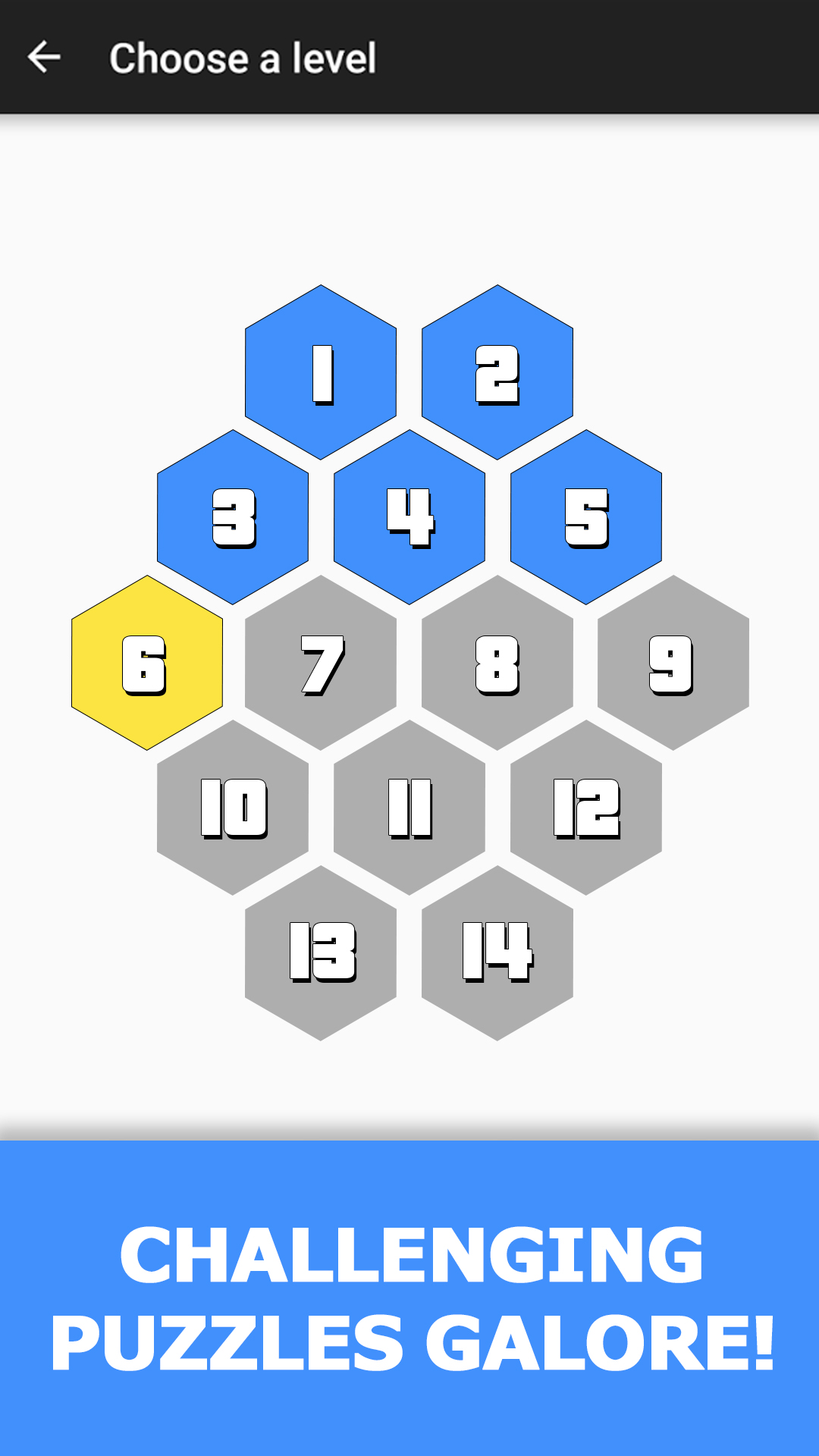
➤ More than 200+ levels with elegant design
➤ Many game modes available: Casual (no step limit), Step Challenge (flood within limited number of steps), Race (race against computer) and Flood Race (race against another player)
➤ Various board size and multiple color schemes
➤ Configurable color transparency
➤ Auto adjustment for different screen sizes including tablets.
Are you ready to be the flood master? Come to play with colors in our Flood Fill puzzle game. Let our colors soothe your mind after a hard day.