Follow the Rules is a Puzzle application developed by LogicUI, but with the best Android emulator-LDPlayer, you can download and play Follow the Rules on your computer.
Running Follow the Rules on your computer allows you to browse clearly on a large screen, and controlling the application with a mouse and keyboard is much faster than using touchscreen, all while never having to worry about device battery issues.
With multi-instance and synchronization features, you can even run multiple applications and accounts on your PC.
And file sharing makes sharing images, videos, and files incredibly easy.
Download Follow the Rules and run it on your PC. Enjoy the large screen and high-definition quality on your PC!
You know the feeling when it seems like the rules always go against you? Well, you definitely will after playing this! 🤯Follow the Rules is a puzzle 🧩 game that forces your brain to think in multiple dimensions. A combination of wit and luck are required to win.
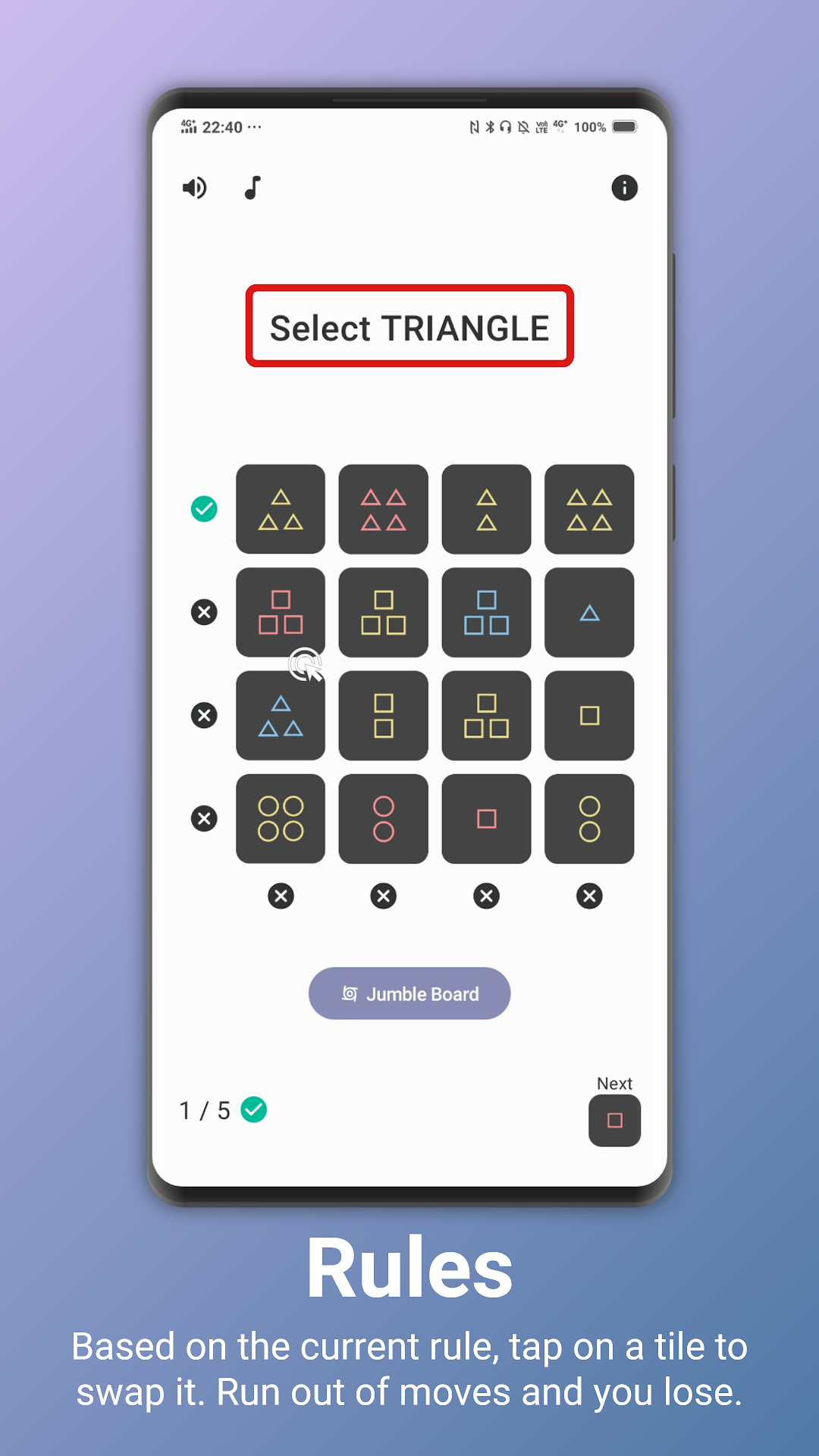
Each tile is made up of a variety of properties. When all tiles in a row or a column share a common property, a tick will light up. The goal is to light up enough ticks at once to win the game.
To do so, you will need to replace a tile on the board. But wait, not so simple. You can only replace tiles that match the property stated in the rule. Each time you swap a tile, the rule would be updated. If you run out of possible moves, you lose.
📘VARYING DIFFICULTIES
Choose from 3 levels of difficulties: Easy, Medium and HARD. Complete achievements to become the G.O.A.T!
📙NEVER ENDING FUN
[Coming Soon] Themes and game modes will be added to the store, bringing you new looks and challenges.