Fractal Zen is a Casual game developed by Crosscheck Software. LDPlayer is the best platform for playing Fractal Zen on Windows PC, offering powerful features to enhance your immersive experience in Fractal Zen.
When playing Fractal Zen on your computer, if you find repetitive actions or tasks tedious and time-consuming, fret not! Macro can alleviate your concerns. Simply record your actions with a click of the screen recording feature and let macros take care of the rest. Macros automate your operations, allowing you to effortlessly conquer the game with minimal effort! Start downloading and playing Fractal Zen on your computer now!
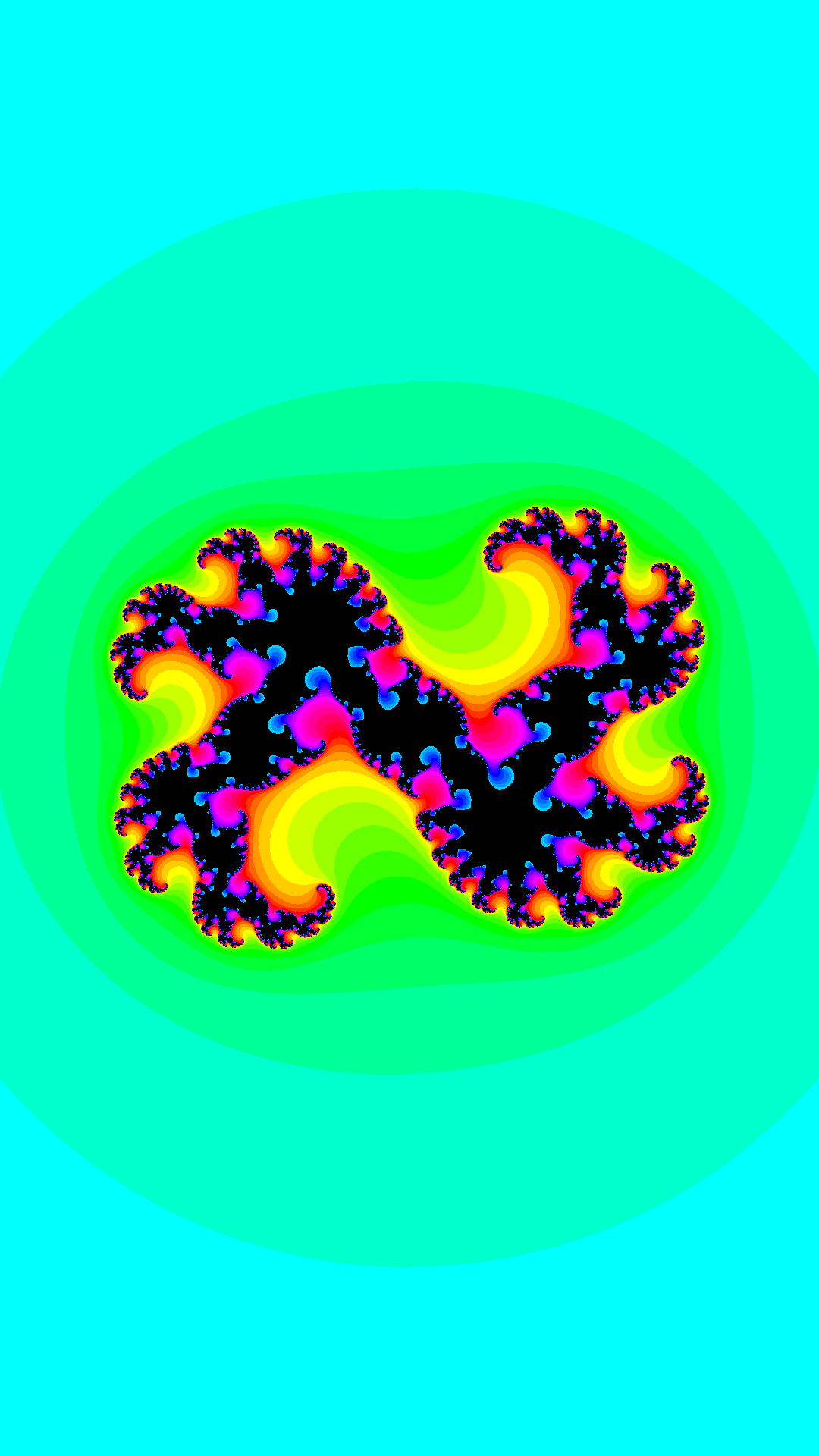
Tilt and turn your phone or tablet to generate a smooth flow of beautiful fractal patterns. Lose yourself in the infinite intricacies of the Julia Set. There are no points to score. No goals. No objectives. Just take a moment to relax, let go, and enjoy the beauty and wonder of mathematics. Like a virtual fidget spinner.This app turns your phone into a glowing, ever-changing gem, a digital kaleidoscope of swirling recursive tendrils. Explore the various shapes in different areas of the motion space. Do not try to hold on to a pattern - there are infinitely many more.
The Julia Set is a simple function that generates unending fascinating images. Coupled with your phone's gravity sensor, it becomes interactive. The Julia Set is related to the more well-known Mandelbrot Set.
More info:
https://en.wikipedia.org/wiki/Julia_set
NB!
* This app is computing intensive. You need a recent high-end device for it to run smoothly. Devices with large screens, for example tablets, might struggle with running this app. If you are not satisfied with the frame-rate, uninstall the app within 2 hours for a full refund. If you would like a refund after the two hour grace period is up, please email the developer.
* This app will use A LOT of power. This can drain your battery more quickly than usual. Do not run this app if you're trying to conserve power.
If you want to test the app before buying it, there is a free version available:
https://play.google.com/store/apps/details?id=st.crosscheck.fractalzenfree
Note that the free version contains ads and does not run offline.