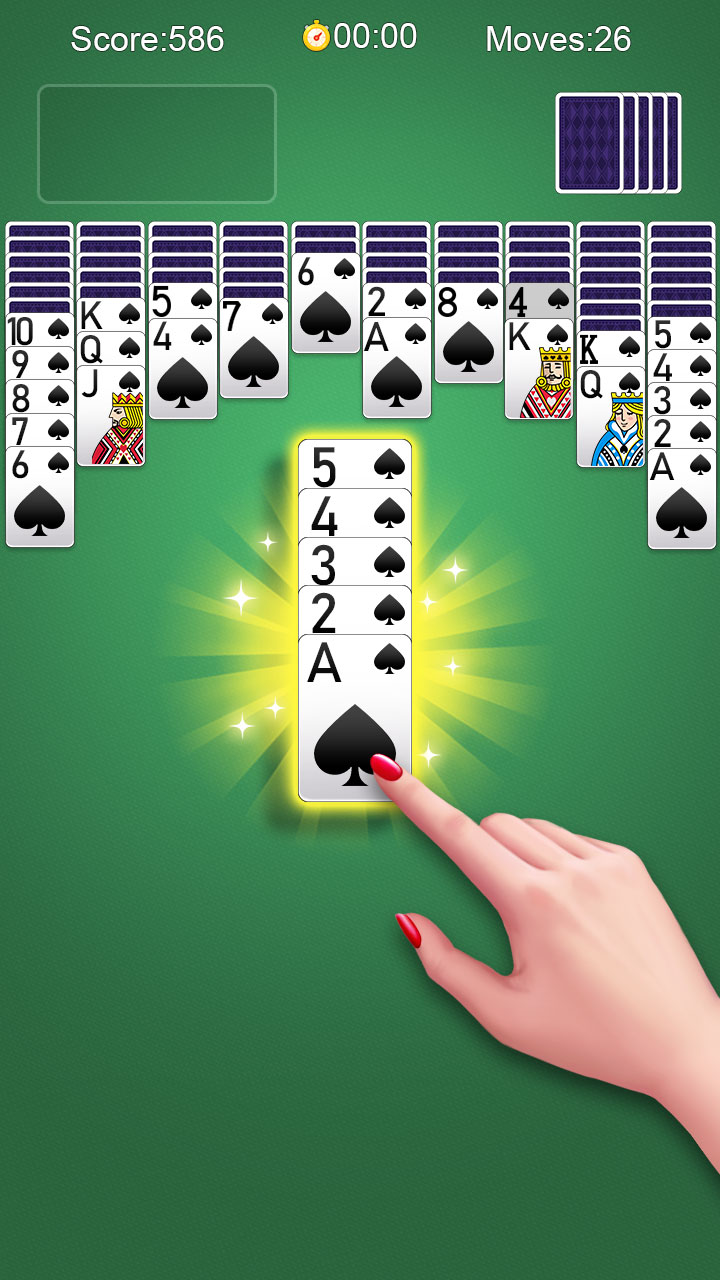
Spider Solitaire-Card Games is a Casual game developed by Classic Block Puzzle Jewel Games. LDPlayer is the best platform for playing Spider Solitaire-Card Games on Windows PC, offering powerful features to enhance your immersive experience in Spider Solitaire-Card Games.
When playing Spider Solitaire-Card Games on your computer, if you find repetitive actions or tasks tedious and time-consuming, fret not! Macro can alleviate your concerns. Simply record your actions with a click of the screen recording feature and let macros take care of the rest. Macros automate your operations, allowing you to effortlessly conquer the game with minimal effort! Start downloading and playing Spider Solitaire-Card Games on your computer now!
The classic card game that is popular around the world on Windows can now be played on mobile phones!Solitaire, also known as Spider Solitaire, is the most popular card game worldwide. If you've ever been captivated by the classic Windows Solitaire game, then you'll definitely love this free offline Spider Solitaire game!
As a Spider Solitaire enthusiast, download this card game now and enjoy - it's free!
We've added a plethora of innovations and new features to this classic Spider Solitaire game, offering an original card game developed by loyal Solitaire enthusiasts, available for free anytime, anywhere!
This game not only helps you pass the time but also trains your brain, keeping it young! Play this classic and free Solitaire game, challenge yourself, and become a Solitaire master!
How to play Spider Solitaire:
-The goal of the game is to collect sequences from K to A! Only sequences of the same pattern from K to A can be collected.
-Cards of different suits can be combined, but only sequences of the same suit can be moved.
-Click or drag cards to move them! Clicking automatically moves cards to appropriate positions, while dragging allows you to choose the position.
-Any empty stack area can be filled with single cards or descending sequences.
-Use free power-ups when there are no valid moves!
Features of the Solitaire game:
-Supports multiple languages, allowing players worldwide to enjoy our card game!
-Easy to learn and easy to play with just one finger.
-Supports both portrait and landscape modes.
-Beautiful cards and stunning game scenes.
-Classic games are always popular.
-Free card games for adults.
-Unlimited undo, and it's free!
Play Solitaire offline, no need for WIFI.
If you are a fan of classic card games like Klondike Solitaire.solitaire,FreeCell, this free Spider Solitaire game is not to be missed, you will love this game!