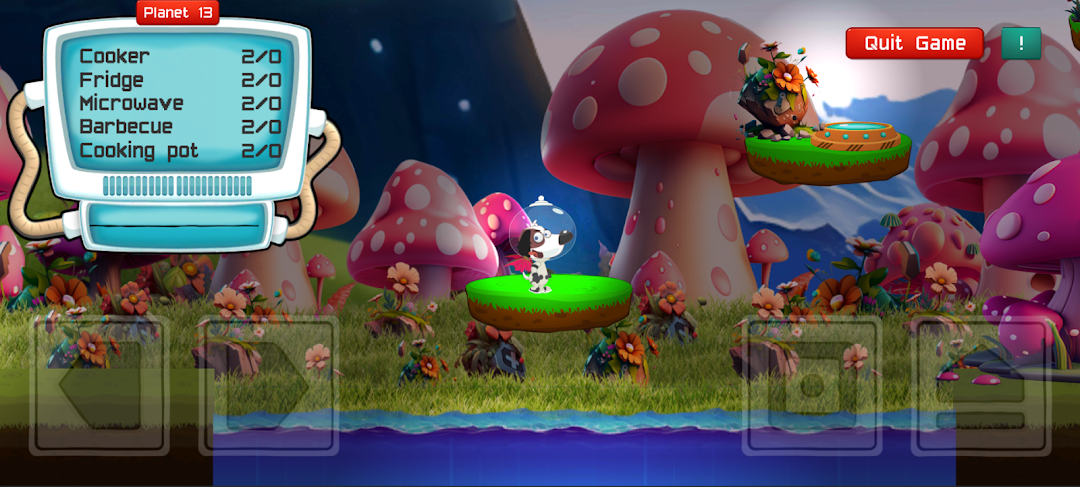
Futuro Lingo is a Educational application developed by futurogames.com, but with the best Android emulator-LDPlayer, you can download and play Futuro Lingo on your computer.
Running Futuro Lingo on your computer allows you to browse clearly on a large screen, and controlling the application with a mouse and keyboard is much faster than using touchscreen, all while never having to worry about device battery issues.
With multi-instance and synchronization features, you can even run multiple applications and accounts on your PC.
And file sharing makes sharing images, videos, and files incredibly easy.
Download Futuro Lingo and run it on your PC. Enjoy the large screen and high-definition quality on your PC!
Welcome to Futuro Lingo - the groundbreaking AI-powered language learning game that turns mastering English into an enjoyable journey for your child!Does your child spend countless hours on their smartphone or tablet? How about transforming this screen time into a fruitful learning experience? Futuro Lingo makes it possible in an engaging and effective way!
With Futuro Lingo, your child will:
● Acquire fundamental English vocabulary with just 10 minutes a day.
● Learn over 200 practical words and phrases.
● Enhance their pronunciation skills with cutting-edge AI speech recognition.
● Relish a game inspired by the most trendy online games out there!
Traditional school methods can often be dull and inefficient, and educational games may lack quality. Futuro Lingo bridges this gap, blending the fun of interactive gaming with the benefits of modern language learning techniques. It's like transforming playtime into learning time, right at your fingertips, without the need for expensive courses or private tutors!
Having earned the trust of parents across 20 countries, Futuro Lingo ensures that your child's screen time is not just entertaining, but also contributes to their educational advancement. It's time to redefine language learning with our immersive game that children can't resist!
What's more, we offer a 30-day money-back guarantee, allowing you to try Futuro Lingo without any risk. Download it today, and let your child embark on their thrilling English language adventure!