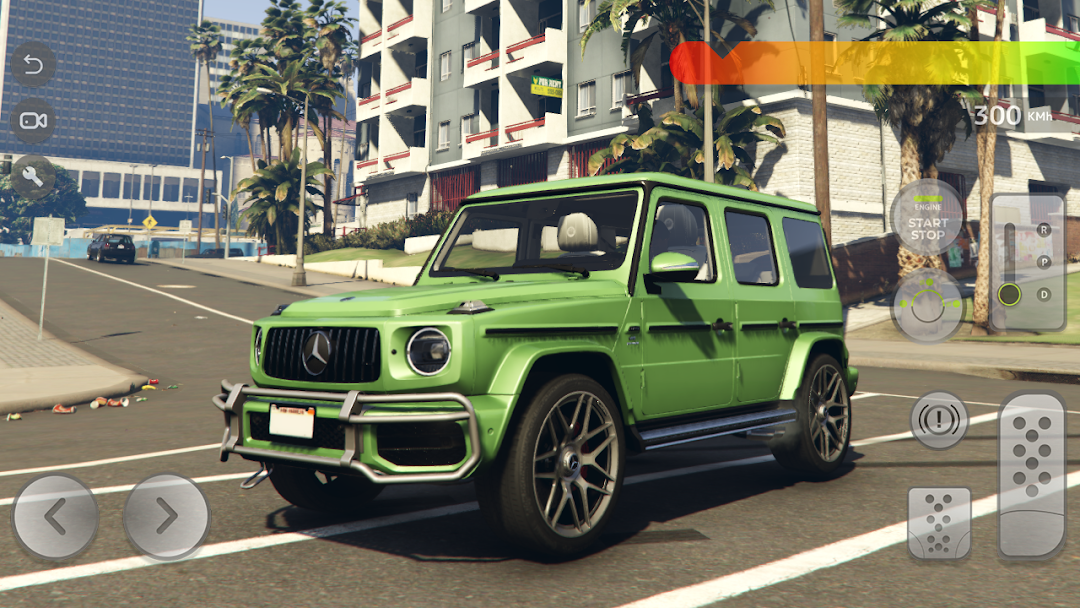
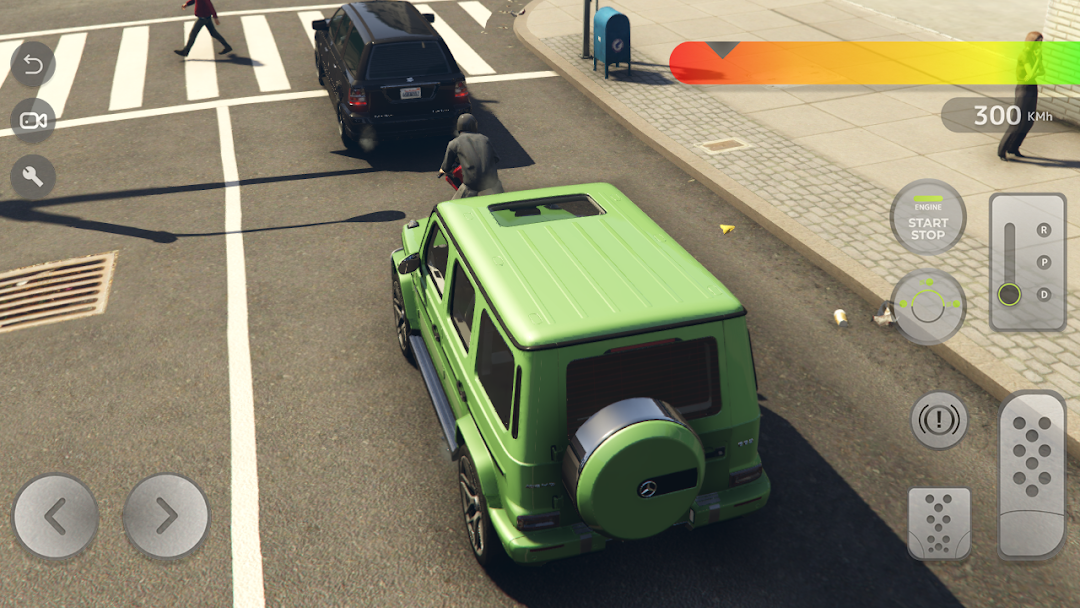
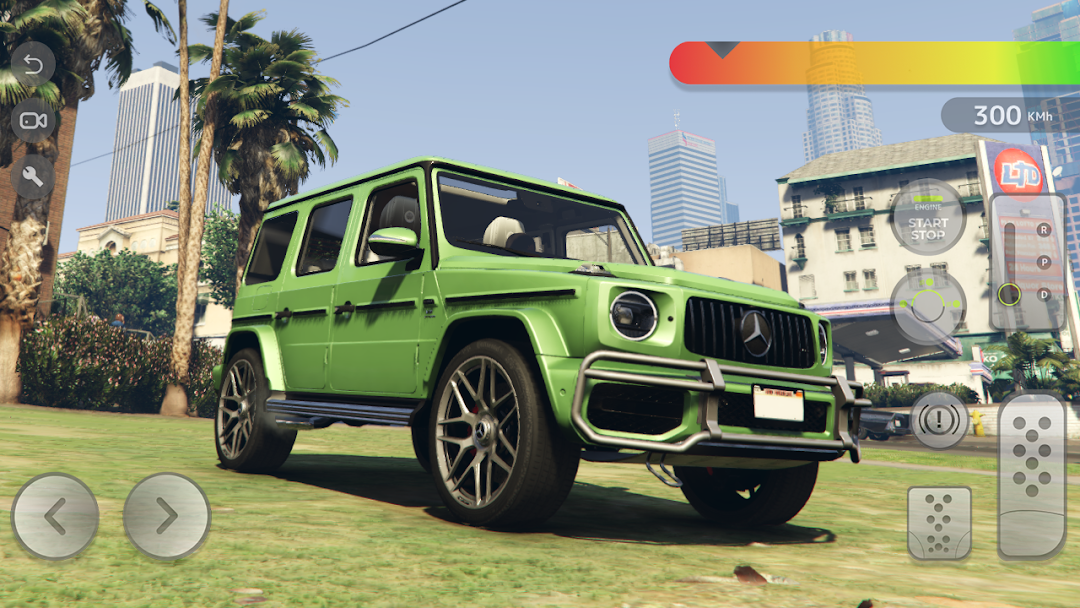
G-Class Car Simulator: G63 4x4 is a Action game developed by Cars Rider Active Simulator, and LDPlayer is the best platform for playing G-Class Car Simulator: G63 4x4 on PC, offering powerful features to immerse you in the game.
When playing G-Class Car Simulator: G63 4x4 on computer, you can adjust frame rate settings for smooth gameplay and stunning visuals.
LDPlayer also provides pre-configured keyboard mapping for convenient control of the entire game. Continuous optimization of keyboard mapping enhances key sensitivity and skill accuracy. Additionally, LDPlayer offers special buttons like shoot, hide mouse, and continuous key press for an enhanced gaming experience.
If you prefer using a gamepad, the automatic gamepad detection allows you to customize controls with just a few clicks, enabling you to freely maneuver your hero. Start downloading and playing G-Class Car Simulator: G63 4x4 on your computer now!
Experience the thrill of driving the powerful Mercedes Benz G63 AMG in this extreme car driving simulator. With exciting game modes such as off-road driving, night racing, parking, taxi driving, and extreme drift, this game offers a range of challenges to keep you engaged. Test your skills on the ultimate professional track with nitro acceleration and dangerous off-road turns, drifts, and jumps.In this SUV driving school simulator, you can complete tasks on high-speed parking and real drift G-Class to earn valuable bonuses. Unlock new off-roading cars such as off-road Jeep 4x4, Luxury SUV Prado, Escalade, and other American pickups and muscle cars with the bonuses earned. Nitro will help you win any night racing, but make sure to mount your Mercedes G63 AMG wagon correctly to avoid hitting nearby cars.
This simulator features addictive gameplay, realistic physics of the SUV Benz Brabus G63 AMG, many complex and interesting missions, epic off-road 4x4, city traffic, multiple camera angles, parking zone game, and off-road desert drive. Whether you're a novice driver or a real professional, this car driving simulator is perfect for improving your skills and performing various stunts, jumps, crash drives, turbo drifts, and real racing off-road.
Download the Mercedes Benz G63 AMG car racing simulator now and experience the excitement of driving this powerful vehicle through various challenges.