Gemstone Surprise block is a Casual game developed by DarkshanDev. LDPlayer is the best platform for playing Gemstone Surprise block on Windows PC, offering powerful features to enhance your immersive experience in Gemstone Surprise block.
When playing Gemstone Surprise block on your computer, if you find repetitive actions or tasks tedious and time-consuming, fret not! Macro can alleviate your concerns. Simply record your actions with a click of the screen recording feature and let macros take care of the rest. Macros automate your operations, allowing you to effortlessly conquer the game with minimal effort! Start downloading and playing Gemstone Surprise block on your computer now!
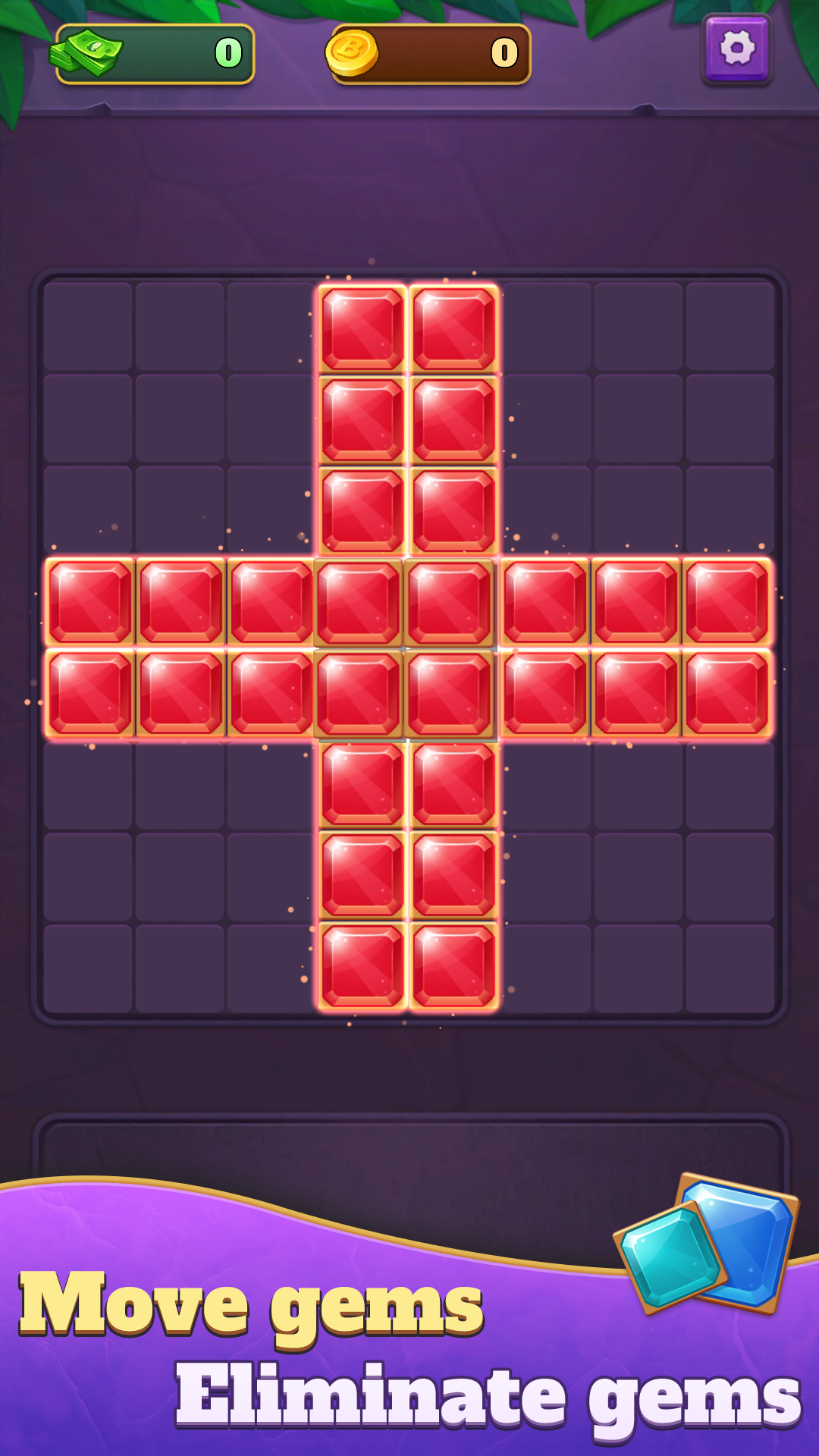
Gemstone Surprise Block: Welcome to the all-new block elimination game, where you can enjoy fun and challenges to the fullest!Gameplay: In this captivating game, players will cleverly place various shaped gemstones to fill entire rows or columns, eliminating them to earn points. When your points reach the level requirement, you will successfully clear the level and win generous rewards, savoring a sense of achievement.
Unique Level Design: Our meticulously designed levels are not only fun but also packed with challenges, making every game session thrilling. As the difficulty increases, you'll be motivated to find better strategies and solutions.
Special Reward Blocks: Throughout the game, you’ll encounter special reward blocks. Eliminating these blocks will grant you additional points and surprise rewards, adding even more excitement and enjoyment to your gaming journey.
Visual Feast: The game features exquisite artwork and smooth animations, ensuring that every elimination provides you with an unparalleled visual experience, making you feel immersed in a dazzling gemstone world.
Endless Fun: Whether you’re a beginner or an experienced player, Gemstone Surprise Block offers endless enjoyment and challenges. Come test your wits and strategies, aiming for higher scores!
Download Gemstone Surprise Block now and embark on your gemstone adventure, challenge your limits, reap rewards, and enjoy the fun of gaming!