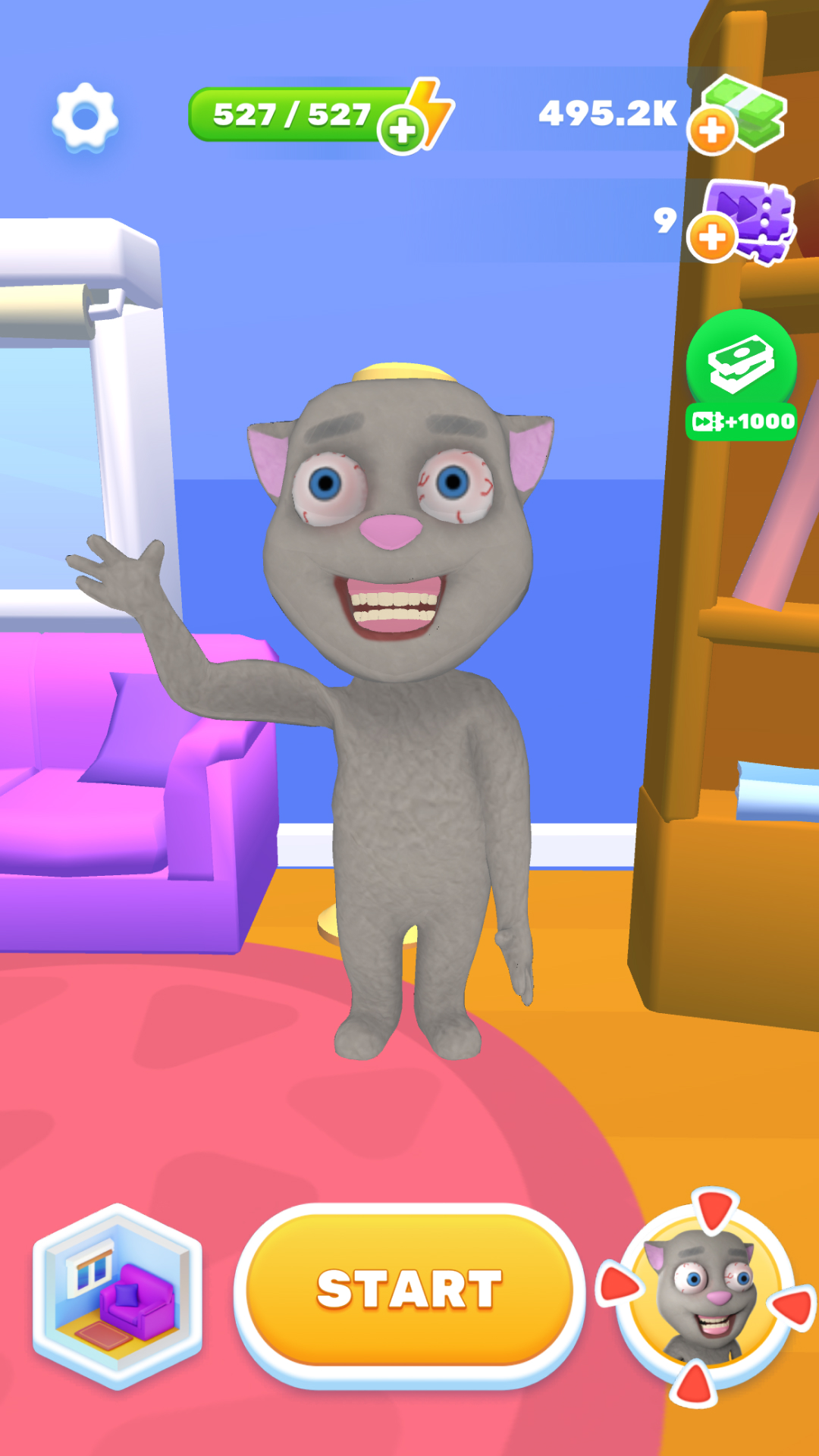
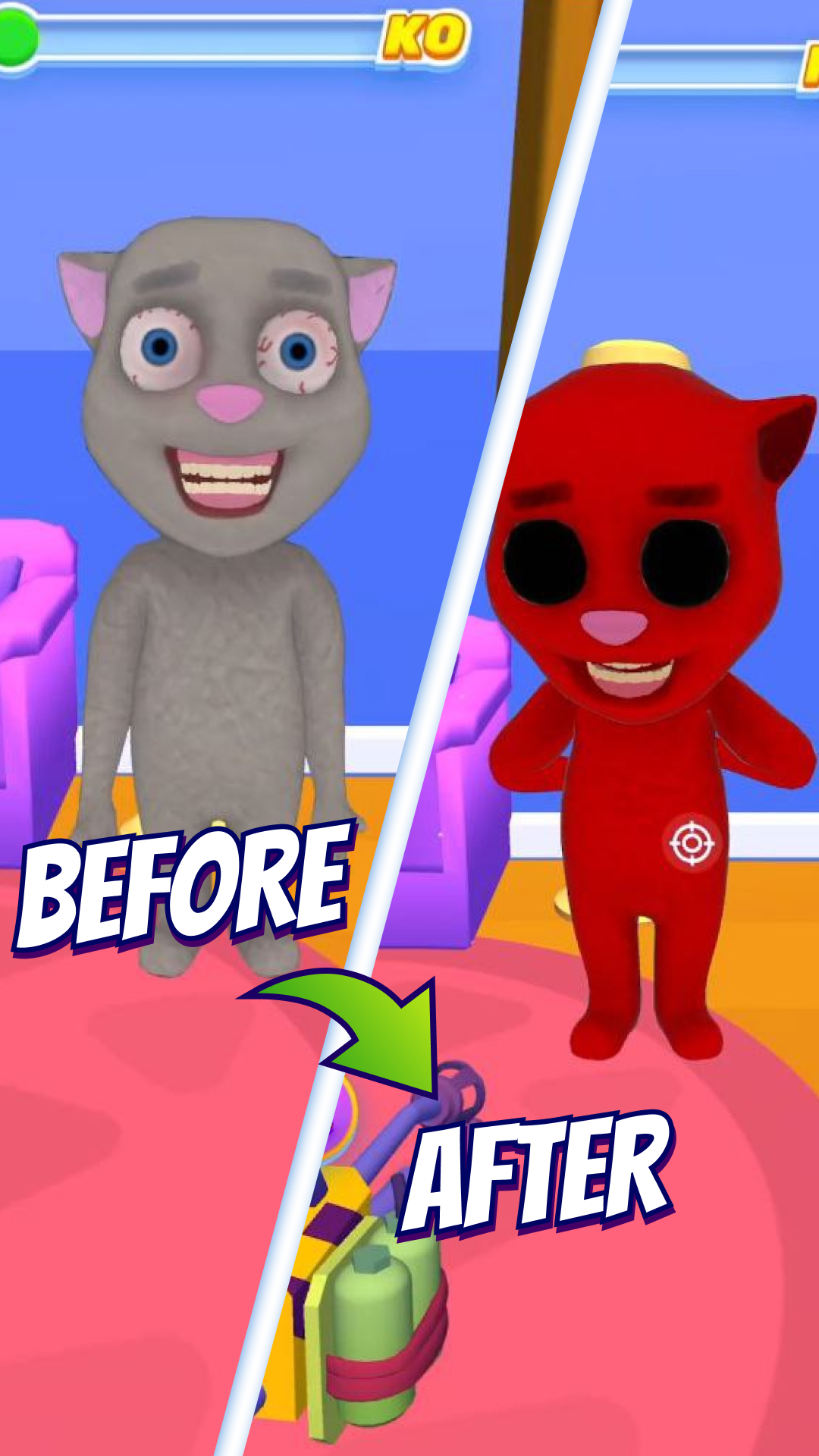
Kick Monster: Killing Monsters is a Casual game developed by Pixeland OU. LDPlayer is the best platform for playing Kick Monster: Killing Monsters on Windows PC, offering powerful features to enhance your immersive experience in Kick Monster: Killing Monsters.
When playing Kick Monster: Killing Monsters on your computer, if you find repetitive actions or tasks tedious and time-consuming, fret not! Macro can alleviate your concerns. Simply record your actions with a click of the screen recording feature and let macros take care of the rest. Macros automate your operations, allowing you to effortlessly conquer the game with minimal effort! Start downloading and playing Kick Monster: Killing Monsters on your computer now!
💥 Get ready for an epic adventure with "Kick Monster" – the ultimate fun action game! It's time to become the hero, grab your weapons, and crush some giants in thrilling battles. Whether you're feeling stressed, angry, or just need a quick break, this game will help you unwind and let out some steam! 😡💨🦖 In this scary, action-packed game, you’ll take on giant monsters and smash them to pieces. As an assassin hero, your mission is clear: hunt, battle, and destroy all the terrifying giants standing in your way. Run into battle, use your arsenal of super weapons, and defeat these monsters in the most fun and satisfying ways. With each victory, you’ll earn coins and upgrades to become even stronger. 🧨
⚔️ Crush your enemies with hammers, flamethrowers, and even toilets—whatever it takes to take down the giants! The more you play, the more you unlock exciting new heroes and weapons, including bananas, fish, paintball guns, and even rockets. You’ll have endless fun with the most hilarious and unexpected weapons in the game. 👹
💣 With top-tier gameplay, simple controls, and intense action, every battle feels like a victory. Smash, hit, and shoot your way through each level as you defeat the giant monsters that stand in your path. The best part? You can win by destroying each boss and leveling up your arsenal.
🧟♂️ Are you ready to face the horror of these giant creatures and destroy them all? Run into action and become the archer hero of the battle! Every swing, kick, and shot gets you one step closer to winning the ultimate fight. 🏹
🦸♂️ Download now and start playing this amazing 3D simulator game – the perfect way to kill time and have fun while battling some crazy giants! Unleash your inner hero and enjoy hours of pure, stress-free fun! 🔫