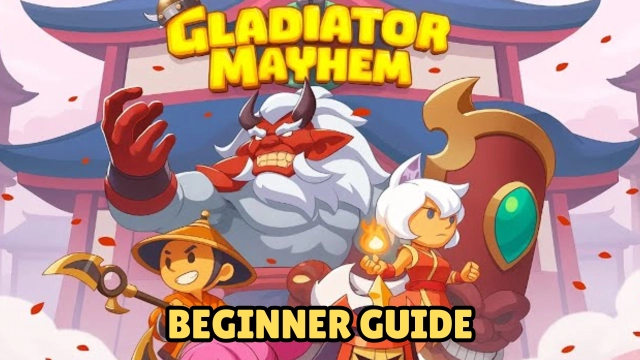
Gladiator Mayhem is a fast-paced 2v2 hero brawler from Lightning Forge Games, launching in 2025. The game dumps you into a brutal arena where you and a teammate choose two gladiators and face off against rival duos, chaining abilities and outplaying opponents with timing and tactics. The world feels alive — every clash crackles with intensity, every victory carries weight.
Core Gameplay & Features
-
Fight in tight 2v2 arena matches — pick two gladiators from a diverse roster and engage in short but intense real-time battles where positioning, ability timing, and coordination decide the outcome.
-
Collect, upgrade and customize your heroes — build and evolve a roster of unique gladiators, each with distinct skills and personalities; unlocking upgrades and managing synergy matters for performance.
-
Blend active PvP with AFK progression — whether you’re online battling or away, your heroes keep advancing: level up, gather rewards, and return stronger, making the game friendly to both casual and competitive playstyles.
-
Play globally with competitive ladders and events — engage in worldwide matchmaking, climb the ranked ladder, and take part in limited-time events or tournaments for exclusive rewards.
-
Strategize with team synergy and hero combinations — success isn’t just about strong individuals, but clever team composition and tactical decisions like when to stun, bait cooldowns, protect allies or dive.
Player Impressions
I dive in for quick 2v2 matches and immediately get hooked — the intensity, the back-and-forth, the moment when a perfectly timed stun flips the fight.
Raising my gladiators from basic recruits to powerful fighters feels meaningful — each upgrade brings real change, and mixing different heroes to find strong combos becomes almost like theorycrafting.
Even when I’m offline, it’s nice to know progress continues: logging back in to see my team a bit stronger always brings a small thrill.
What really stands out is the balance between explosive action and strategic depth — it's not always the biggest hero who wins, but the smartest play. Every match feels fresh and satisfying.
Play Gladiator Mayhem on PC with LDPlayer
-
Ultra-large screen — a bigger display helps you spot enemy movements, spell animations and positioning more clearly, giving you a tactical edge.
-
Custom controls (keyboard & mouse or controller) — replace touchscreen inputs with keyboard/mouse or controller for smoother aiming, dodging, and precise skill execution — ideal for fast-paced arena duels.
-
High performance & smooth frame rate — PC hardware combined with the emulator’s optimization delivers steady high FPS, making ability chains and combat feel fluid and responsive.
-
Multi-instance & efficiency tools — if you manage multiple accounts or want to run background progression, LDPlayer supports multi-instance and sync features that make managing several rosters easier.
Ready to dominate the arena? Fire up LDPlayer, command your gladiators, and carve your path to glory!