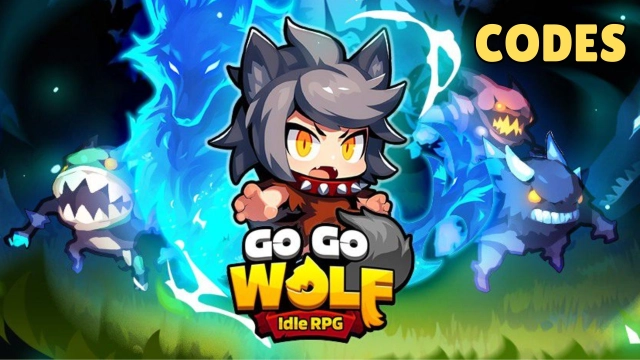
Go Go Wolf! - Idle RPG is a Role Playing game developed by MONSTER PLANET Corp., and LDPlayer is the best platform for playing Go Go Wolf! - Idle RPG on Windows PC, offering powerful features for an immersive experience.
When playing Go Go Wolf! - Idle RPG on PC, as a new player looking to start with a fresh account, the multi-instance and sync features are extremely useful for rerolls. You can use them to run multiple instances and begin the synchronization process. Bind your account until you draw the desired heroes.
In addition, operation recorder is great for games that require you to level up and complete tasks! Run the sync and record your actions, then repeat the main instance's actions in real-time. By doing so, you can run 2 or more accounts simultaneously. You can always get the heroes you want before others by faster rerolls and more efficient summoning! Start downloading and playing Go Go Wolf! - Idle RPG on your computer now!
When the full moon rises, transform into a werewolf?!Rang is just a normal girl—until she accidentally eats a magical tomato and gets cursed, transforming into a werewolf!
Her ears are itching... Oops! Tails?!
Now, slay monsters and become the strongest hero in the world!
Easy Peasy, super fun thrills await in 'Wolf Transformation Idle RPG'!
Help Rang grow into the world’s strongest warrior and dive into non-stop battles!
【Key Features】
● Full Moon Transformation Action!
Transform into a werewolf under the full moon and unleash fierce hack-and-slash action!
Slay waves of monsters with a single, mighty blow!
● Summon Powerful Skills!
Hunt monsters or let the game play offline – your Tomato Juice fills up automatically!
Use the magical Tomato Juice to summon unique skills and unleash your power!
● Charming & Stylized Wolf Costumes!
From Rang’s charming outfit to badass wolf styles, the possibilities are endless!
Create your own unique look and show off your character's style!
● Set the Ultimate Skill Combination!
Unleash the power of the wolf’s special traits—Blood, Forest, Moon, and Physical—to create unstoppable skill combinations!
Combine skills with Runes to enhance their power and dominate battles with your strategic gameplay!
● Idle RPG with Endless Growth!
Experience lightning-fast growth right from the start with a speedy progression system!
Farm endlessly and level up your stats, equipment, skills, pets, and runes!
Dive into endless content and enjoy limitless growth!
----- Join Community! -----
Discord: https://discord.gg/KSs8Nhqmtk