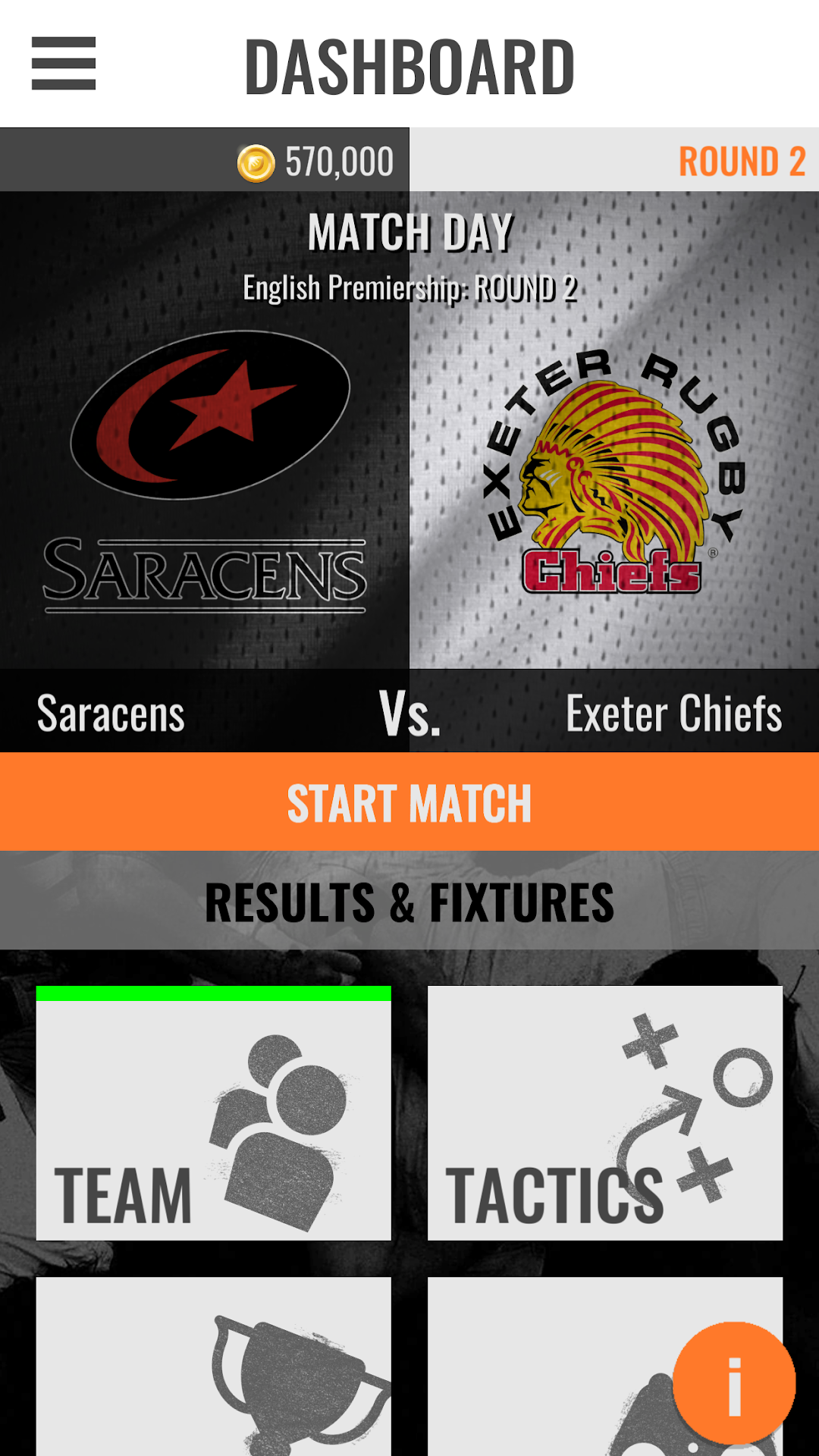
GO Rugby Manager is a Simulation application developed by Game On Software Limited, but with the best Android emulator-LDPlayer, you can download and play GO Rugby Manager on your computer.
Running GO Rugby Manager on your computer allows you to browse clearly on a large screen, and controlling the application with a mouse and keyboard is much faster than using touchscreen, all while never having to worry about device battery issues.
With multi-instance and synchronization features, you can even run multiple applications and accounts on your PC.
And file sharing makes sharing images, videos, and files incredibly easy.
Download GO Rugby Manager and run it on your PC. Enjoy the large screen and high-definition quality on your PC!
Immerse yourself in the world of rugby like never before with Rugby Manager, the paramount sports simulation experience.Build your dream squad and strategise your path to glory. Experience the visceral thrill of real-time 2D gameplay. GO Rugby Manager places you at the core of the action, igniting your passion for rugby and bringing it to life.
GO Rugby Manager 2024 is the ultimate rugby management game with unrivalled accuracy and enjoyment. Take control as a rugby manager at one of the top 40 Clubs in all 3 Leagues, as well as facing off in the European Competitions. Buy, sell, and manage real players to create your top fifteen with accurate attributes enabled by Stats Perform, continuously supported by fans in our expertly-informed rugby community.
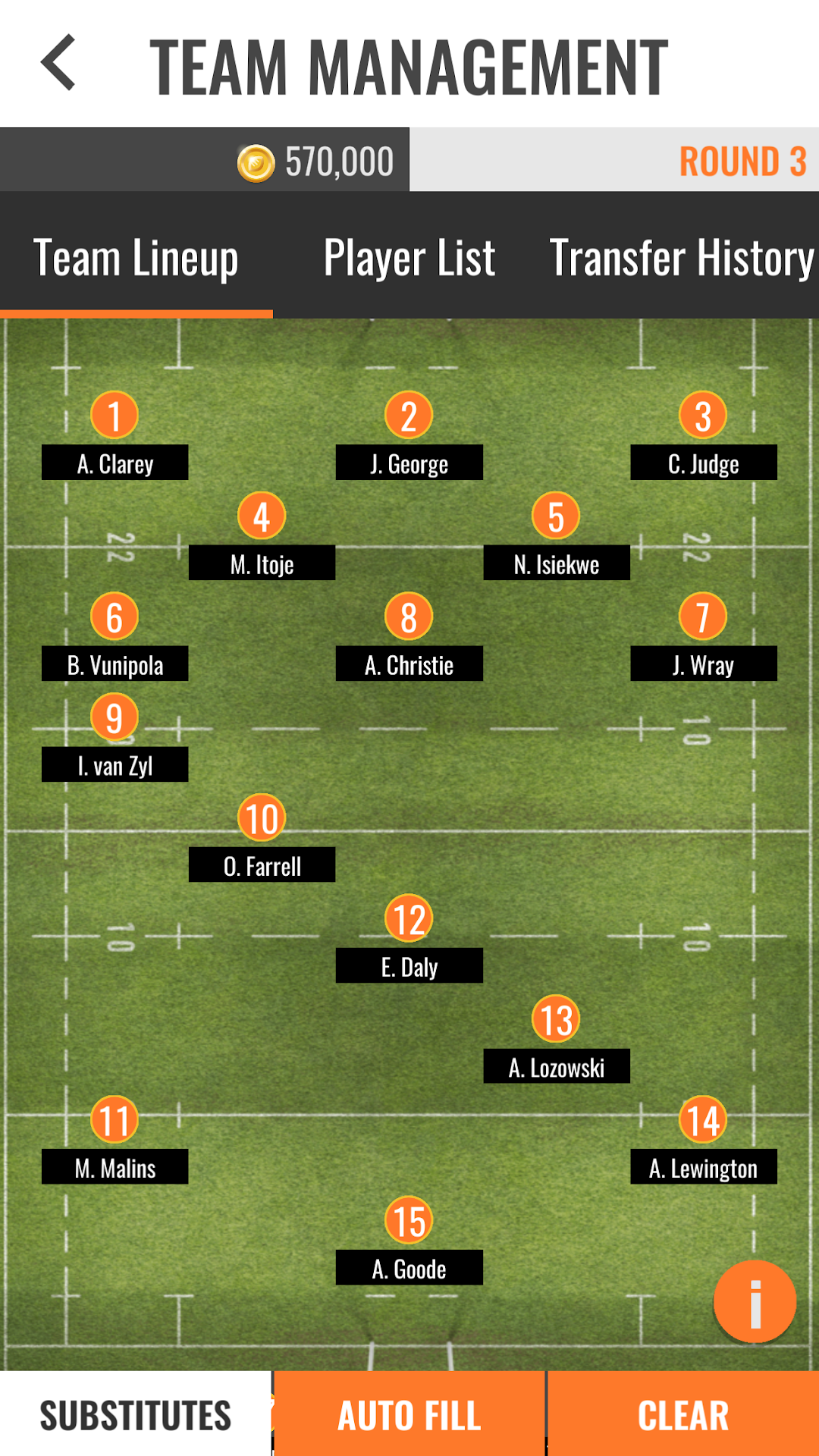
As the manager of your rugby club you need to buy and sell players, manage contracts, morale and the health of your existing squad. Plan your strategy and make in game substitutions. Use all the data feedback to make informed decisions, with player performance ratings.
Only you can influence the outcomes.
Experience what it’s like to be the ultimate Rugby manager in GO Rugby Manager 2024:
- Over 1,700 REAL players at over 40 rugby clubs from the 3 most popular leagues in the world.
- Prove your dominance as a rugby manager with the highest level of European club competitions.
- Decide your strategy and ensure you are making regular changes to maximise performance.
- An in-depth transfer market allows you to strategically decide which players to bring in as you build your Rugby squad. Useful tools allow you to make informed decisions.
- Spend all your wage budget on a super star or build a squad with depth. You will need to ensure you manage the finances of the club and work within rugby's financial salary cap.
- Watch the games with 3 different modes: instant match, quick match or full match. Instant match is an instant result of the outcome. Quick match is a text-only simulation. Full match is a 2D gameplay that will give you the best understanding and feedback, as well as allow you to be the most hands-on manager.
- Analyse the player performance ratings, average ratings and player statistics to help decide how best to improve your team. Ensure you have good depth across the squad and make sure you rotate your stars, health and morale in very important.
Immerse yourself in the ultimate rugby management experience – your decisions shape the destiny of your club. Are you ready to take on the challenge and lead your team to victory?