Goods Sorting 3 Match is a Arcade application developed by N Age Gamers, but with the best Android emulator-LDPlayer, you can download and play Goods Sorting 3 Match on your computer.
Running Goods Sorting 3 Match on your computer allows you to browse clearly on a large screen, and controlling the application with a mouse and keyboard is much faster than using touchscreen, all while never having to worry about device battery issues.
With multi-instance and synchronization features, you can even run multiple applications and accounts on your PC.
And file sharing makes sharing images, videos, and files incredibly easy.
Download Goods Sorting 3 Match and run it on your PC. Enjoy the large screen and high-definition quality on your PC!
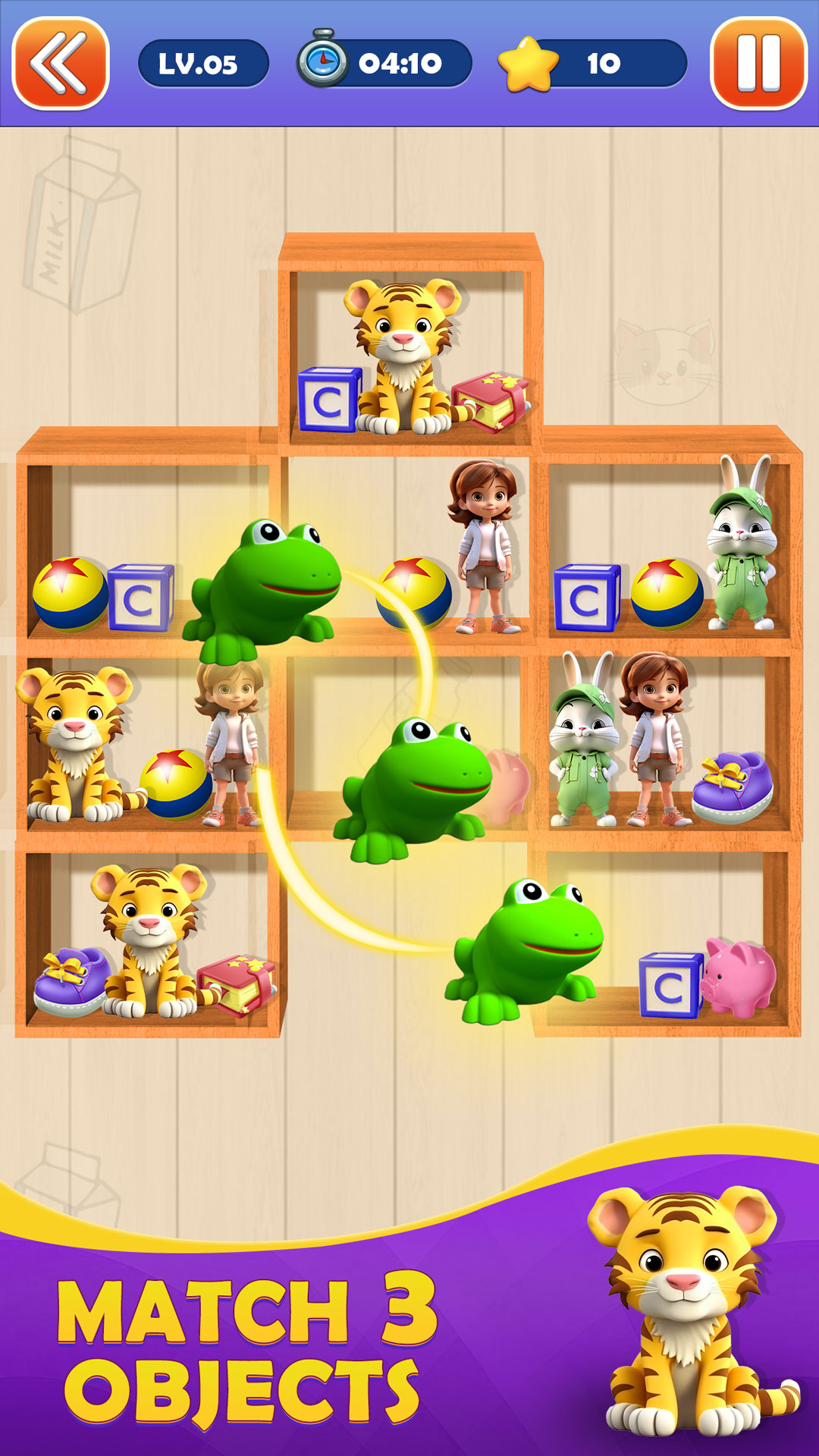
"Welcome to 'Goods Sort 3 Match' - the ultimate goods sorting game that will put your organization skills to the test! In this thrilling adventure, you'll dive into a bustling warehouse filled with multiple racks, each loaded with an assortment of items ranging from groceries to medicines, clothes, and even delicate plants.Your task is to strategically sort these goods in pairs of three, matching them accurately to progress through levels of increasing difficulty. As the game advances, the challenge intensifies, demanding quick thinking and precise decision-making to efficiently arrange the items within the given time limit.
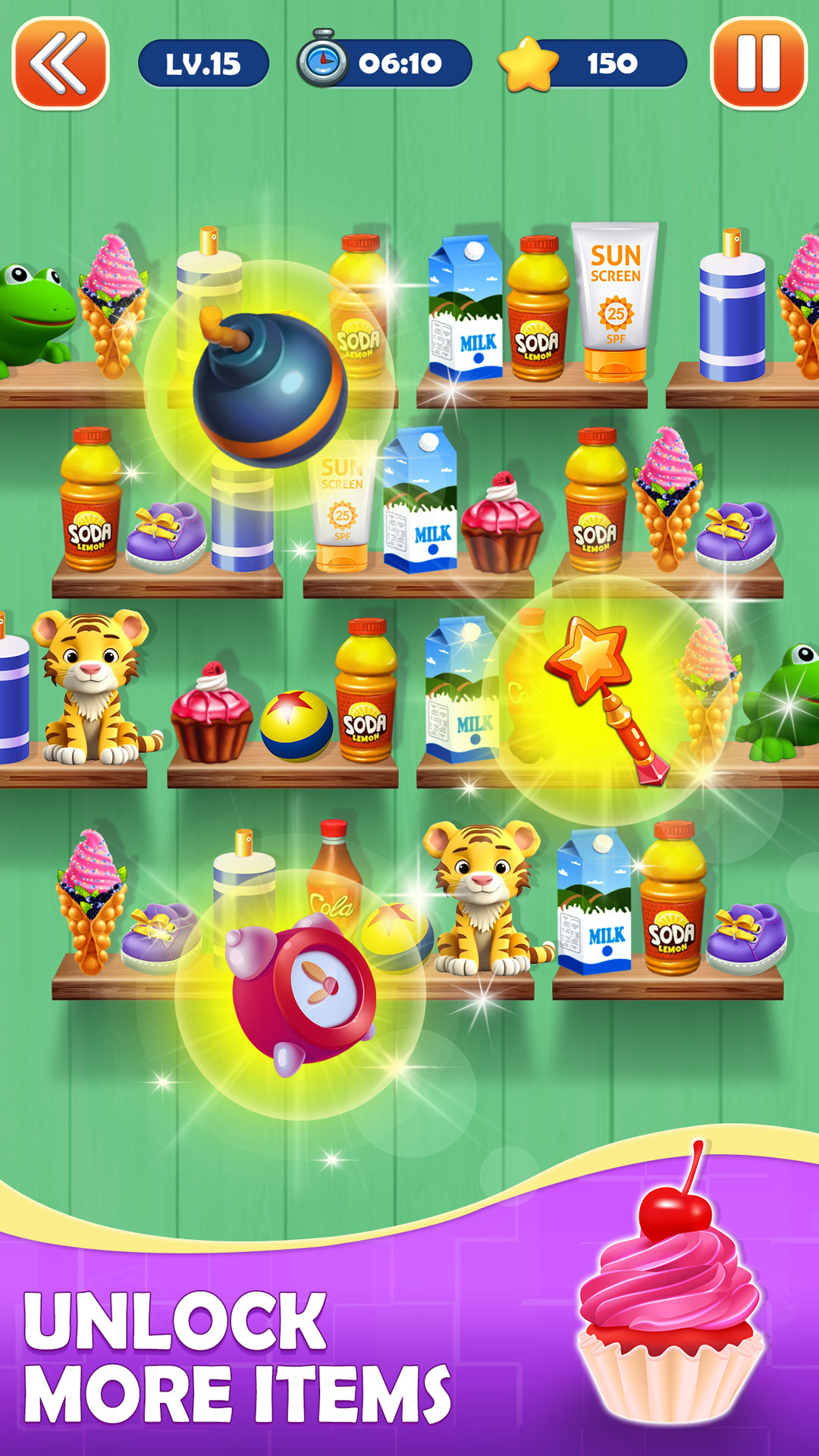
Navigate through the racks using intuitive controls, sorting the items swiftly and accurately. But beware! The clock is ticking, and the warehouse is brimming with diverse goods, making each level more demanding than the last. Fear not, as you have access to an array of power-ups strategically placed throughout the warehouse. Utilize these power-ups smartly to gain advantages such as time extensions, item highlights, or even the ability to temporarily freeze the clock.
The game offers a captivating blend of strategy, speed, and precision. With each level, you'll face new hurdles, ensuring a challenging and exhilarating experience. The variety of goods and the ever-increasing complexity will keep you engaged and on your toes as you strive to master the art of sorting in threes.
Are you ready to embark on this sorting expedition and become the ultimate goods sorter? The racks await your expertise!"