

Granny’s Farm: Match-3 is a Puzzle application developed by 4Enjoy Game, but with the best Android emulator-LDPlayer, you can download and play Granny’s Farm: Match-3 on your computer.
Running Granny’s Farm: Match-3 on your computer allows you to browse clearly on a large screen, and controlling the application with a mouse and keyboard is much faster than using touchscreen, all while never having to worry about device battery issues.
With multi-instance and synchronization features, you can even run multiple applications and accounts on your PC.
And file sharing makes sharing images, videos, and files incredibly easy.
Download Granny’s Farm: Match-3 and run it on your PC. Enjoy the large screen and high-definition quality on your PC!
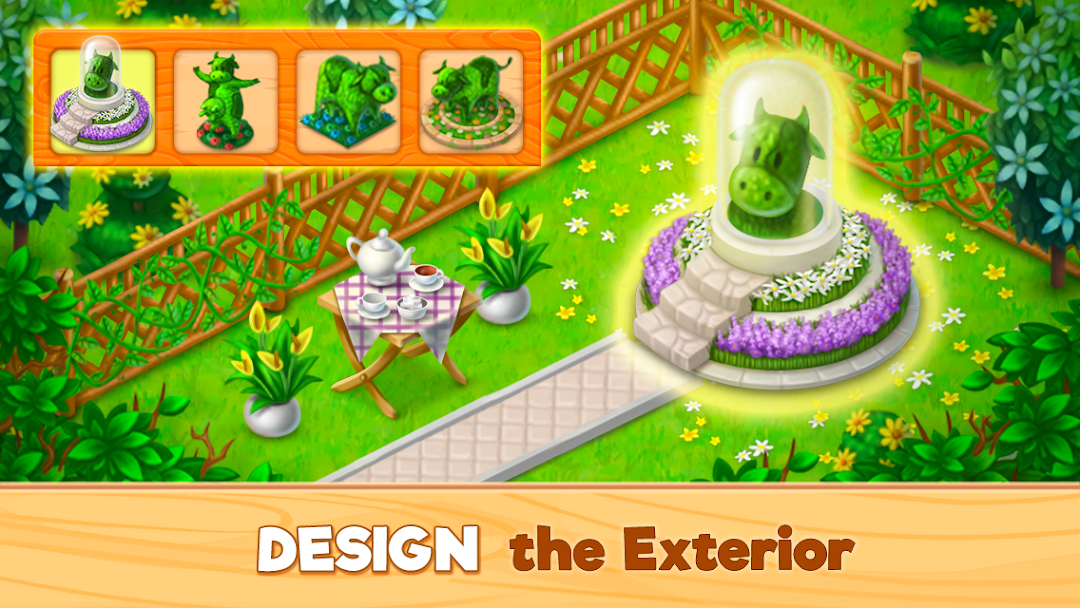
Build your dream Farm! Help Alice renovate her grandparent's home, bring comfort back to her family 's mansion. Welcome to your family dream world! Open the farm gate to start the adorable adventure!Play and win colorful match-3 levels to decorate and restore areas in the farm. Design a new home, choose exotic and wonderful exterior and interior pieces of furniture. Unlock new areas of the farm story, become friends with all the characters in the game!
Don't forget to feed you farm pets! Cows, chickens and adorable puppies need your attention. Plant and grow crops to create a feed for the animals. Restore all the town building, open factories and explore products. Have you already tried to send orders to the customers and the townspeople?
The game features:
● Addictive gameplay: win a match-3 level, restore and decorate the farm building, take part in the adventure
● Hundreds of unique match-3 levels
● Dozens of in-game characters, who will help rebuild the farm
Adorable pets, like a puppy, and a lovely cat are waiting for you
Lovely farm animals like turkeys, cows and chickens will create the mood on the farm
● Different areas on the farm, each with unique gameplay, amazing animations and addictive story
● Various crops to grow and process at your factories
● A community of friends, who you can ask for help and send lives
● A super free game you can even play offline
Granny's Farm is absolutely free to play.
Enjoying Granny’s Farm? Learn more about Alice’s adventure on Facebook: https://www.facebook.com/granny.farm.game/
If you have any issues, contact our support by sending an email to support@4enjoy.com