GreatKnights is a Simulation application developed by PEOPLUG INC., but with the best Android emulator-LDPlayer, you can download and play GreatKnights on your computer.
Running GreatKnights on your computer allows you to browse clearly on a large screen, and controlling the application with a mouse and keyboard is much faster than using touchscreen, all while never having to worry about device battery issues.
With multi-instance and synchronization features, you can even run multiple applications and accounts on your PC.
And file sharing makes sharing images, videos, and files incredibly easy.
Download GreatKnights and run it on your PC. Enjoy the large screen and high-definition quality on your PC!
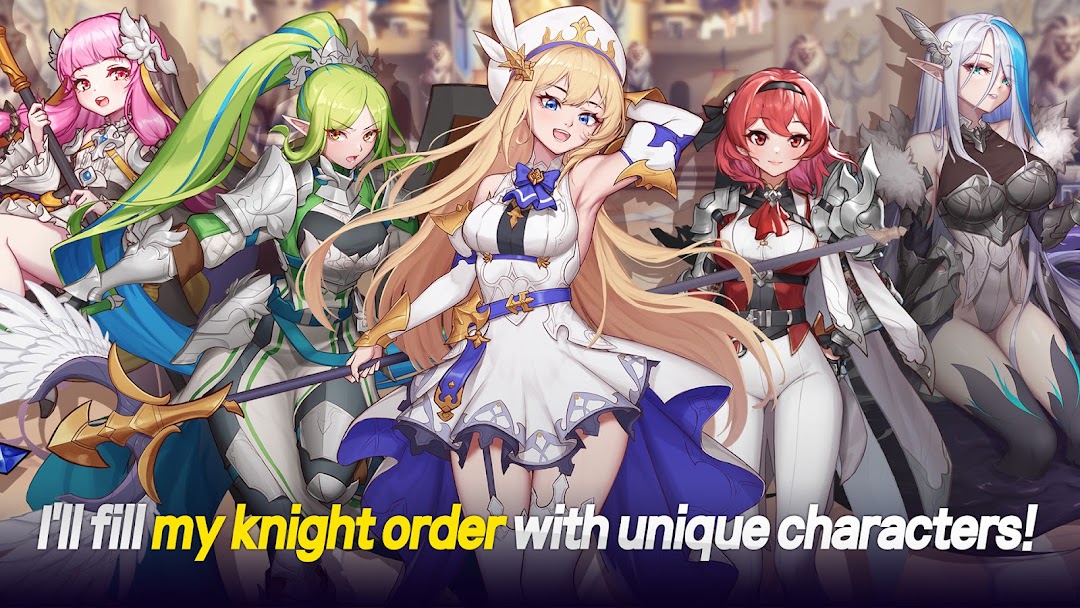
✔ Collect the various characters of the popular AFK idle RPG, Great Knights!Diverse characters with their own great stories and great legends! Collect them all in this AFK game!
✔ Say goodbye to generic idle games! A new kind of Idle(AFK) RPG game is here!
Enjoy idle games and RPGs where you strengthen your characters? Now experience great fun on a whole new level!
✔ A great way to achieve easy growth through AFK and idle!
Your collection of knights will grow easily and comfortably in AFK mode!
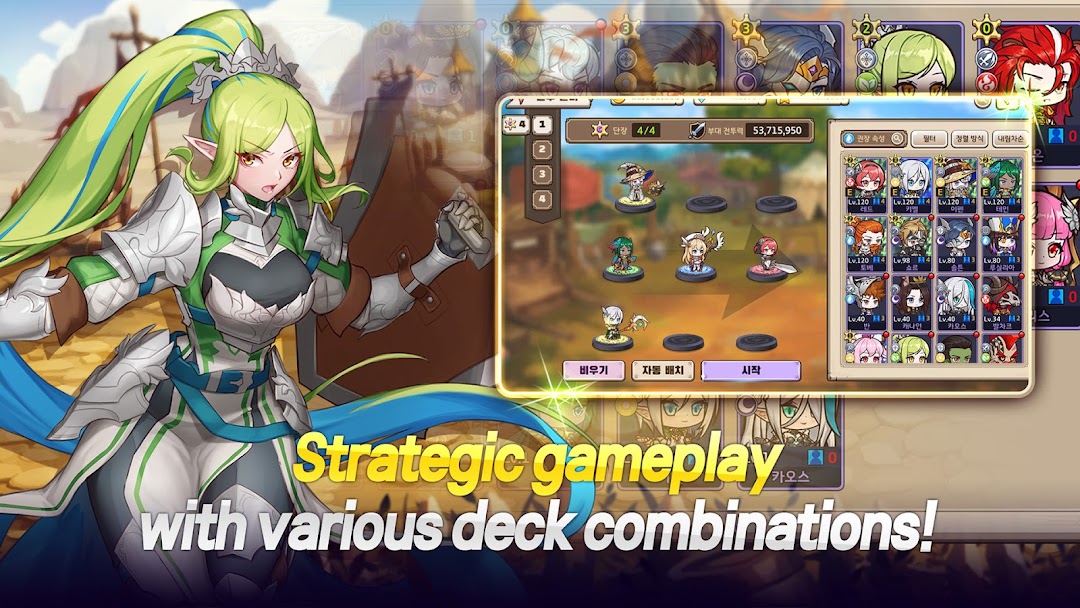
Use various combinations of knights to grow them into ever greater heroes.
✔ Great content you will never grow bored of! (AFK, idle, Knight order-growing)
Great knights with great stories you can enjoy in the idle scenario mode!
Various misson dungeons from AFK Scarecrow Training Ground, to AFK Armor Raids, to idle Prisoner Rescues! Plus the great fun of conquering castles!!
✔ An AFK game that is even more fun with your knight order!
Challenge other users with the idle ranking system!
Communicate with other users using the AFK's chatting system!
✔ Grow Armis into a formidable hero and protect the continent in crisis!
I'm a mage, but I'm still lacking in many ways! Actually, I'm heir to an incredible power.
An RPG with all the enjoyment of AFK and idle progress. Have great fun!
* How to revoke access permission *
- Operating system 6.0 and above: Settings > Apps > Select app > Permissions > Don't Allow
- Operating system below 6.0: You can only revoke access permission by deleting the app.